
If you have multiple credit cards with lounge access, chances are you’re juggling multiple Priority Pass memberships too.
But not all Priority Pass memberships are equal. Some have unlimited visits, others cap you at a certain number. Some allow guests, others don’t. Some cover non-lounge experiences like restaurants and spas, others are lounge-only. Some track visits by membership year, others by calendar year.
Using the wrong card could be a costly mistake, as Priority Pass charges US$35 for every visit outside your allowance. Therefore, it’s good to have a system for managing them properly.
Managing physical Priority Pass cards
Physical Priority Pass cards are in the process of being phased out, but if you still have one, I sure hoped you labelled it the moment it arrived.

If not, there are several ways of identifying which credit card an unlabelled Priority Pass is associated with.
The first is to call up Priority Pass customer service, complete a verification exercise, and ask them who issued your card. There’s no Singapore number, unfortunately, so the Hong Kong office (+852 2866 1964 is your best bet.
The second is to try and register the unlabelled Priority Pass online. This requires two pieces of information:
- The membership number (printed on the card)
- The last four digits of the associated card or four digit validation code
You probably won’t have the four digit validation code anymore, but you’ll certainly have your credit card(s). There will likely be some guess and check as you cycle through the last four digits of possible cards, but eventually you’ll get it right.
| 💡 Protip: Issues with registration |
|
If you keep getting an error message no matter which four digits you try, that suggests the Priority Pass membership has already been registered and you need to do a password reset rather than activation. A password reset can be done with either a username or membership number. |
Once activated, you’ll be able to see your plan under the “My Priority Pass” tab, and your utilisation under the “My visits” tab.
You will also be able to see when your membership refreshes, which should be another clue as to what card your Priority Pass is tied to (memberships from the Citi PremierMiles Card, Citi Prestige and UOB PRVI Miles Card reset every calendar year, while the rest follow membership year).
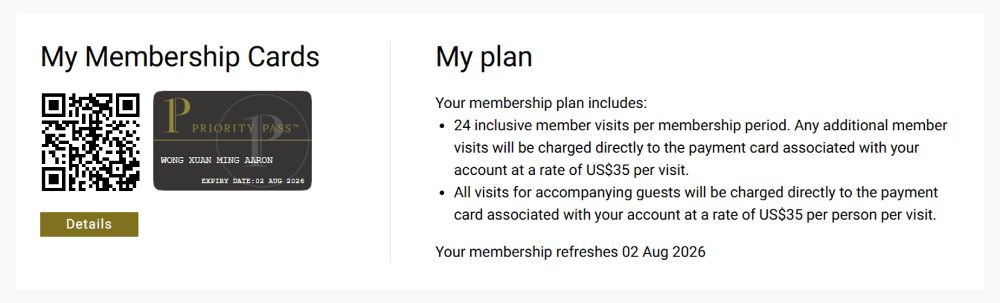
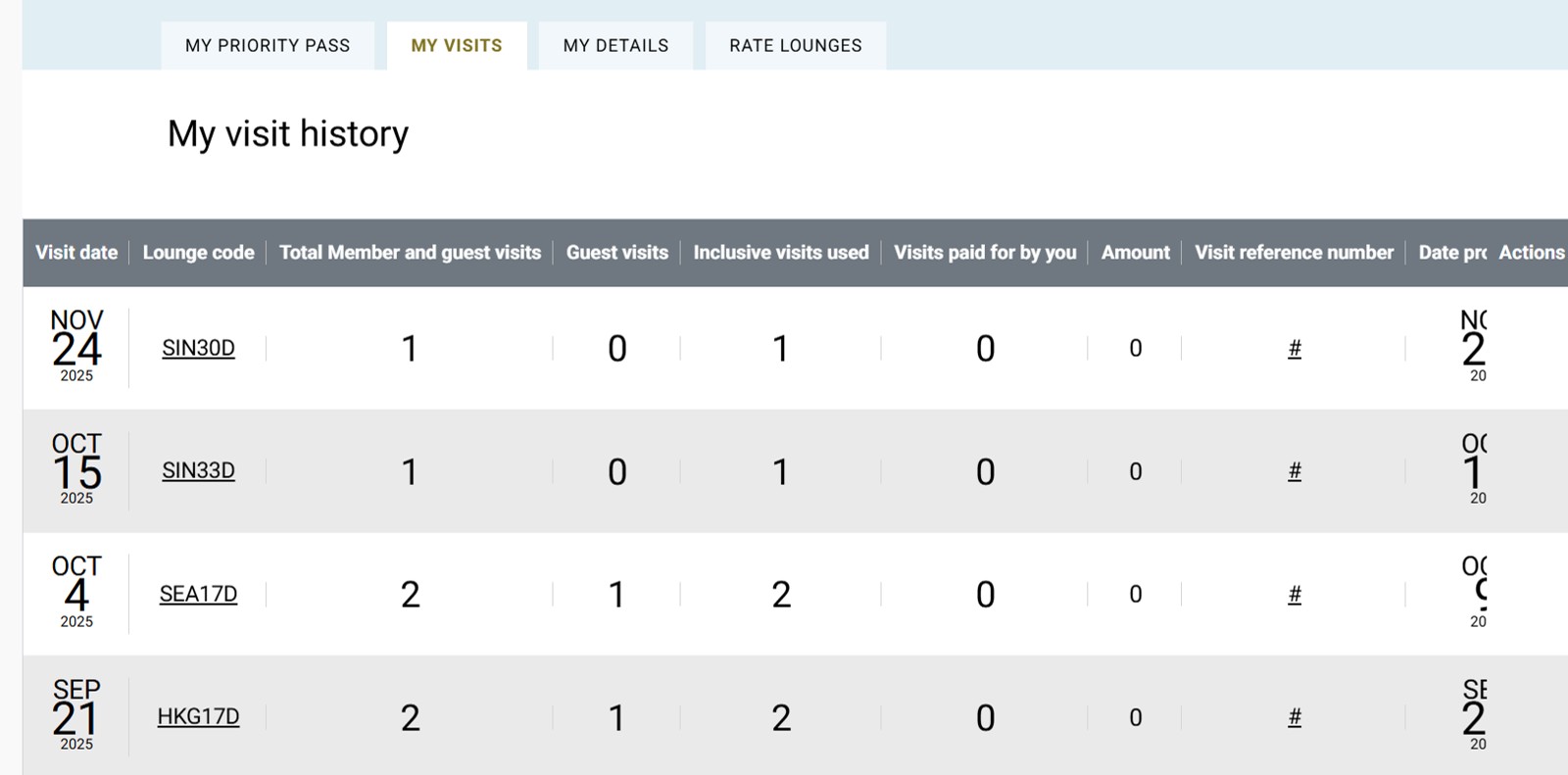
You might also be able to identify which bank your Priority Pass card comes from by looking at the membership number. From what I’ve read online, American Express Priority Passes start with 100/102/104/142, and here’s my own data points for the rest of my memberships.
- My Standard Chartered Priority Pass starts with 110
- My DBS Priority Pass starts with 143
- My UOB Priority Pass starts with 119
Managing digital Priority Pass cards
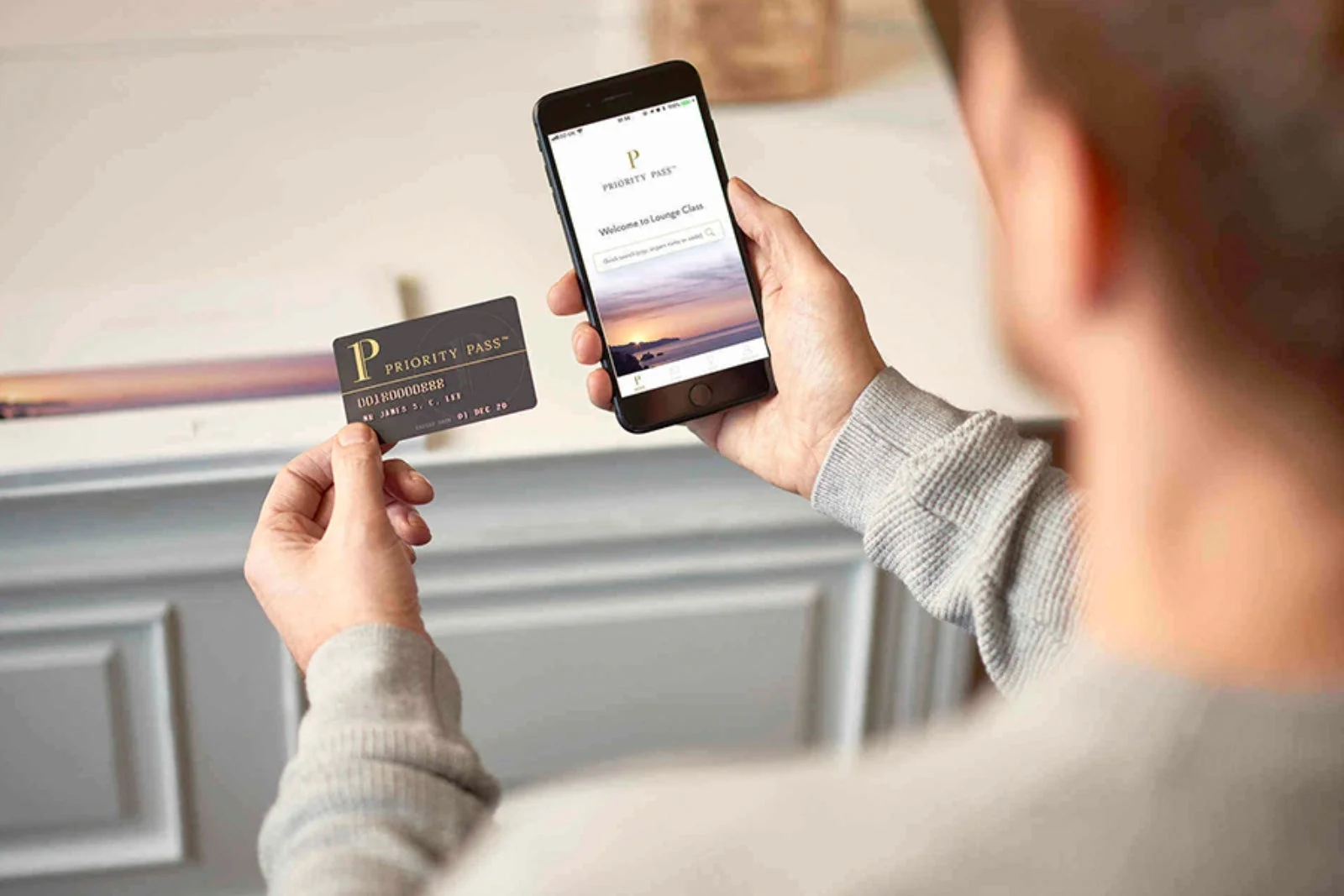
Even if you don’t have any physical Priority Pass cards and have migrated fully to the Priority Pass app, you’ll soon realise one very annoying thing: it’s not possible to store multiple memberships under a single account.
Instead, you will need one account per membership, and each account requires its own username. For example, if you have three Priority Pass memberships, you need three usernames.
Memorising multiple usernames is a pain, so I suggest a simple heuristic to keep things manageable: your name, concatenated with the credit card. For example:
- aaronwongscbvi
- aaronwongcitiprestige
- aaronwongamexcenturion
Thankfully, you do not need multiple email addresses to manage multiple Priority Pass memberships. A given email address can “host” as many usernames as you want.
| ❓ What if I forget my username? |
| If you forget your username, Priority Pass has a feature that lets you retrieve all the usernames associated with a particular email address. |
There are several workarounds to avoid the hassle of having to consistently having to switch between accounts on your Priority Pass app:
- If you install an app cloner, you can create multiple instances of the Priority Pass app, and tie each to one particular credit card
- If you have an iPhone, you can download each of your digital Priority Pass cards to your Apple Wallet
- If you have an Android phone, you can take a screenshot of each of your digital Priority Pass cards (the Priority Pass app does not support Google Wallet, sadly)
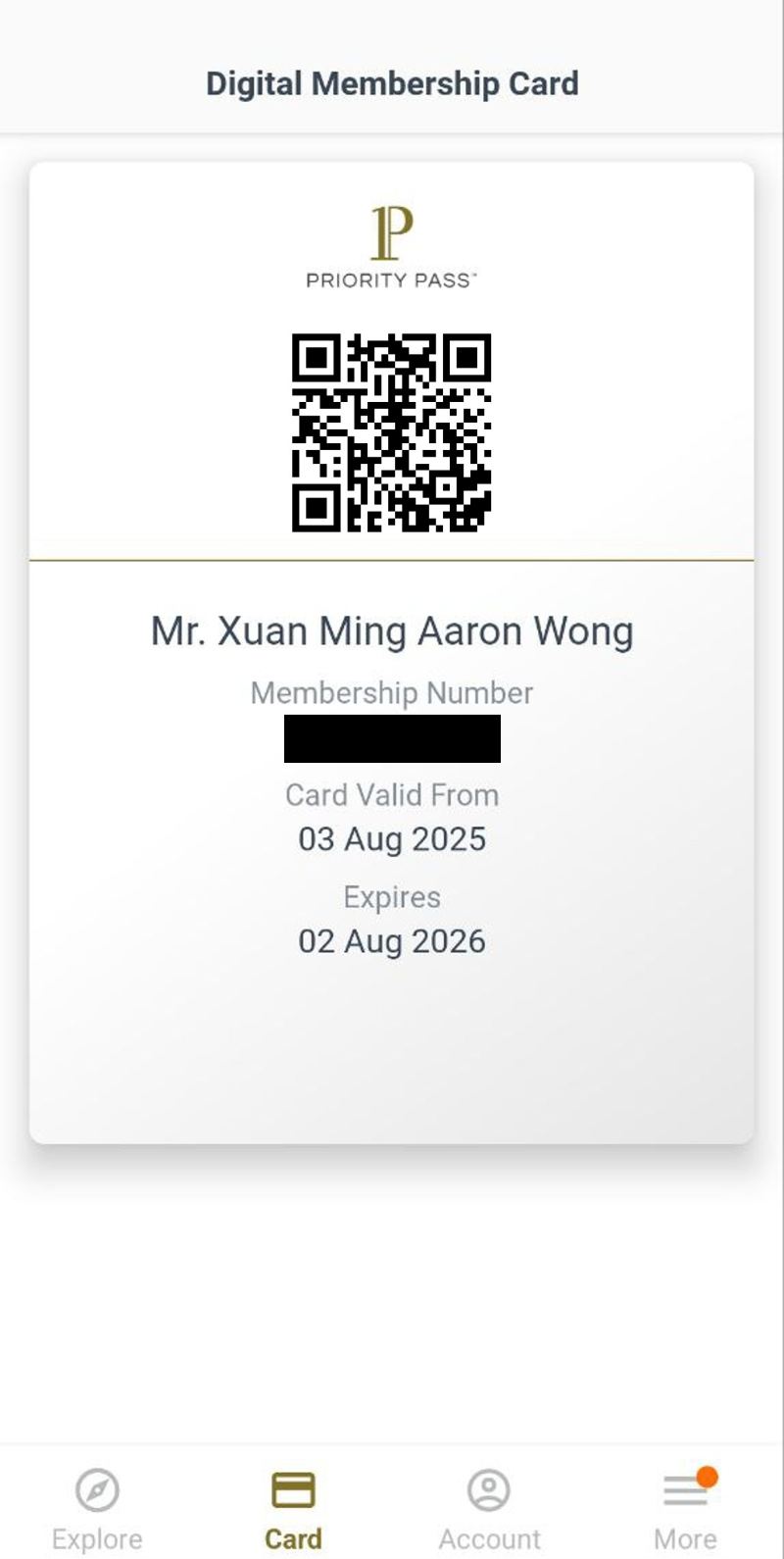
That said, if you download the digital card or take screenshots, you’ll run into the same issue you face with physical Priority Pass cards: how do you know which is which? In the case of screenshots, you can at least scribble something onto it and save it, but with the digital card, you might have to go back to the Priority Pass app and check the number.
At the very least, you should be using a password manager to store your various logins, to make life a little easier.
Priority Pass Access on Payment Card feature

All this confusion could be avoided if your credit card supports Priority Pass’ Access on Payment Card (AoPC) feature, which allows members to visit the lounge using their physical credit card. In that case, there’s no doubt as to which Priority Pass is tied to which card.
Unfortunately, AoPC has yet to be widely adopted, and at the time of writing is only available with the following cards in Singapore.
- HSBC Premier Mastercard
- HSBC Prive Card
- StanChart Beyond Card
- UOB PRVI Miles Mastercard
- UOB PRVI Miles Visa
For more on this feature, refer to the article below.
Which credit cards allow you to access Priority Pass lounges directly?
Which credit cards offer Priority Pass?
Here’s a rundown of which credit cards offer a Priority Pass membership in Singapore.
| 💳 Singapore Credit Cards with Priority Pass |
||
| Credit Card | Free Visits (Per Year) |
|
| Main | Supp. | |
 Citi PremierMiles Card Citi PremierMiles CardApply |
2 Share |
N/A |
 DBS Altitude Visa DBS Altitude VisaApply |
2 Share |
N/A |
 StanChart Journey Card StanChart Journey CardApply |
2 Share |
N/A |
 Maybank Visa Infinite Maybank Visa InfiniteApply |
4 No Share |
N/A |
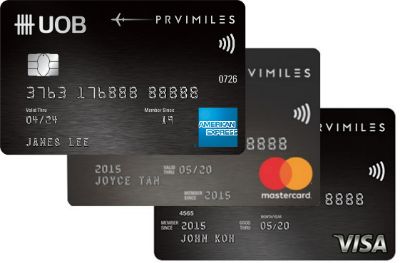 UOB PRVI Miles Card UOB PRVI Miles CardApply AoPC* |
4 No Share |
N/A |
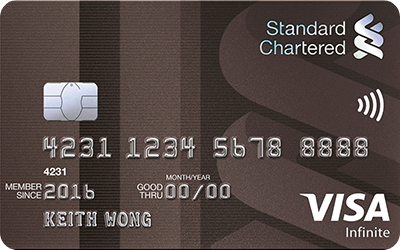 StanChart Visa Infinite StanChart Visa InfiniteApply |
6 Share 1x Guest |
N/A |
 DBS Vantage DBS VantageApply |
10 Share Multi Guest |
N/A |
 StanChart Priority Banking Visa Infinite StanChart Priority Banking Visa InfiniteApply |
12^ Share 1x Guest |
N/A |
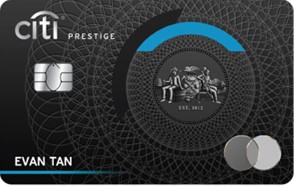 Citi Prestige Card Citi Prestige CardApply |
12 Share Multi Guest |
N/A |
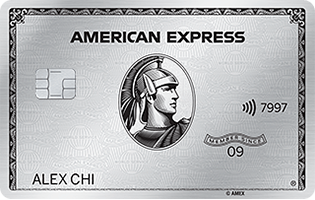 AMEX Platinum Charge AMEX Platinum ChargeApply |
∞ +1 guest | 8 Max 1x supp. card |
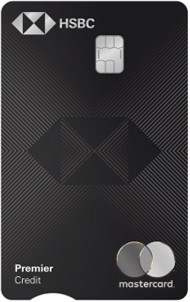 HSBC Premier Mastercard HSBC Premier MastercardApply AoPC |
∞ | ∞ Max 3x supp. cards |
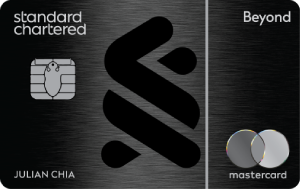 StanChart Beyond Card StanChart Beyond CardApply AoPC |
∞ | ∞ Max 4x supp. cards |
| Includes 6x guest limit per c. year, which is shared between principal and supp. cards |
||
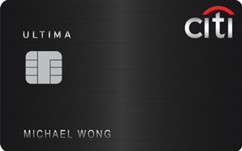 Citi ULTIMA Card Citi ULTIMA Card |
∞ | ∞ Max 2x supp. cards |
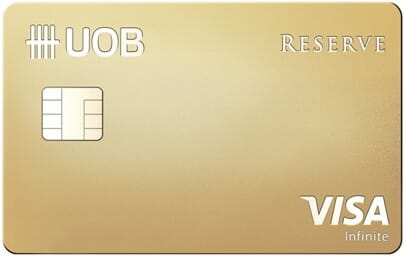 UOB Reserve Card UOB Reserve Card |
∞ +1 guest | ∞ |
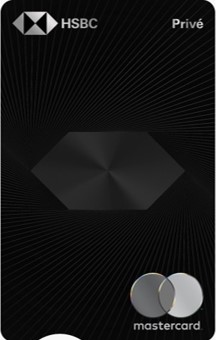 HSBC Prive Card HSBC Prive CardAoPC |
∞ | ∞ Max 3x supp. cards |
| ^With min. AUM S$200K. 2x visits if AUM <S$200K *AoPC for UOB PRVI Miles Visa and Mastercard only |
||
Do remember that not all memberships are made equal. For example, the StanChart Visa Infinite and Priority Visa Infinite only allow members to bring a maximum of one guest per visit, while the Citi Prestige and DBS Vantage allow members to bring as many guests as their entitlements allow.
Also, the Priority Pass membership issued by American Express cards does not cover non-lounge experiences such as airport spas and restaurants.
How does DragonPass handle multiple memberships?

On the surface, the DragonPass setup is more complicated than Priority Pass because it has three different apps, and the correct app to use depends on where you got your membership from.
You only use the official DragonPass app if:
- You purchased a membership directly from DragonPass
- You’re using the OCBC VOYAGE or OCBC Premier Visa Infinite Card
Otherwise, you’ll be using either the Mastercard Travel Pass (for Mastercard) or Airport Companion (for Visa).
| If your credit card is a… | …download this app |
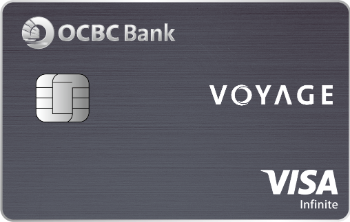 OCBC VOYAGE Card OCBC VOYAGE Card OCBC Premier Visa Infinite OCBC Premier Visa InfiniteOr if you purchased a membership directly from DragonPass |
 DragonPass DragonPass(Android | iOS) |
 Mastercard Mastercard |
 Mastercard Travel Pass Mastercard Travel Pass |
 Visa Visa |
 Airport Companion Airport Companion |
Once you’ve figured that complication out, however, the DragonPass setup is arguably better than Priority Pass because you can have multiple accounts under a single app.
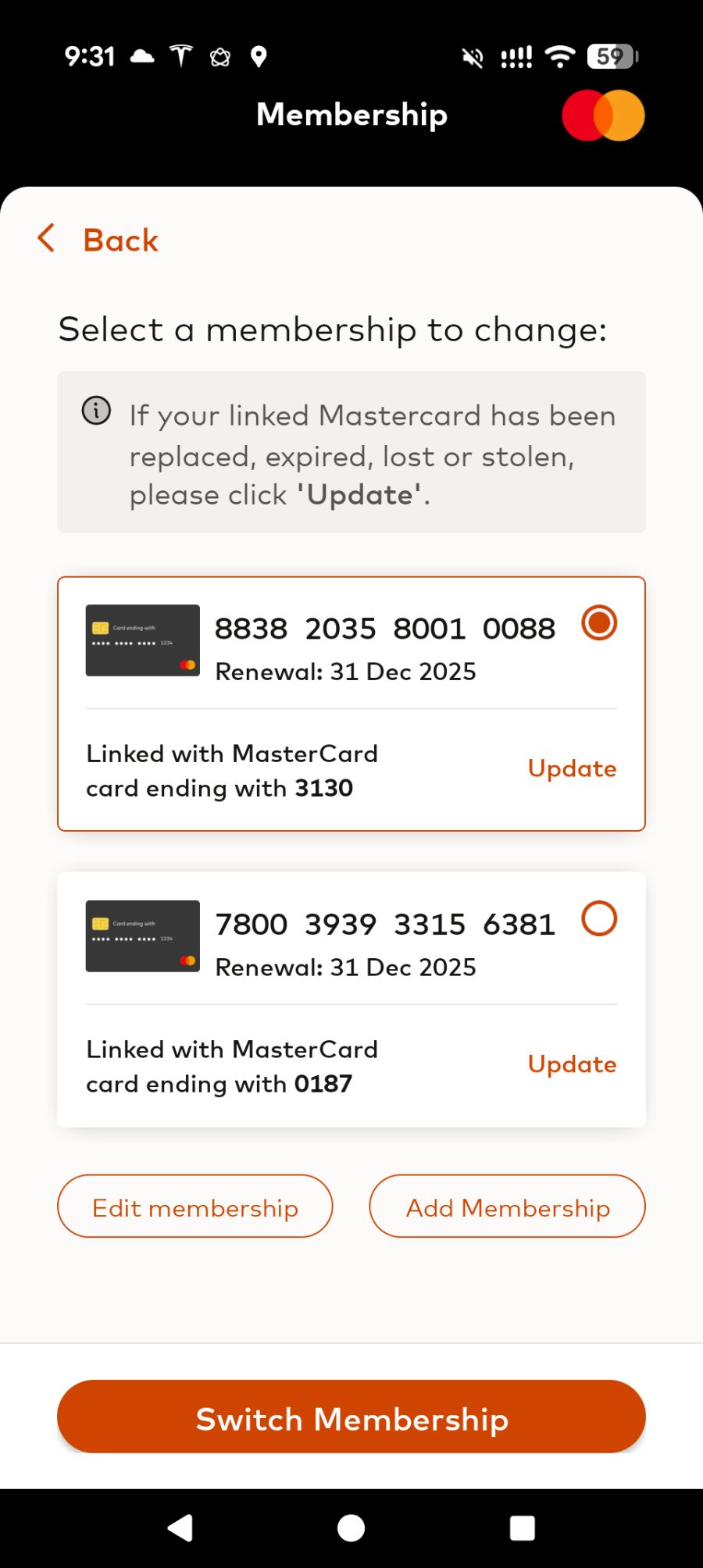
For example, I currently have a DragonPass membership from the CIMB Founders Card, and another from the HSBC TravelOne Card. Both use the Mastercard Travel Pass app, and I can simply toggle between both.
Conclusion
It can be tricky keeping track of multiple Priority Pass cards, whether physical or digital. There are a few things you can do to make your life easier, like labelling your physical cards or downloading their digital copies to Apple Wallet, but my ultimate wish is for Priority Pass to make it possible to manage multiple cards on a single account.
AoPC goes some way to reducing the confusion, though you’ll still need an online account to keep track of your remaining entitlements.
How do you keep track of multiple Priority Pass cards?

Or you could duplicate the PP app in your phone and assign different cards to different versions of the app
good idea! though the technophobic might have issues with that
i save multiple logins with the same app. it’s possible
you can save multiple logins, sure, but you can only display one card at a time…
If you are an iPhone user, you can add multiple cards to apple wallet.
I have 3 PP “cards” in my apple wallet. But you will need to remember the card number (probably just last two digits) belong to which PP account.
How do you do that on an Android?
I have a Samsung phone and I used the Secure folder for the second PP application so that I can have 2
It seems the DBS altitude card only issue digital cards now? So using only the physical card isn’t an option anymore
I have multiple digital cards and I cannot figure out which belongs to which bank. Short of calling Priority pass to ask – is there anyway else to figure out. Would have been a better idea to choose a user name wisely then…
are you able to login online and check under the my priority pass tab? alternatively- does your visits indicator on the app show how many visits you have left (that will help narrow down- and if you have Priority pass from Altitude + PremierMiles, look at renewal date (31 dec for citibank)
Thanks! It works for some cards using the web browser, but not using the app.
I save the PP card number in the password manager, but I have the digital cards ready on my Apple wallet. This way I don’t have to keep logging out and in for the different accounts.
I only use the digital card on the app, with the userid as an identifier to which PP card I’m using i.e. For DBS Altitude, my login ID is usernameDBS, for Citibank, its usernameCiti etc.
One also needs to be aware of the expiration of the lounge entitlement as they are usually tied to the card’s anniversary. Thankfully, it’s stated in the app.
yeah that’s a good idea for a username format.
I add the expiry mmyy at the end of my username, so I know when each card expires.
We can’t present physical card anymore ? Mine is DBS but I keep getting error to login
I just write the name of the associated credit card like “Prestige” and “Premiermiles” on the white strip behind the priority pass to remember,… 🙂
Same for me! Works all the time 👍🏻
I did as Aaron did, but for some PP that are not unlimited like DBS Altitude and Citi Premier Miles, I’d put (1) and (2). And each time a visit has been used during the membership year, I’d cross a number out – to ensure I’d never exceed the free entitlements.
Can we also apply PP for supp cards?
UOB Lady’s Solitaire Metal and non metal is the same privileges right?
No. But if you have multiple PP as principal cardholder, you can let someone else (eg. your supp card holder) create a PP account under their name and use the digital PP as their own.
Oh thanks I thought I can apply supplementary credit cards for my mum so she can apply her own PP?
I just write with marker on the card front or auth signature area. Front is easier to see.
I have UOB Lady’s Solitaire card but LoungeKey said 0 🙁
The uob lady’s solitare metal card is not the same as the uob lady’s solitare card
oh thanks for your reply.
you know what are the privileges for uob lady’s solitare card?
useful information keep sharing
<a href=”https://redpointcarandlimo.com/”> Westchester County Car & Limo Service NY</a>
Thanks for the write-up Aaron!
Logged into PP using the membership tied to my Citi PremierMiles (suspected) and the account is not showing much information other than name details. There’s no other information like membership number, validity period and credit card tied to this PP membership. Is this something anyone else is experiencing for their Citi PremierMiles Priority Pass membership and any idea how to get the information? Have written to PP and pending a response now.
One Question, if i have two DBS card, with myself only as principal: (1) DBS Altitude which has 2 visits. I have applied PP under my name (2) DBS Vantage applied yesterday via this website, comes with 10 visits, haven’t register PP. Suppose i have myself, my wife and two teens wanted to utilize the free lounge together at one trip. What is the best arrangement? (1) Apply DBS Vantage PP in a separate PP account under my name, show the Vantage PP (10 visits) and redeem for 1 Principal and 3 guests? Is it possible? or (2) Apply DBS… Read more »
you can redeem multiple PP allowances in a single visit. so if you have 10 vantage visits, you can burn 1-10 at one go.
Thank you Aaron for the sharing.
Nice appearance on radio this morning too. Cheers
I thought most only allow 1 accompanying guest?
Hi Aaron,
Can i do this with DBS Vantage & Citi Prestige card.
Scenario: Travelling with wife and two guests.
For me and wife: Use Citi Prestige card’s PP.
For two guest: Use DBS Vantage card’s PP.
Thanks!
Most lounges will not allow.
Hi Milelion, now that priority passes are digitised, how do you manage all of them? Use-case when bringing a bigger group in and utilising the free guests from multiple cards.
If I held X number of cards with entitlement of either 2 passes or ∞ + 1 guest, and have X number of people with me, would I be able to to check myself in X times and bring everyone with me? If not, perhaps the same idea could work if I check everyone into X different lounges (assuming there’re that many)
My cc gives me the 2x priority pass / year. Can i register the free pass to another name?
hi Aaron
Do you know which bank(s) still issue physical Priority Pass cards?
Thanks