
I’m vaguely aware that one of the purported benefits of a vacation is disconnecting, but for me, that’s simply not an option.
Truth is, I find being off the grid anxiety-inducing. It’s not just about publishing blog posts and replying to emails. I want to be able to keep in touch with family back home, to look up dining and attraction information on the fly, navigate with Google Maps, identify random wildlife or plants, get weather updates, or watch a 30-second YouTube video on how to fix something.
Tut all you want about nomophobia, but you don’t realise how important connectivity is until an unexpected warning light pops up on the dashboard, or you need to pay an overdue utilities bill you forgot to settle before flying (guilty).
Historically speaking, this has limited the places where I’m willing to travel. But on a recent trip, we wanted to visit Olympic National Park, in the northwest corner of Washington State.
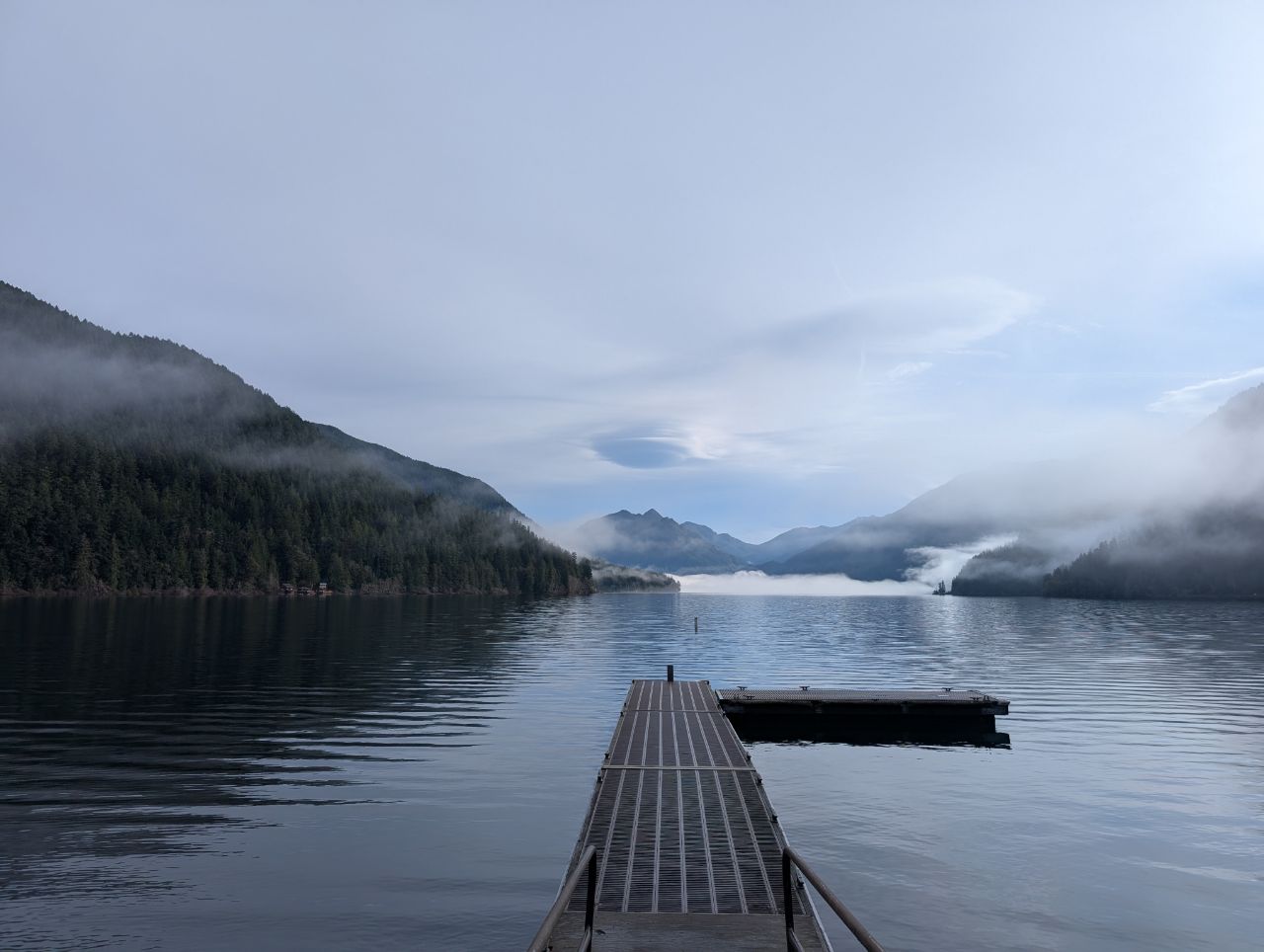
The park encompasses a vast expanse of wilderness (roughly 5x the size of Singapore), much of it with spotty or non-existent cell service. Some of the lodges we stayed at had no Wi-Fi at all, or warned on their websites that connection speeds would only support basic web browsing and emails.
So I rented a Starlink Mini, and now I don’t want to travel without one.
How did I rent a Starlink?
I rented my Starlink from CascadiaLink, which includes unlimited data and supports in-motion use, so you can stay connected while driving.
| Rental Period | Cost |
| Day 1 | US$70 |
| Day 2-6 | +US$35 per day |
| Day 7 | Free |
| Day 8+ | +US$20 per day* |
| *Further discounts apply to rentals of two weeks or longer | |
There was a 15% discount for winter rentals, so I ended up paying US$122.50 for a 4-day rental. Further discounts apply to rentals of two weeks or longer, though at some point, it’s probably cheaper to buy your own unit (Starlink Mini has historically gone as low as US$199 during sales, and a roaming plan starts from US$50 per month).
CascadiaLink also offers the option of renting a 750Wh battery which can power the Starlink Mini for up to 30 hours, but that’s only really necessary if you plan to go backcountry hiking. All the places we stayed at had road access and electricity, so I could use the car’s cigarette lighter port or power banks during the day, and charge them up at night.
I collected the kit myself at a location about 20 minutes from Seattle Airport. Alternatively, CascadiaLink can ship the kit anywhere in the USA, though you’ll need to cover the shipping and extra rental days while it’s in transit, so unless you’re headed to this area, you might want to look for a local option closer to where you’re going.
The company is run by a friendly guy named Deke, who was quite chill about the rental period. I technically had the Starlink for >4 days, picking it up at 8 a.m and returning it around noon, but he charged me four days nonetheless.
Setting up the Starlink Mini
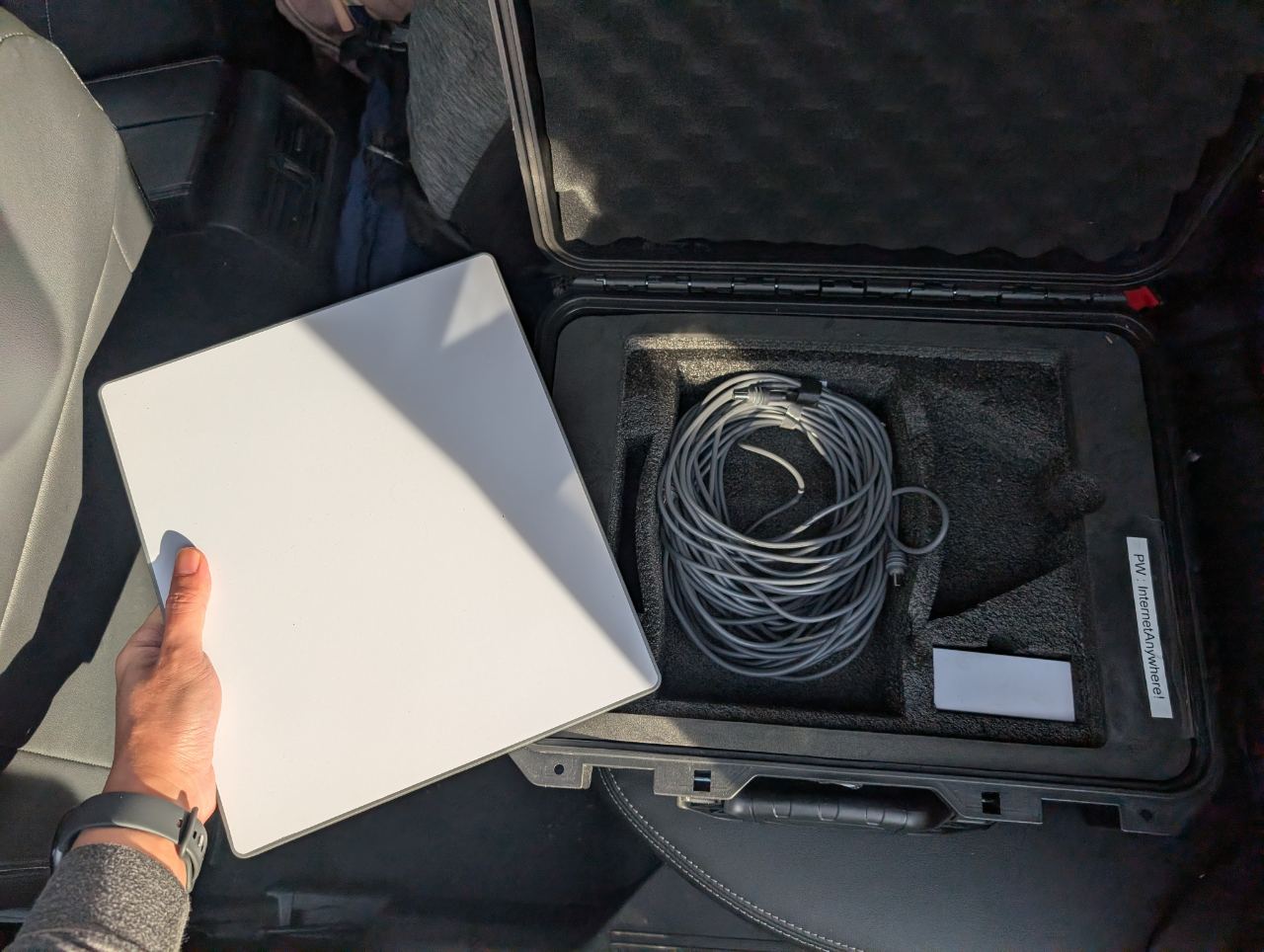
The Starlink Mini basically has two components: the dish and the power cable (CascadiaLink provided three versions: 15-metre DC, 3-metre DC, and USB-C). The dish measures 29.9cm by 25.9 cm and weighs just 1.16kg with the integrated kickstand.
You can power the device from a regular wall outlet. However, if you’re on the move, there’s also the option of using a power bank, provided it supports USB-C Power Delivery (PD) with 20V 5A (i.e. 100W).
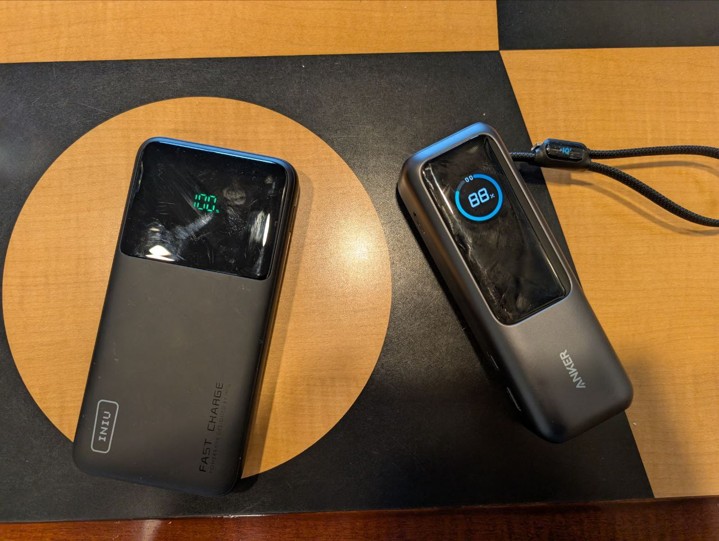
For this trip I had two power banks, each of which gave me about 3-4 hours of usage:
The actual use time will depend on how much power the Starlink Mini is drawing, which in turn depends on weather conditions, and how many devices are connected to it.
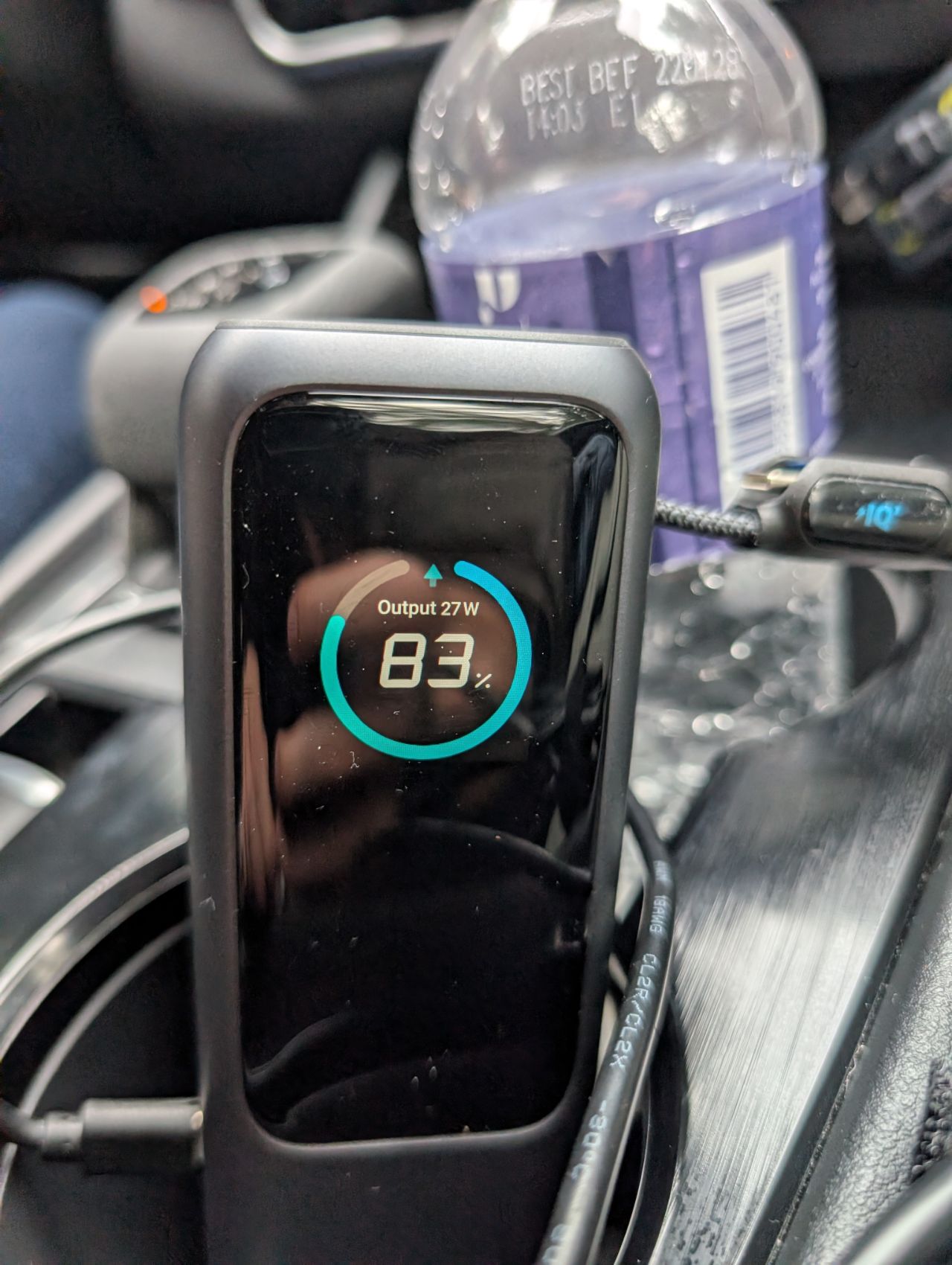
If you need more oomph, there’s always the option of using something like the Anker SOLIX, but remember, you can’t bring any battery higher than 160Wh onboard an aircraft, whether checked or hand carry.
Alternatively, you can use the car’s cigarette lighter port, with an adapter that supports 100W. CascadiaLink provided one, but I also brought a UGREEN 130W charger that worked just fine.
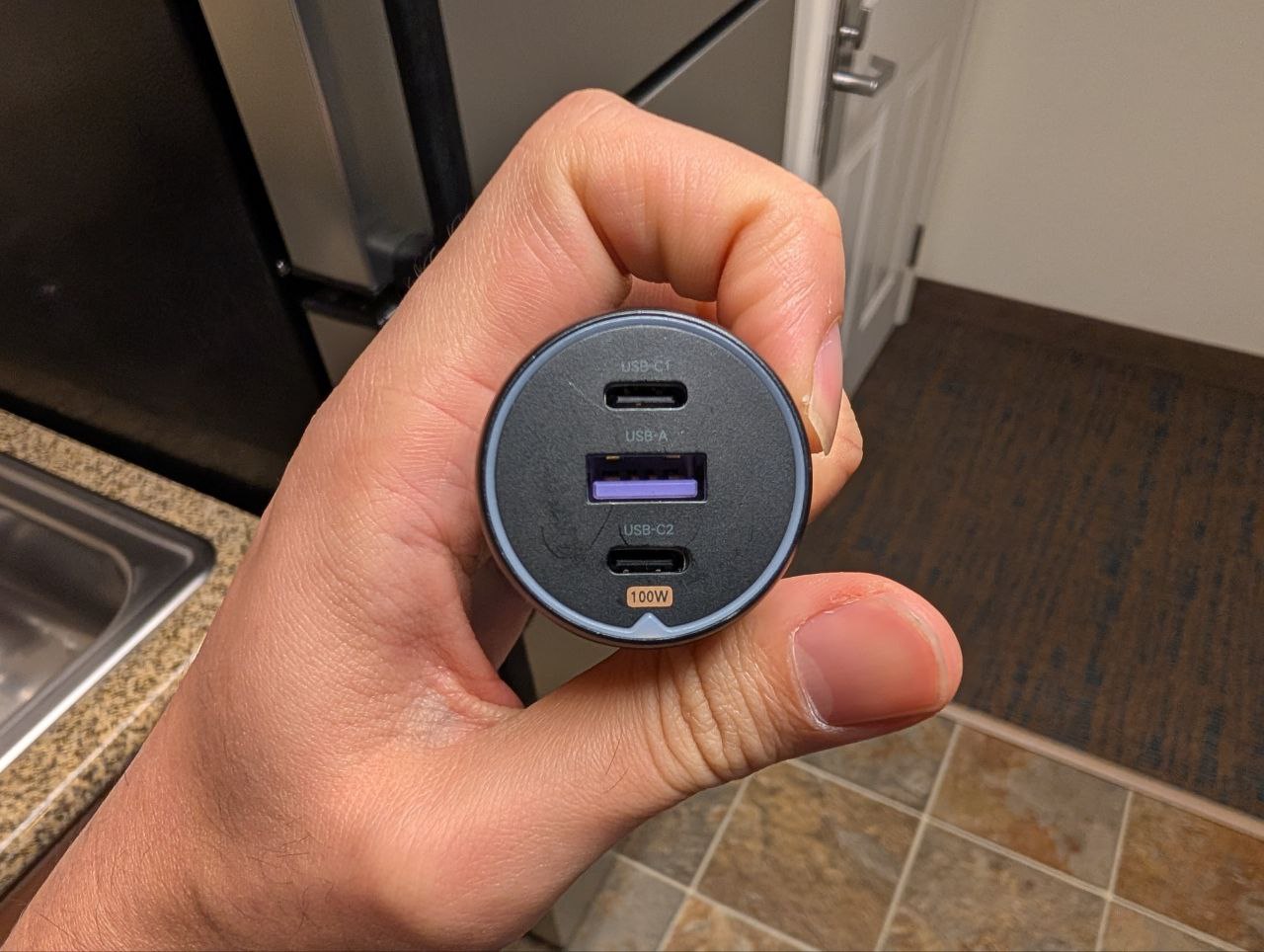
Getting online was a breeze. All I had to do was plug in the power, wait 1-2 minutes for it to find satellites, and then start browsing. You can use the Starlink app to further refine and adjust the positioning of the dish for optimum connection, but I found it unnecessary.
In theory, the built-in Wi-Fi 5 router on the Starlink Mini can support up to 128 devices simultaneously, but we never got beyond six or seven.
Starlink Mini performance
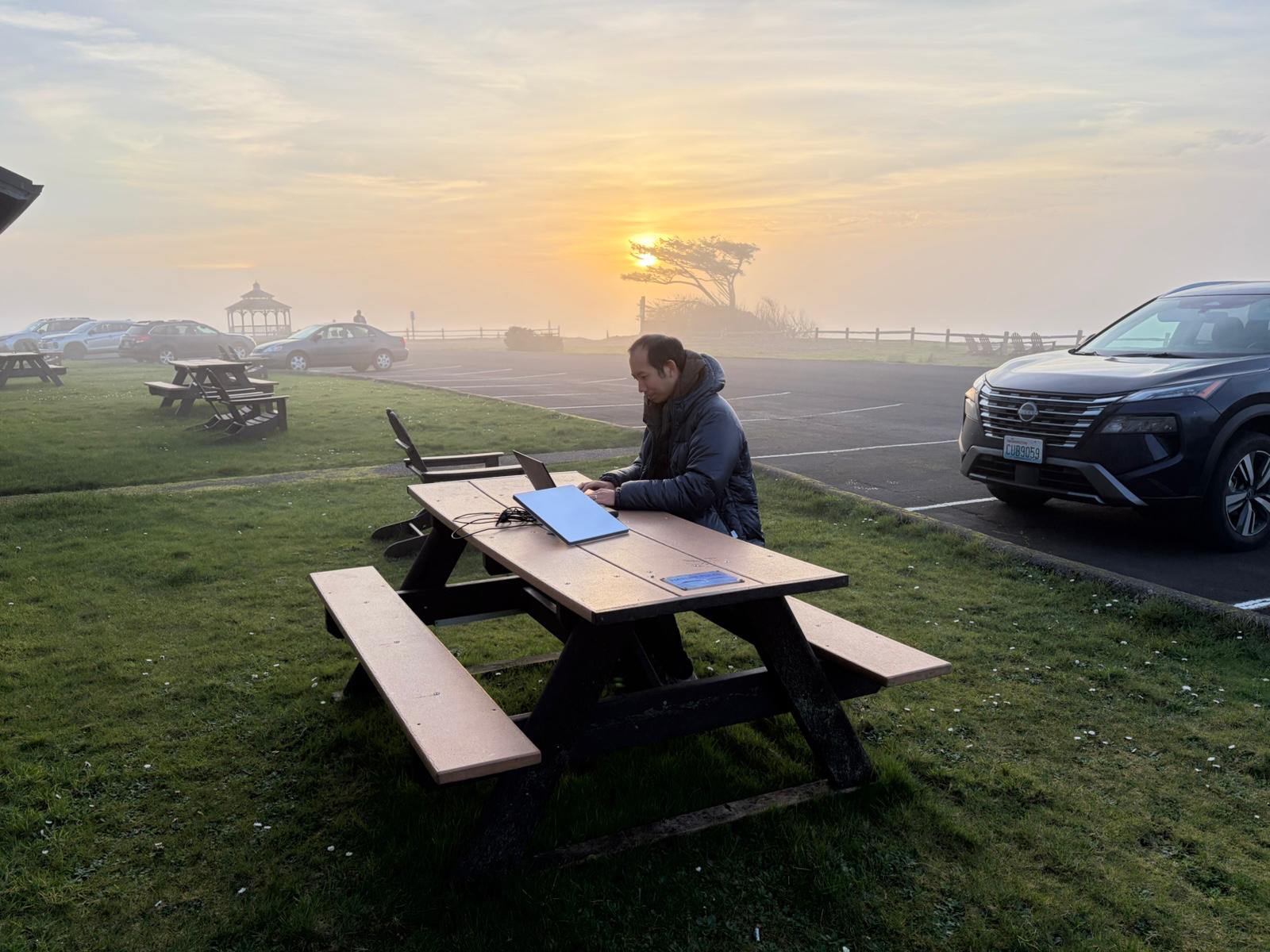
I used Starlink Mini throughout the Olympic Peninsula (we drove in a counterclockwise direction, from Seattle > Port Angeles > Forks > Hoh > Kalaloch > Lake Quinault), and on the whole, the experience was excellent.
First, let’s talk range. Starlink advertises 1,200 square feet of coverage, or ranges of 30-60 metres in clear, open spaces. That was more than enough for us. When we were at our accommodation, I could simply place the dish on the car’s dashboard, plugged into a power bank, and access the signal from inside the room. This was the case whether the car was parked outside our cabin, or even across the street.
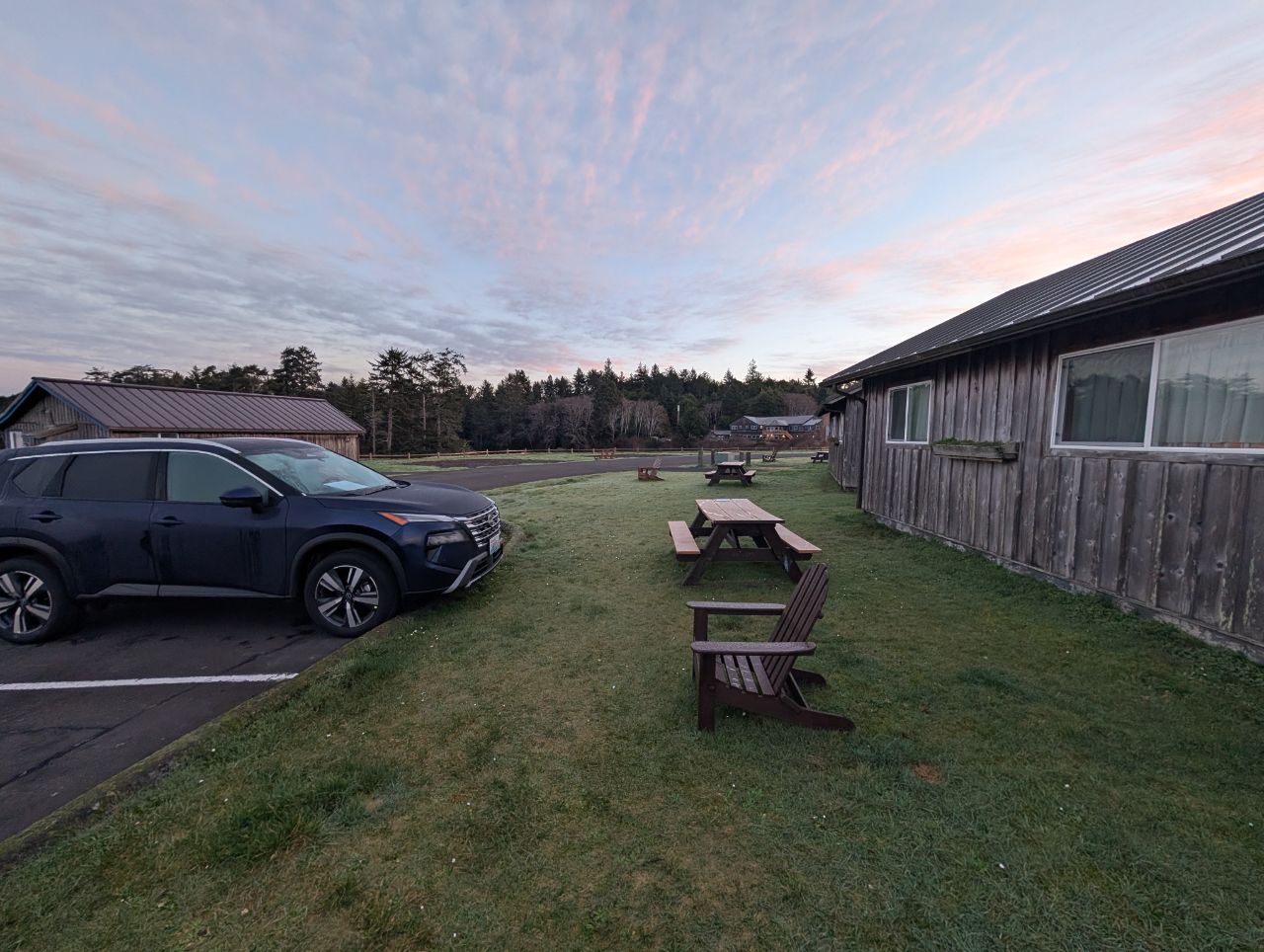
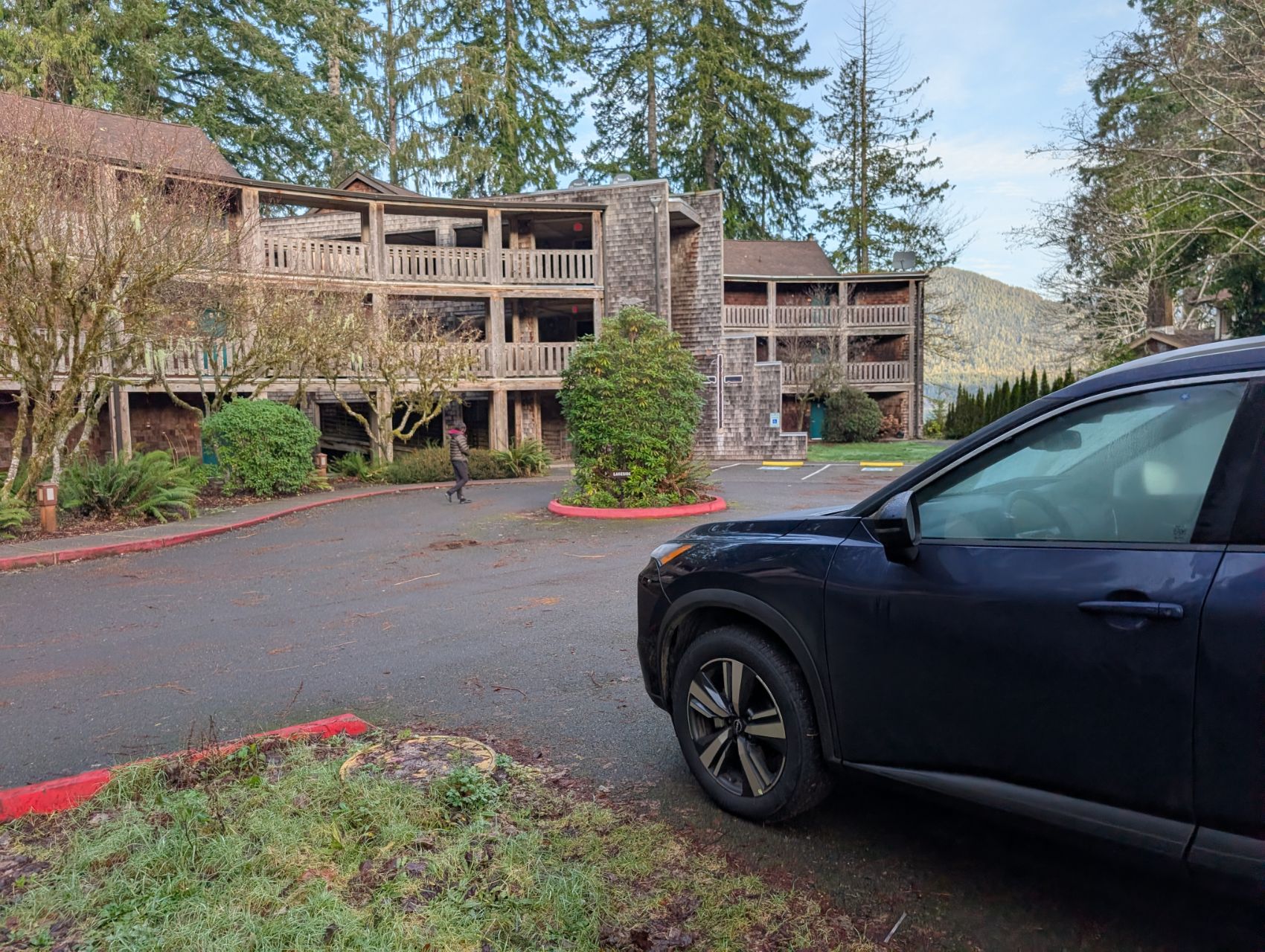
I suppose I could have plugged the 15-metre DC cable into the room’s power socket and run it outside, but I felt safer keeping the dish in a locked and sheltered place (the dish is IP67-rated, for what it’s worth).
This strategy also worked at restaurants, when I could park the car outside and still access the signal from inside.
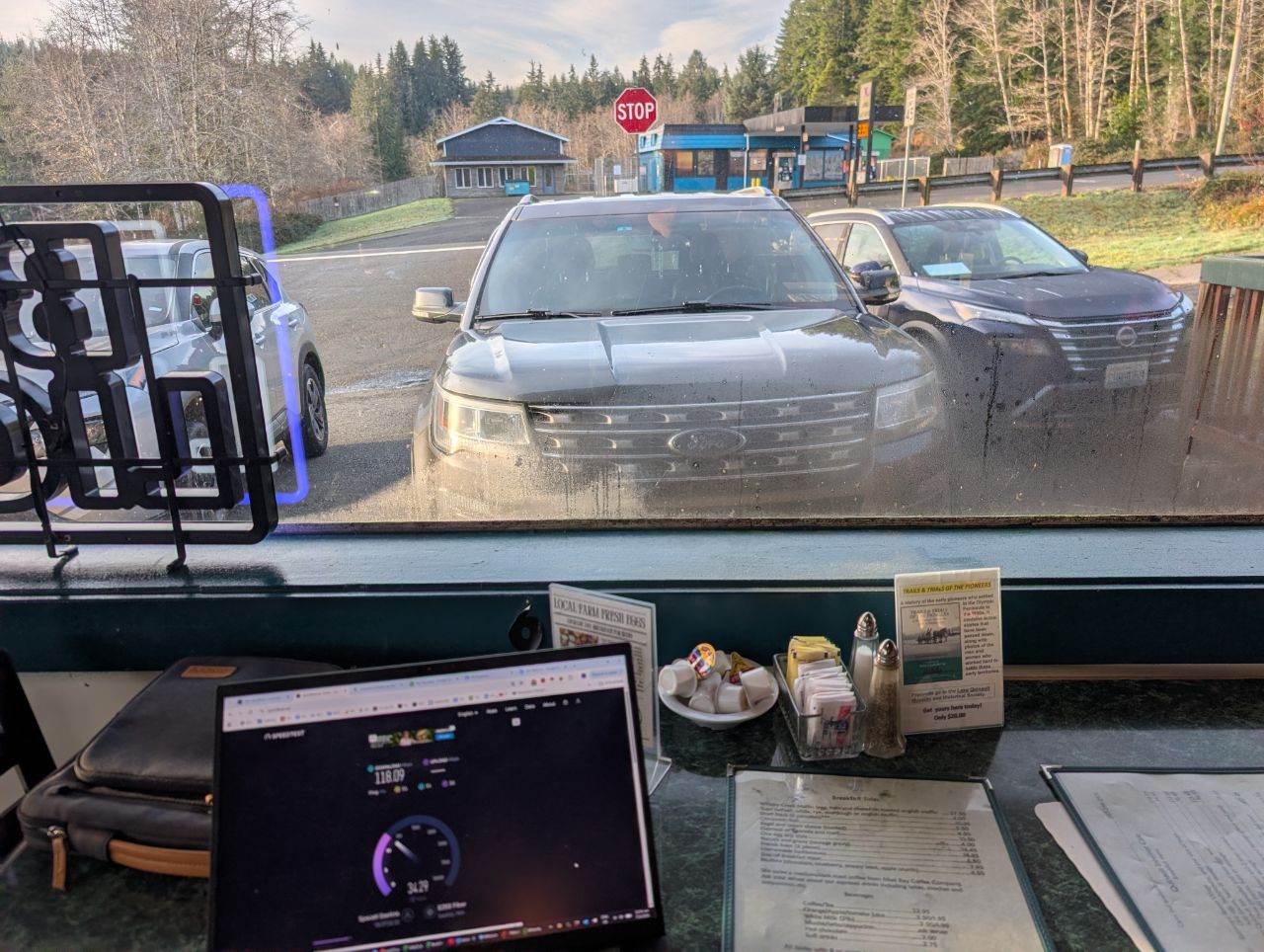
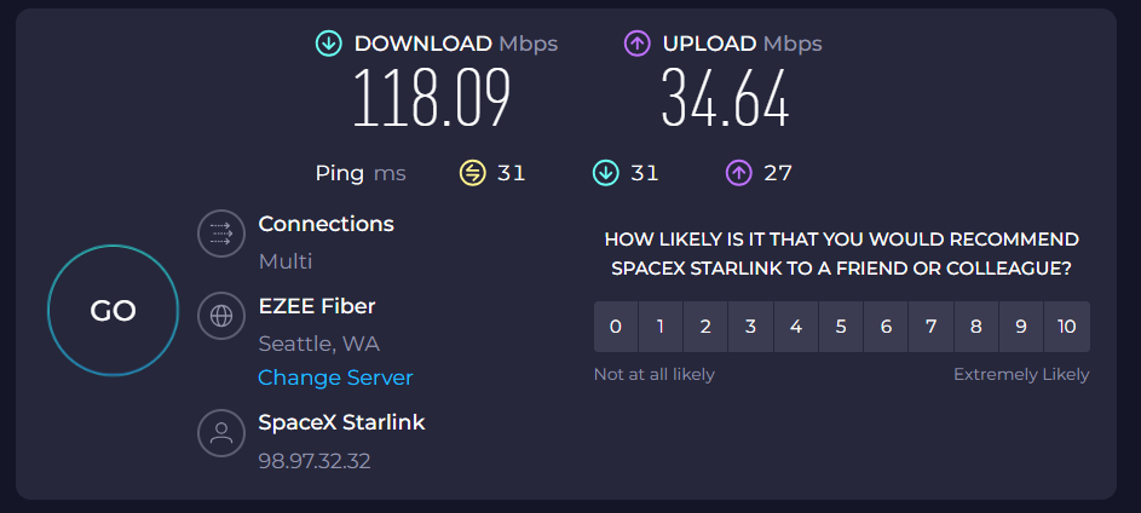
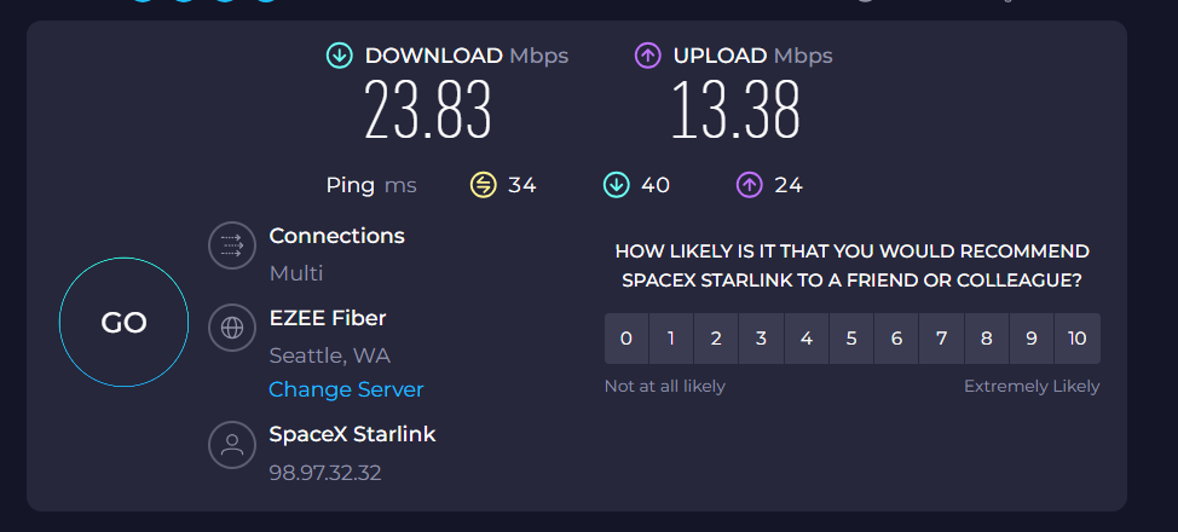
Second, the connection speeds were mind-blowing. Starlink was giving me upload and download rates and pings that were better than the Wi-Fi I’ve had at many city hotels and airport lounges. Here I was, in the middle of nowhere, with internet fast enough to watch 4K Netflix or upload my entire day’s photos to the cloud!
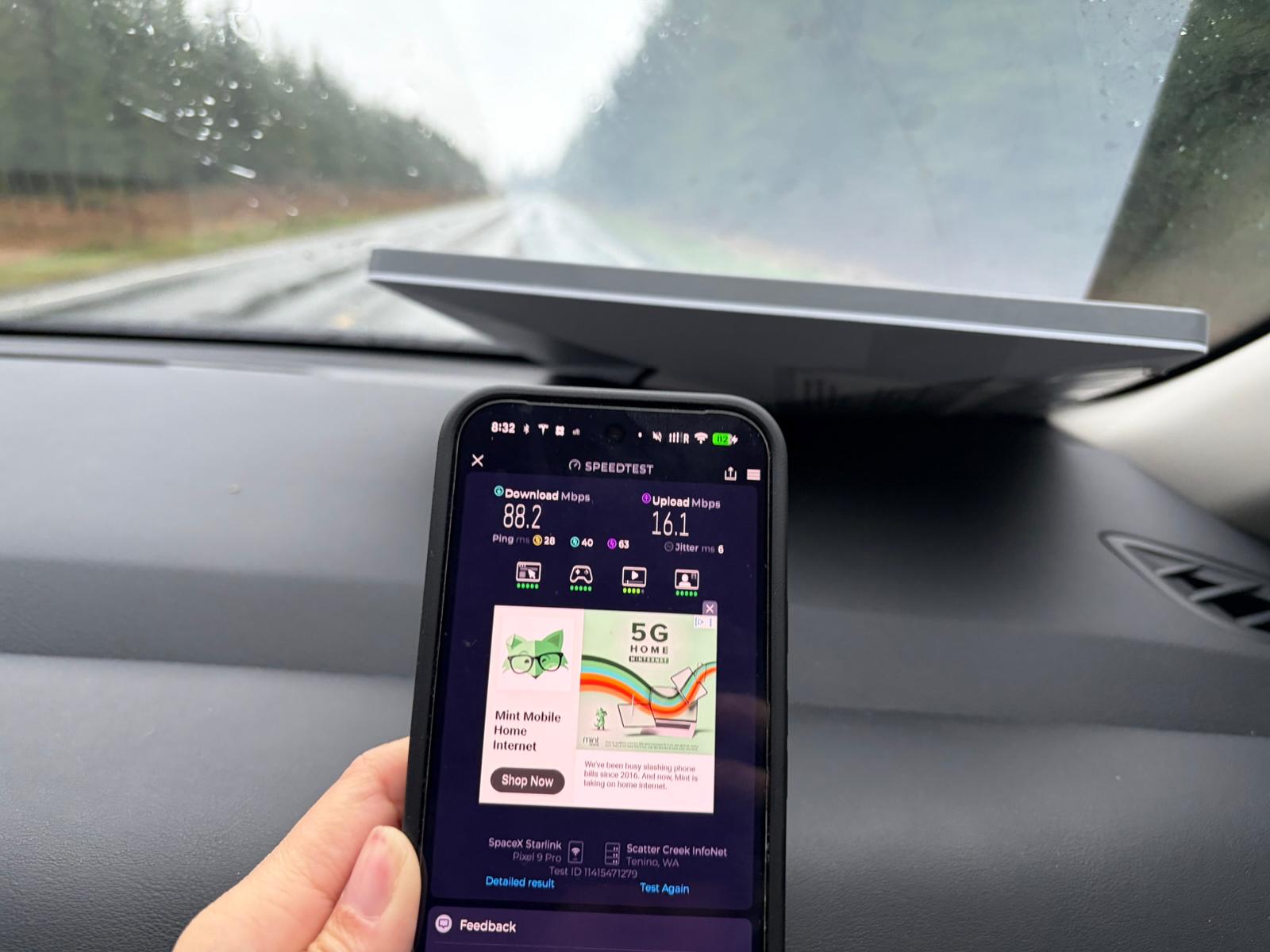
It also performed great on the road. On open highways, speeds were really no different from being stationary. Even on a rainy day, in a car driving at 50 mph, the connection was good enough for heavy-duty tasks like video calling or streaming.
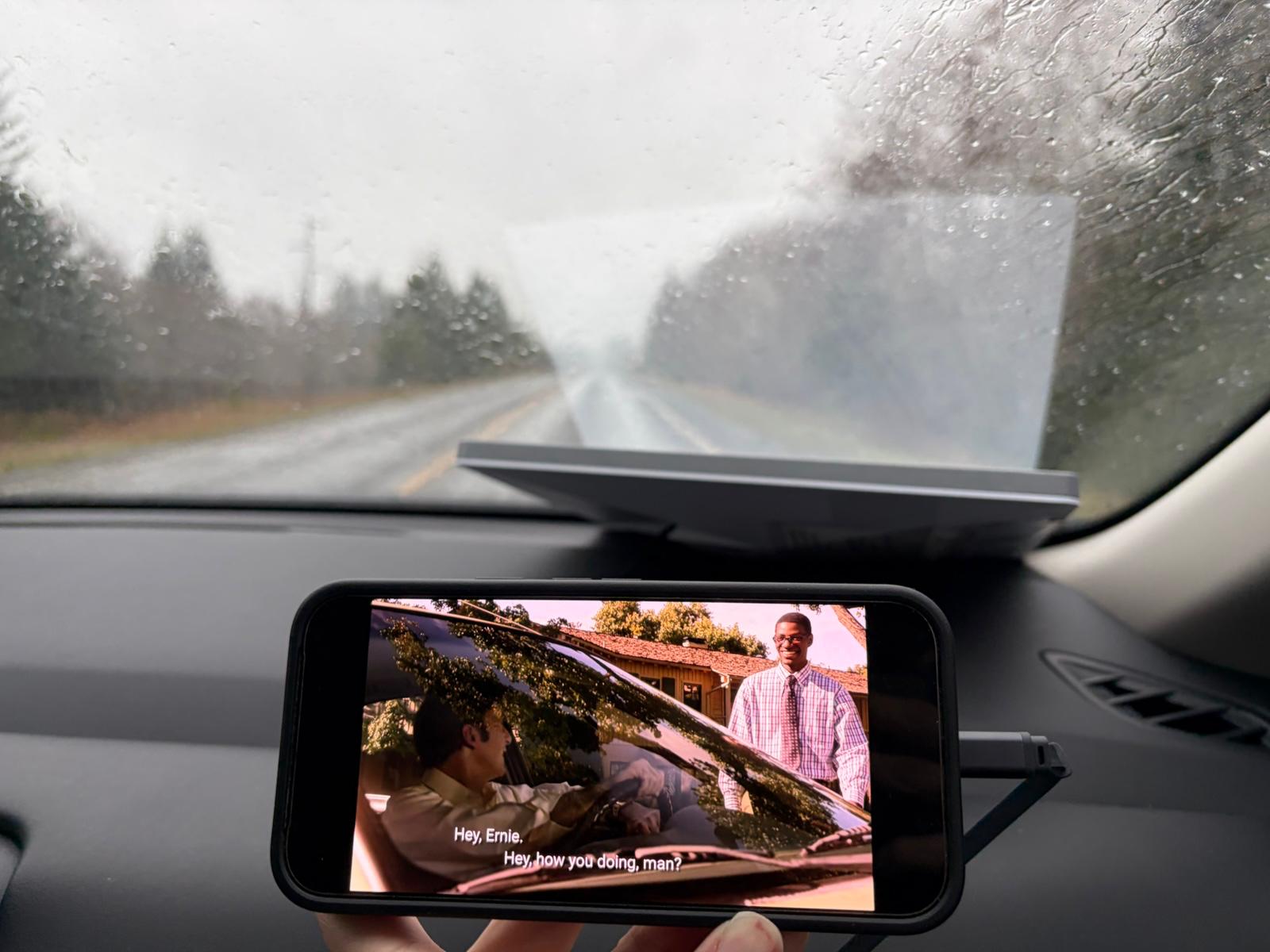
Performance did dip a bit when we were on smaller roads with forest cover, but even then it was more than usable.
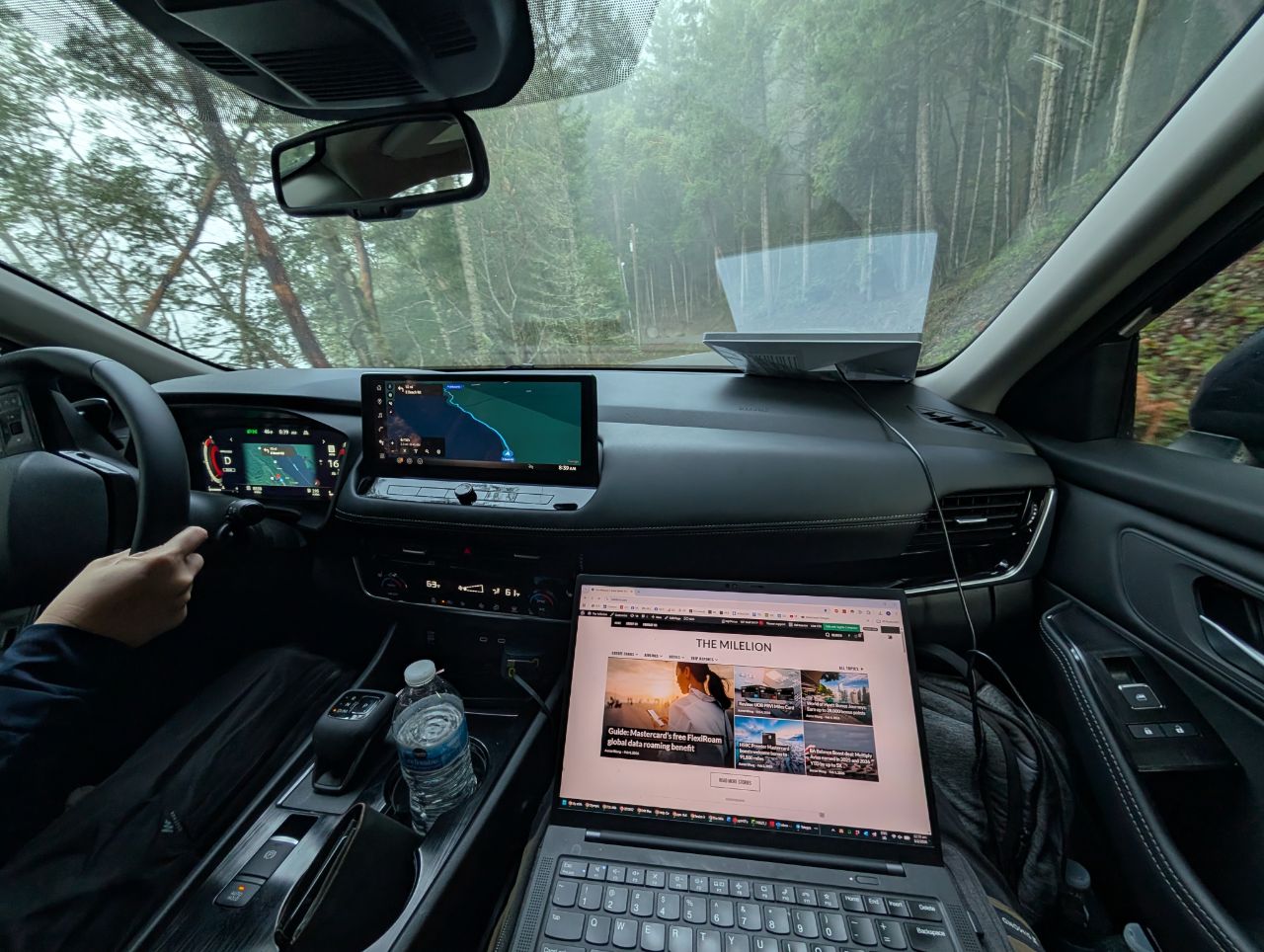
What made it even better is that our rental car (Nissan Rogue) had Google built-in, together with its own NissanConnect data plan. Of course, this was subject to the same limitations as regular cell service, but once I paired it with Starlink, it all worked like magic. We could get navigation and up-to-date information on road conditions with Google Maps, or listen to music on Spotify, all without having to pair our phones (Android Auto uses a lot of battery!).
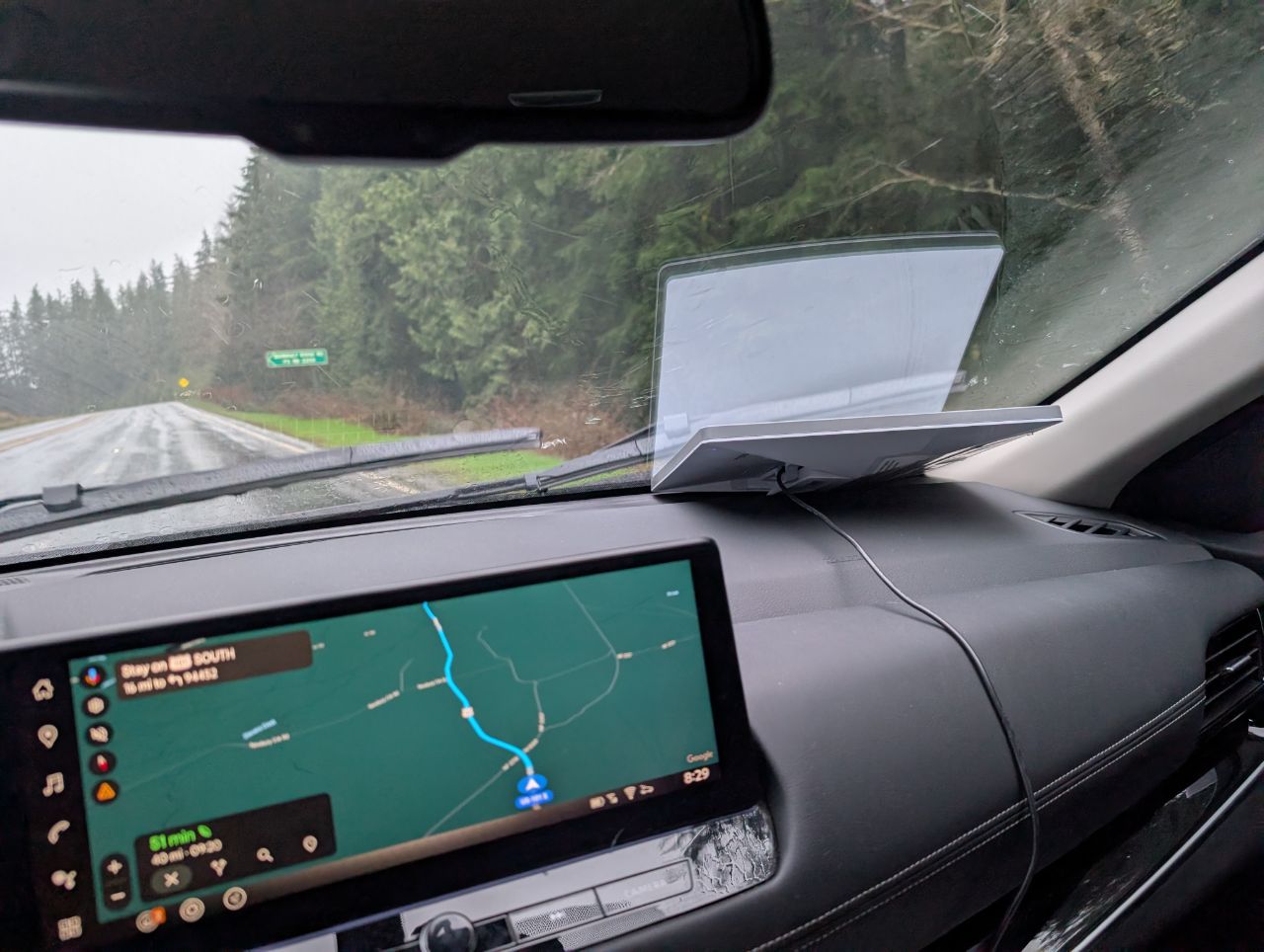
Navigation and entertainment aside, having internet in the car made travel so much easier. We could check tide charts, sunset times, hiking trails, or figure out if a restaurant would still be open by the time we reached it. It also helped The MileLioness and I settle our many in-car disputes, such as who originally sang Hound Dog (hint: it’s not Elvis), or whether you could get food poisoning from eating a chicken sandwich left in the car overnight (ask me in 24 hours).
I also tried using the Starlink Mini while hiking — insofar as walking on a well-marked trail can be called hiking — though this wasn’t nearly as great.
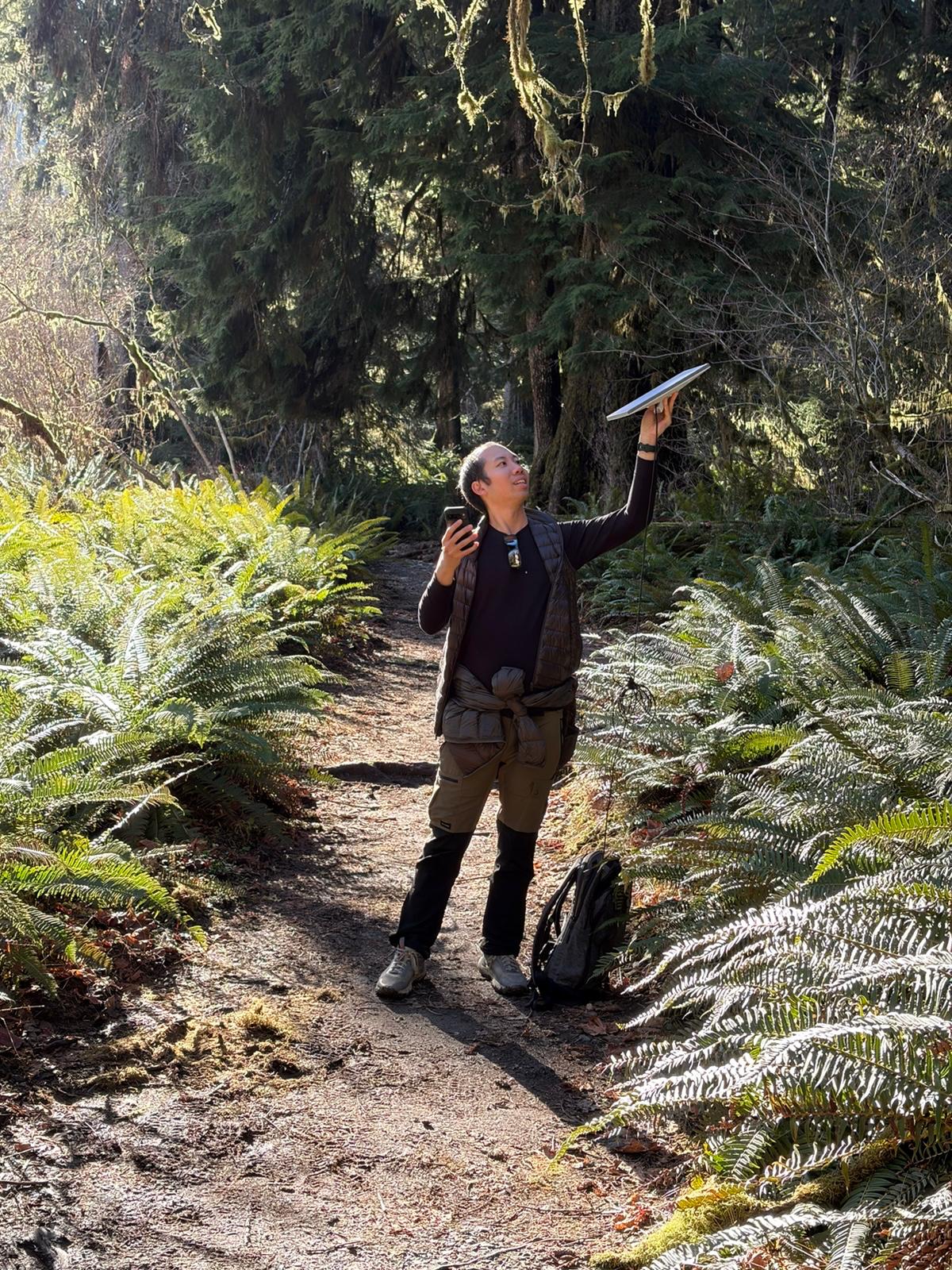
Obviously, it wasn’t as seamless as using mobile data, since you’ll need to stop, unpack the dish and set it up (apparently there are specialised backpacks that allow the signal to pass through, so you can walk around like some sort of mobile hotspot).
You also run into issues with tree cover, as we did in the Hoh Rainforest. Try as I might, I couldn’t find a clearing that gave me good enough signal. And that’s the thing about Starlink. It’s not the mountains you need to worry about— it’s the trees. I’m sure this would be less of an issue if you were hiking in an open valley or canyon.
But that aside, Starlink worked like a dream for me. I found it particularly surreal to be able to coordinate the mundanity of life back home, whether it was opening the door for a delivery, or giving instructions to the electrician, all while I sat by a remote glacial lake. “This is the future,” I thought to myself, as I adjusted the nanny cam while picking my nose and telling the MileCub to stop picking hers.
Conclusion
Having Starlink Mini on this trip was a gamechanger for me. I don’t think I can adequately articulate how awesome it was to no longer have to plan my schedule around connectivity, and to have the freedom to do longer hikes or visit even more remote pockets, all with the assurance that I could be reached if necessary.
Mind you, the service isn’t just confined to the USA. You can use Starlink in South America, Western and Central Europe, and Australia and New Zealand, and I’m seriously contemplating getting a dish of my own for future trips (though it’s not so straightforward since Starlink won’t deliver a set to Singapore).
Now, just waiting for Singapore Airlines to announce its own Starlink tie-up…
Any experiences using Starlink on holiday?

Could one use it on a cruise?
most cruiselines would prohibit your own satellite devices. suspect starlink would also charge additional charges for oceangoing usage
I believe starlink has different plans for access at sea.
No matter how good it is, I will not give any money to anything that ultimately will end up in Elon Musk’s pocket. The buck stops here.
A gushing of liberal tears
triggered much snowflake?
Absolute game changer for my roadtrip in NZ – no more blind spots. If only one can bring this onto a plane 😀
Planning a camping trip deep in the NZ wilderness but need my wifi, haha. Did you bring your own or you rented it? If so, from which company?
Unfortunately will not work in China
can you get food poisoning from eating a chicken sandwich left in the car overnight?
not within the first 24 hours, at least.
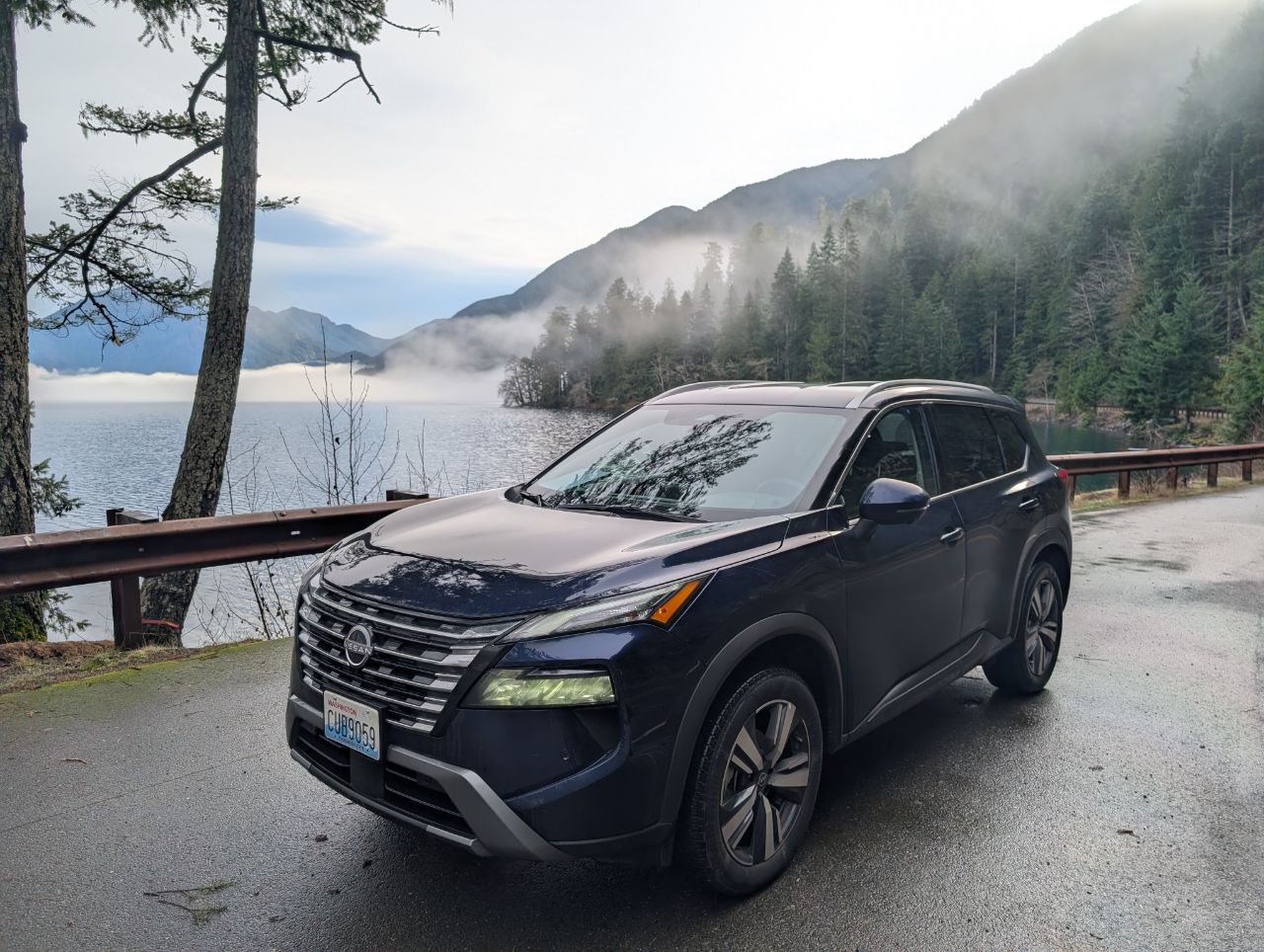
My god, that picture of Lake Crescent is breathtaking.