Over the years, I’ve fielded many questions from readers, and seen even more raised in the Telegram community. What’s striking is how often the same few queries keep resurfacing, which points to some persistent misconceptions that, despite my best efforts, just refuse to die.
In some cases, the blame lies with the banks and their poorly-designed UX. In others, it’s down to a misunderstanding about how things work, or what the terms and conditions actually say. Either way, I figure it’s time to tackle some of these head-on, in the vain hope this will clear them up once and for all!
Here are some of the most common myths, in no particular order of merit…
“There’s no point using UOB cards for SimplyGo”
Why does it happen?
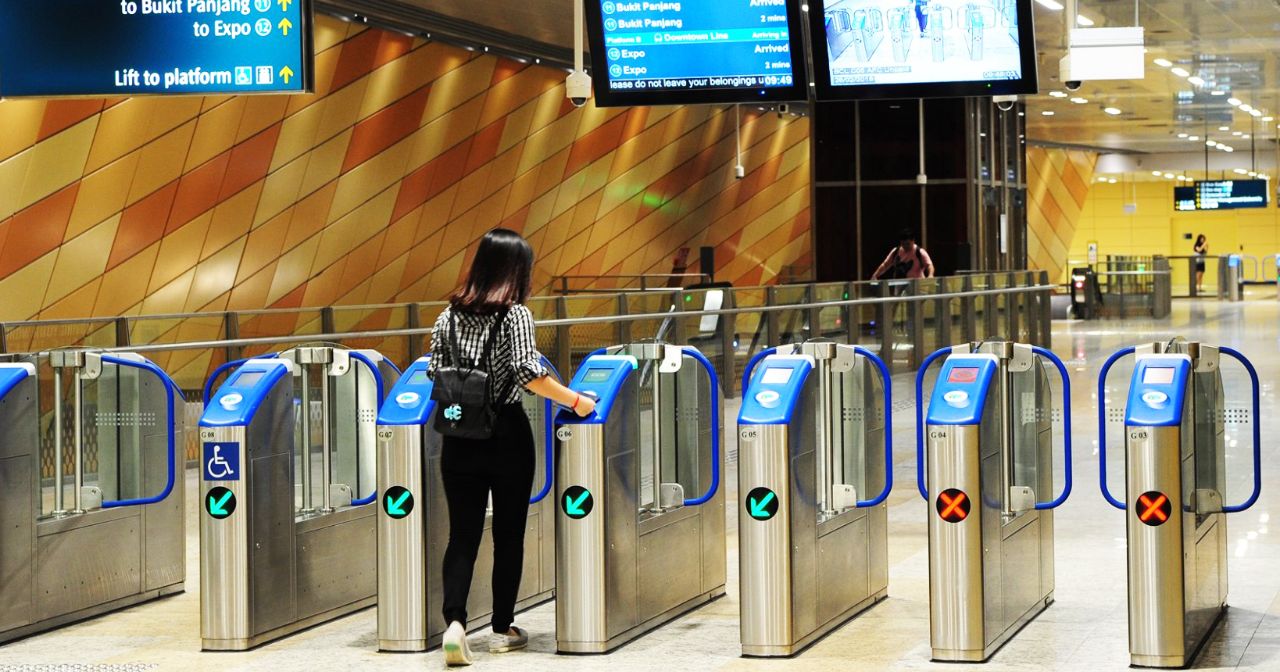
UOB cards are notorious for their S$5 earning blocks (though to be fair, they’re not the only culprits — OCBC and Maybank do the same thing). This means that transactions are rounded down to the nearest S$5 before points are awarded. Spend S$9.99? Points are awarded as if you spent S$5. Spend S$4.99? No points for you!
Since your average public transport fare will be much lower than S$4.99, there’s no point using UOB cards for SimplyGo…right?
What’s really going on?
This is wrong on two counts.
First of all, not all UOB cards work that way. When computing bonus points, the UOB Visa Signature and UOB Lady’s Card sum up the entire month’s eligible transactions, cents and all, before rounding down the combined figure to the nearest S$5. This means the points lost to rounding are usually negligible.
Second, and more importantly, UOB awards points for SimplyGo differently:
- For AMEX and Visa cards, fare charges are accumulated daily, but UNI$ are calculated based on the accumulated spend on SimplyGo Transactions per calendar month, and awarded to Cardmembers by the 7th calendar day of the following month. You’ll see a lump sum of UNI$ credited
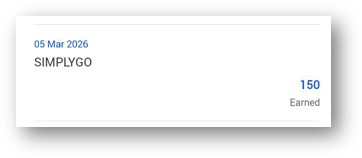
- For Mastercard, your accumulated fares are posted to your credit card account every 5 days or S$15, whichever comes first
So except in extreme circumstances (e.g. you take one MRT ride for the entire month), you’ll definitely earn some miles from SimplyGo.
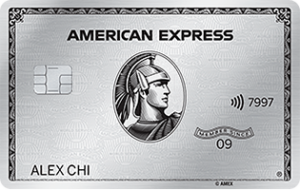
“The AMEX Platinum Charge’s earn rates are wrong”
Why does it happen?
Whenever I publish an article about the AMEX Platinum Charge, I invariably get a few messages telling me that my transfer ratios, and hence earn rates, are wrong.
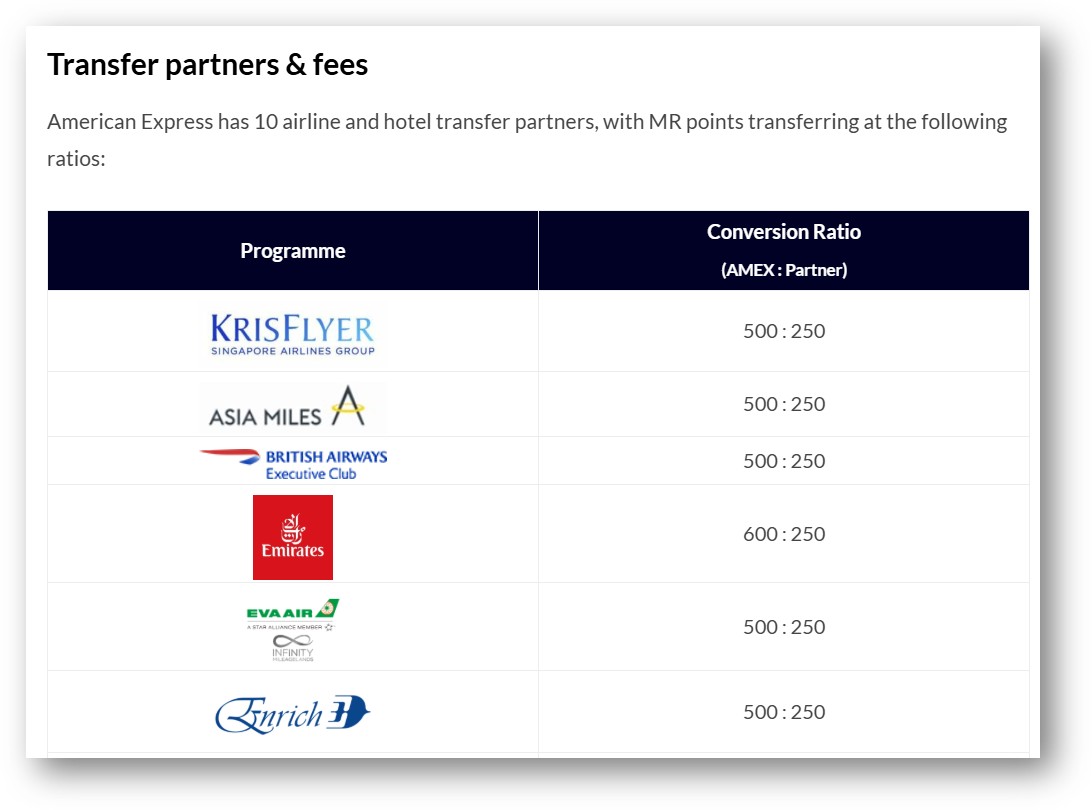
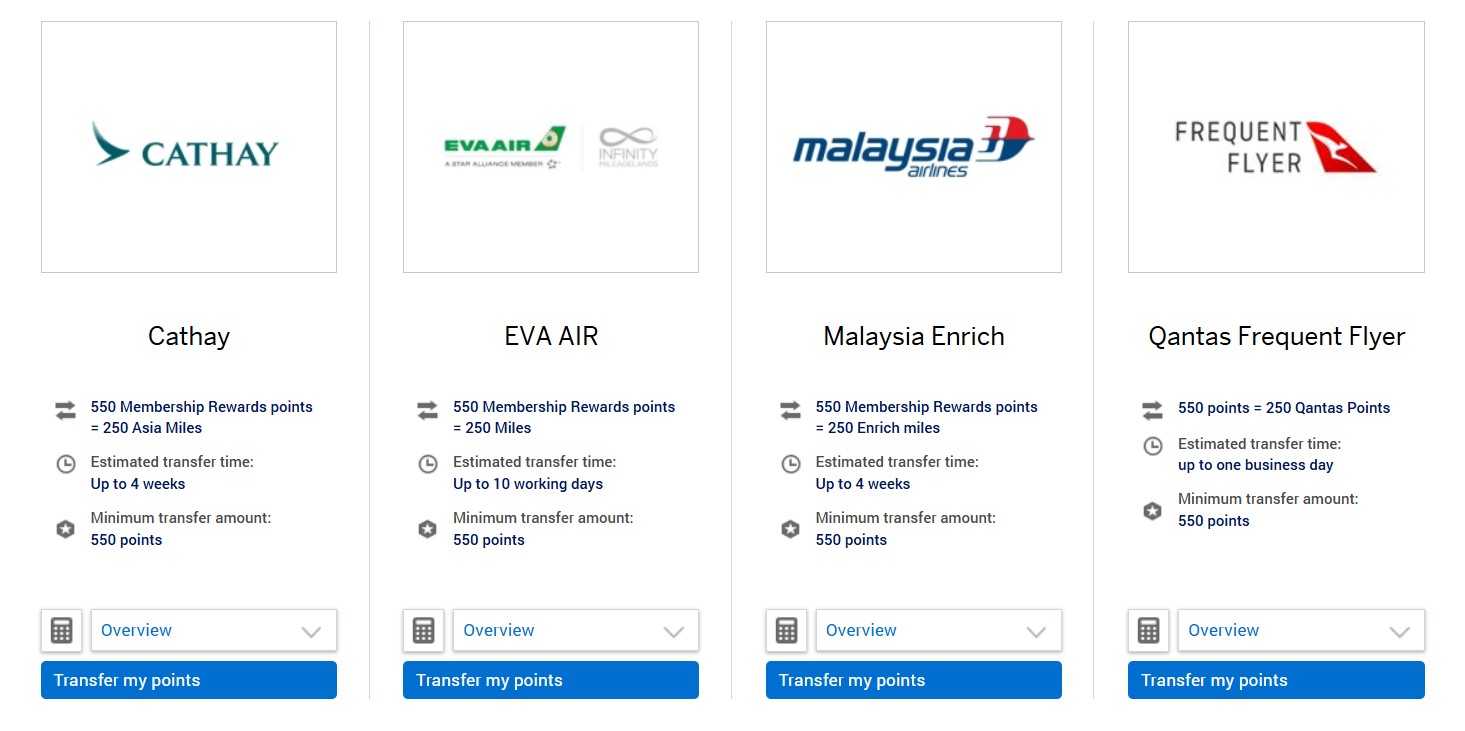
Why? If you visit the page for Membership Rewards miles transfers, you’ll see rates of 550 MR points = 250 miles (650 MR points = 250 miles in the case of Emirates Skywards).
What’s really going on?
American Express has preferential transfer rates for AMEX Platinum Charge and AMEX Centurion cardmembers of 500 MR points = 250 miles (600 MR points = 250 miles for Emirates Skywards). However, these will only appear once they log into their accounts.
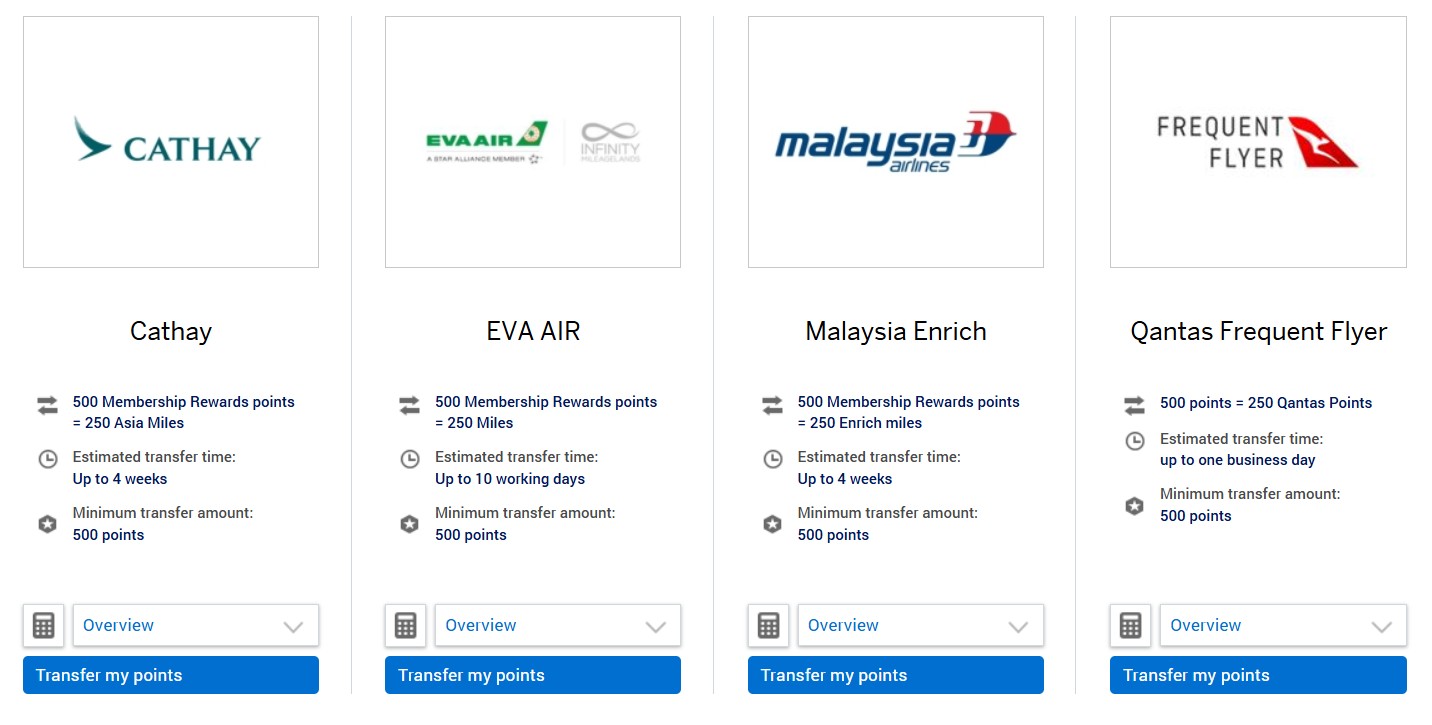
It’d be much less confusing if AMEX could just insert an extra line showing the two different ratios though.
“Citi and Maybank exclude Amaze”
Why does it happen?
If you scroll through the list of rewards exclusions on Citi and Maybank cards, you might spot something concerning.
 |
 |
|
|
Citi and Maybank list Amaze and Instarem among their exclusions, which has led to many panicked “guys, Citi/Maybank nerfed Amaze!!!” messages.
What’s really going on?
Here’s where a bit of background knowledge is required. Whenever you spend on the Amaze card, the transaction codes as AMAZE*Merchant Name.
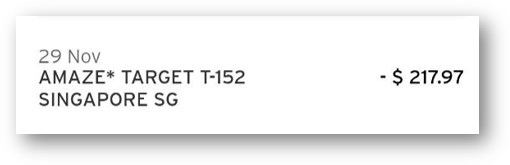
Therefore, what Citi is doing is not excluding Amaze altogether, but rather certain transactions made through Amaze. Maybank, on the other hand, is excluding Amaze wallet top-ups, which code as Instarem*.
These exclusions are intended to combat manufactured spend, and, in the case of Bus/MRT, prevent people from using Amaze as a workaround to earn points on SimplyGo (Citi excludes SimplyGo altogether, don’t ask me why).
At the time of writing, DBS and UOB are the only two banks to exclude Amaze. Will that always be the case? Probably not. But there’s no point panicking until that happens.
“Maybank dropped KrisFlyer”
Why does it happen?
Maybank isn’t going to win any awards for app design, that’s for sure. It’s frustrating enough that it has separate apps for internet banking (M2U) and rewards (TREATS SG), and the latter doesn’t even support biometric login.
| 😱 It used to be even worse… |
|
Once upon a time, you needed to have two Maybank internet banking apps on your phone: M2U and M2U Lite. Despite the name, M2U Lite had more functionality than M2U, and some genius decided that the apps should display exactly the same name on your phone. |

But its UX also leads to a lot of confusion, especially with miles conversions. Suppose you want to convert TREATS Points to KrisFlyer miles. The natural place to start looking would be the TREATS SG app, under the Travel tab— but you won’t see anything here.
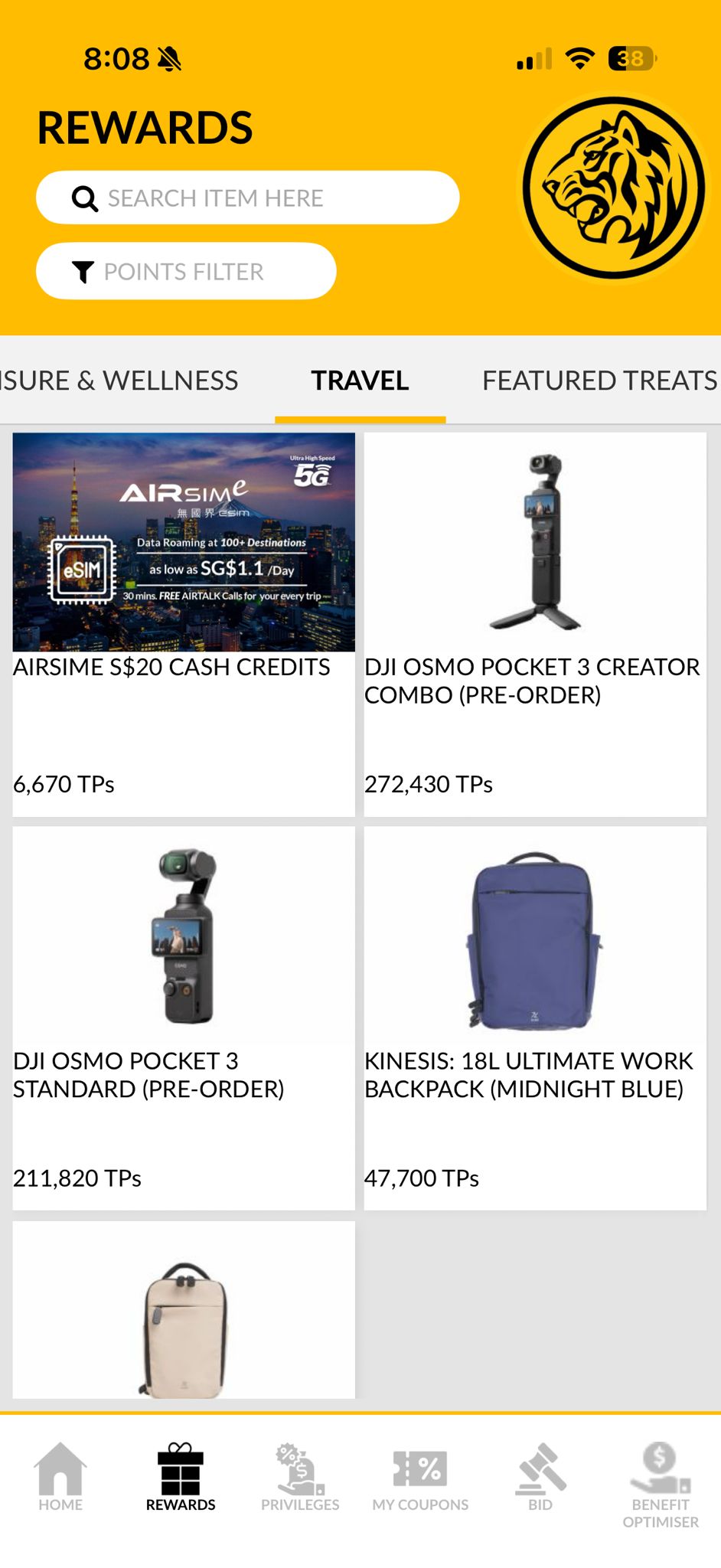
So did Maybank drop KrisFlyer, or what?
What’s really going on?
As it turns out, you’ll need to enrol your KrisFlyer account before the KrisFlyer miles redemption option even appears. This can be done by going to Profile > My Account > Enrolment > KrisFlyer.
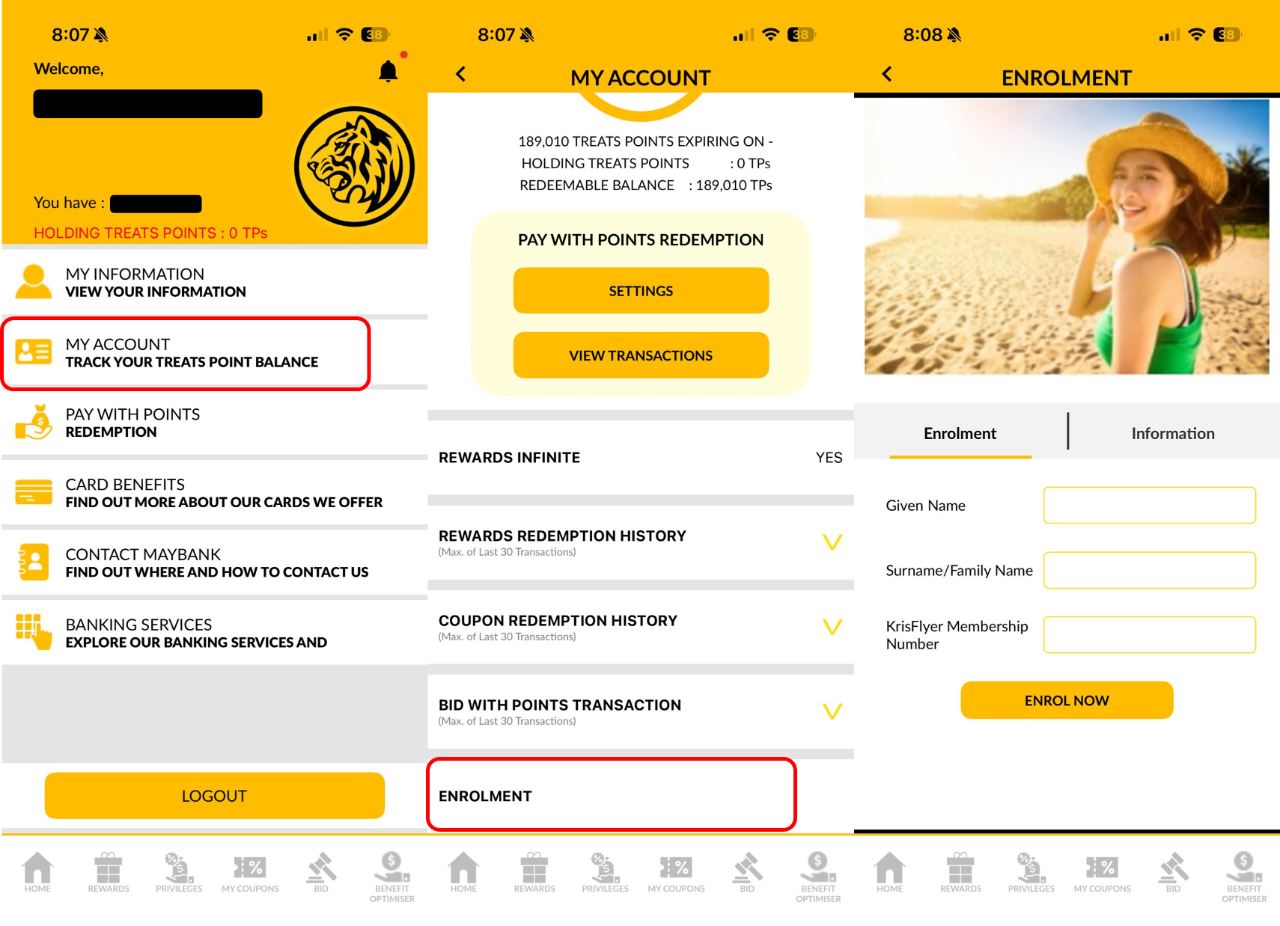
After completing the enrolment, you’ll need to log out and log in again, after which KrisFlyer miles will appear under the Travel section.
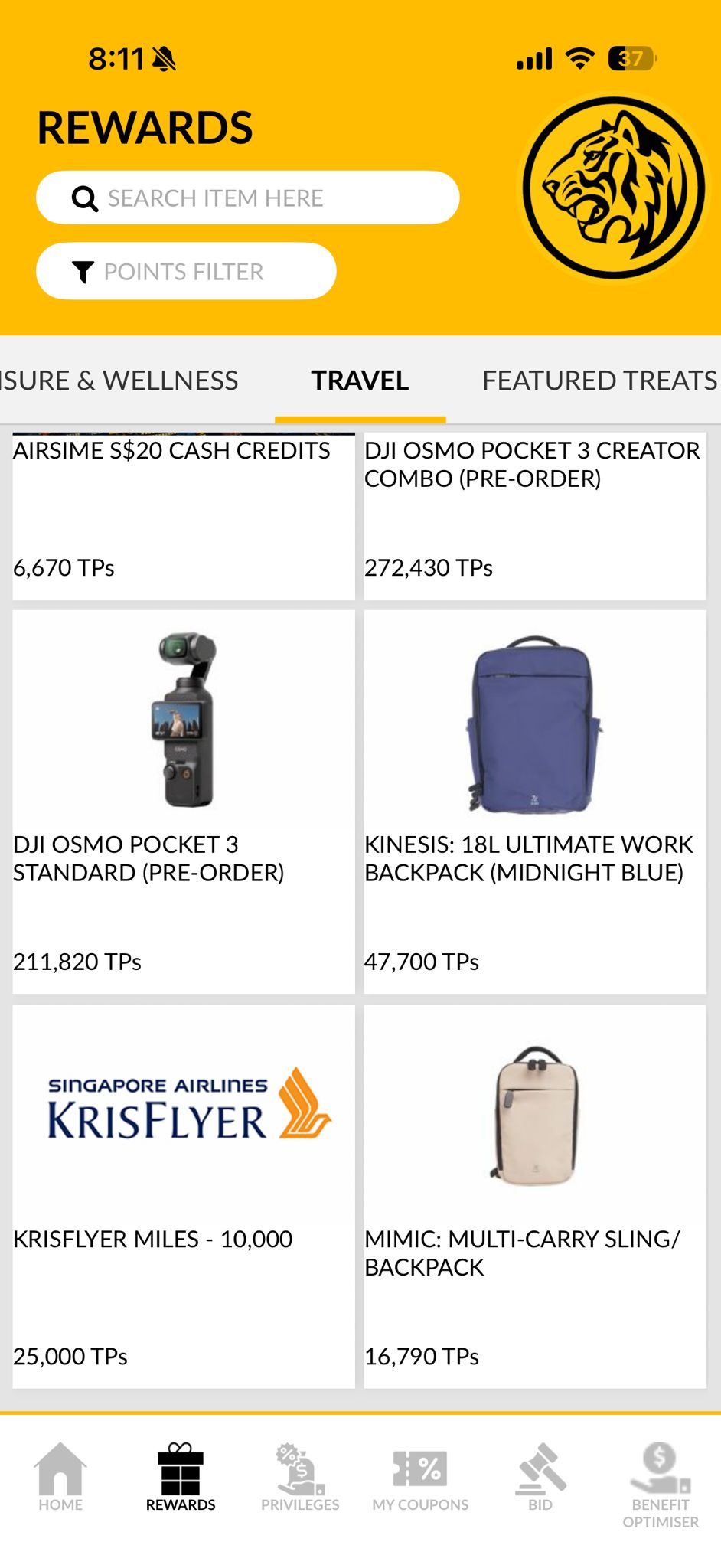
What could be simpler?
| ❓What if I want to redeem other kinds of miles? |
|
If you want to redeem TREATS Points for Asia Miles, Enrich miles or Air Asia Points, I’ve got bad news. You’ll need to fill up a PDF form and email it to Maybank to get it processed. Malaysia boleh indeed. |
“HSBC doesn’t reward FCY spend”
Why does it happen?
In the HSBC Rewards Programme’s T&Cs, the first item you’ll find under the exclusions list is this:
Foreign exchange transactions (including but not limited to Forex.com)
Some people read this to mean that HSBC credit cards only award points for transactions in SGD.
What’s really going on?
Foreign exchange transactions are not the same as foreign currency transactions.
Foreign exchange platforms like Forex.com allow customers to fund their accounts via credit card, and HSBC is simply saying that it won’t reward such transactions.
“Atome transactions are excluded from rewards”
Why does it happen?

It’s quite common to find wording in the T&Cs that excludes rewards for instalment payment plans.
| 💳 Example: UOB Rewards Exclusions |
|
20.7 any amounts approved under the UOB Payment Facility and any associated fees or 20.8 payments under 0% Instalment Payment Plan, SmartPay or UOB Lady’s LuxePay 20.9 transactions that are subsequently cancelled, voided, or reversed for any reason; and |
Because Atome breaks up transactions into three monthly payments, some assume that it will run afoul of this clause, and therefore no points will be earned.
What’s really going on?

This exclusion is intended to cover the 0% interest instalment plans that banks have negotiated with certain merchants. For example, Harvey Norman offers 0% interest instalment plans for up to 48 months for American Express, DBS, Maybank, OCBC, Standard Chartered and UOB cardholders.
Even though Atome payments look like instalments, they actually code as retail spend under MCC 5999. This means they’re eligible for regular credit card rewards (until further notice, at least).
You do want to make sure to trigger the monthly payments manually though, as automatic billing may be seen as a recurring billing arrangement that does not earn rewards.
“DBS yuu Card uses posting date, not transaction date”
Why does it happen?

The DBS yuu Card’s T&Cs state that base and bonus rewards are only awarded for transactions which are charged and posted to the DBS yuu Card.
|
6. For every S$1 spent at the following Spend Categories that is charged and posted to your DBS yuu Card, you will earn the respective Base Rewards… 7. For every S$1 spent at the following Spend Categories that is charged and posted to your DBS yuu Card, you will earn the respective Bonus Rewards… 13. Only posted transactions will be considered as part of the Eligible Spend. |
Does this mean that the DBS yuu Card tracks minimum spend and awards points based on posting date?
What’s really going on?
Nope. All DBS is saying is that transactions won’t earn points if they end up not posting (duh!). For example, if you make a pre-authorisation on your card but nothing gets charged in the end, of course you won’t earn any points.
Clause 10 in the T&Cs makes it very clear that tracking is based on the transaction date.
| 10. Eligible Spend must be charged to your DBS yuu Card within the calendar month, based on transaction date. The transaction date is determined based on the merchant settlement date between the merchant and their acquirer (subject to merchant or their acquirer’s timezone). |
For more on how different cards track spending, refer to the article below.
Which cards track spending by transaction date vs posting date?
“The UOB Preferred Visa will always earn 4 mpd if I use Apple or Google Pay”
Why does it happen?
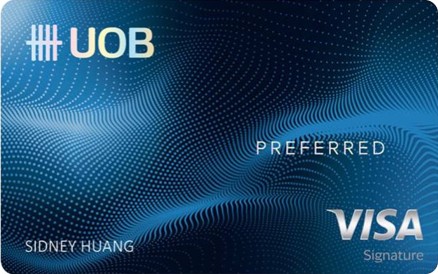
The UOB Preferred Visa (formerly known as the UOB Preferred Platinum Visa) has a well-earned reputation for being the “Apple or Google Pay card.” It’s the kind of idiot-proof option you shove into the hands of a miles-illiterate family member, with instructions to digitise it and pay with Apple or Google Pay everywhere.
So if I see Apple or Google Pay as a payment option on a website or in an app, then using the UOB Preferred Visa should give me 4 mpd, right?
What’s really going on?
This problem stems from a misunderstanding of what a “contactless” payment really is.
“Contactless” means an in-person transaction where payment is made not by magnetic strip or chip, but rather by tapping. And in the UOB Preferred Visa’s case, it must be “mobile contactless”, which means you need to tap your phone to pay.
Now, it may seem intuitive that an in-app transaction is also contactless (because there’s no physical contact with a terminal), but it’s not. An in-app transaction is basically an online transaction, for which only selected MCCs will earn bonuses.
Remember, the UOB Preferred Visa has two modes:
- For in-person transactions, it’s a blacklist card, which earns 4 mpd so long as the MCC is not explicitly excluded
- For in-app/online transactions, it’s a whitelist card, which only earns 4 mpd if the MCC is explicitly included
| Category | Merchant Category Codes (MCCs) |
| Department and Retail Stores | 4816, 5262, 5306, 5309, 5310, 5311, 5331, 5399, 5611, 5621, 5631,5641, 5651, 5661, 5691, 5699, 5732-5735, 5912, 5942, 5944-5949, 5964-5970, 5992, 5999 |
| Supermarkets, Dining and Food Delivery | 5811, 5812, 5814, 5333, 5411, 5441, 5462, 5499, 8012, 9751 |
| Entertainment and Ticketing | 7278, 7832, 7841, 7922, 7991, 7996, 7998-7999 |
What adds further confusion is that in-app/online Apple or Google Pay transactions sometimes earn 4 mpd, e.g. Google Pay with Foodpanda.
But in those scenarios, you earned 4 mpd by virtue of the fact the MCC fell under the whitelist, not because it was paid with Apple or Google Pay per se.
Conclusion
I’m sure this barely scratches the surface of all the misconceptions out there, but we have to start somewhere I suppose!
Some of these could be easily avoided if banks just designed their UX better, or at least added some explanatory notes pre-empting common points of confusion. Others require a better understanding of the T&Cs and mechanics of credit cards (e.g. when bonus points don’t appear immediately, some assume it’s because the transaction wasn’t eligible- when in fact many cards only post bonus points the following month).
Any other myths worth busting?