
Back in February 2025, the Association of Banks in Singapore (ABS) announced that banks would be stepping up measures to combat so-called “card provisioning scams”, where a victim’s card is fraudulently added to a scammer’s mobile device, and used to make unauthorised transactions.
The rise in such scams is the reason why some merchants are now asking customers to present the physical card when making a mobile wallet transaction, which — obviously — defeats the purpose.
Going forward, banks will require additional verification such as in-app controls or digital token authentication for provisioning cards onto mobile wallets. Card issuing banks will implement such enhancements as soon as possible, with completion expected by July 2025.
-ABS
In line with this, OCBC has just sent out a notification about new restrictions on provisioning OCBC cards to mobile wallets. While this will largely be a non-issue for Apple and Samsung Pay users, it’s going to be particularly annoying for those using Google Pay.
OCBC adding new restrictions on mobile wallet provisioning
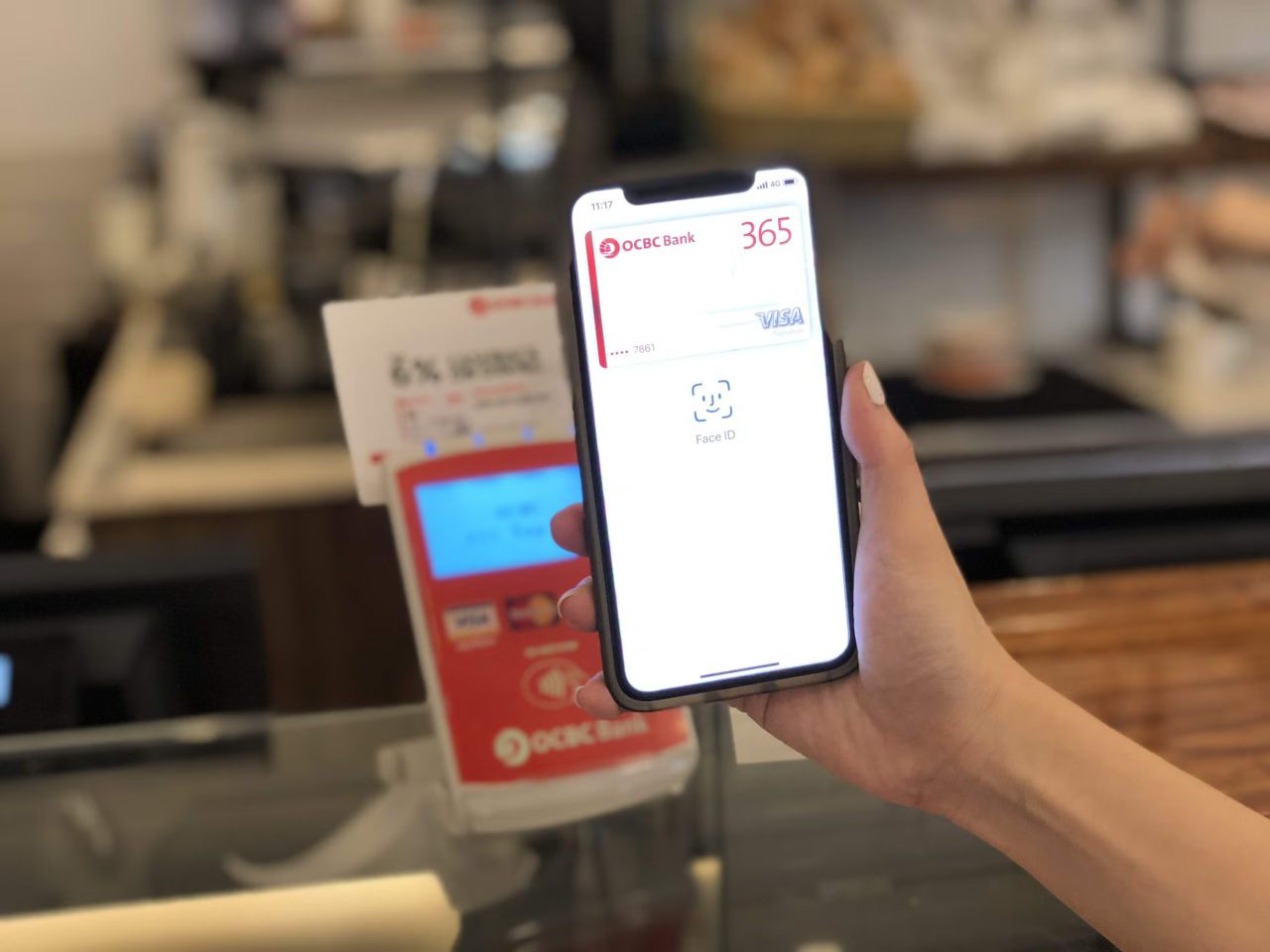
From 31 July 2025, it will no longer be possible to add OCBC cards to mobile wallets using SMS one-time passwords (OTPs).
Instead, cardholders will need to verify their request via the OCBC OneToken, or by calling OCBC customer service.
| Payment Method | How to add |
 |
📱 OCBC OneToken Instant |
 |
☎️ Call OCBC 48h wait |
 |
☎️ Call OCBC 48h wait |
 |
☎️ Call OCBC 48h wait |
 |
📱 OCBC OneToken Instant |
This won’t be a big deal for Apple Pay and Samsung Pay users, who have the convenience of using OneToken for immediate verification.
However, if you’re a Google Pay, Garmin Pay or Fitbit Pay user, this will be a royal pain in the butt. You’ll have to call up OCBC’s personal banking hotline and perform a manual verification, after which there will be a further wait of up to 48 hours before the card is provisioned.
Therefore, I’d strongly urge this group to add whatever OCBC cards you have to your mobile wallet ahead of the 31 July 2025 deadline, if only to save yourselves the aggravation. Any cards which were added to a mobile wallet prior to 31 July 2025 will not require re-verification.
Steps for each of the banks can be found below.
Apple Pay
Samsung Pay
Once we verify your request, your OCBC card will be added to your Google Wallet™ within 48 hours. We will SMS you once this is done.Google Pay
Once we verify the request, your OCBC card will be added to the Garmin Pay™ or Fitbit Pay™ within 48 hours. We will SMS you once this is done.
Garmin and Fitbit Pay
You should also note that from 11 August 2025, it will no longer be possible to add OCBC cards to Garmin Pay or Fitbit Pay. Cards added before this date can continue to be used, until they expire or have to be replaced.
Can I add my card to more than one device?
If it’s any consolation, Google Pay users — as well as those using Garmin Pay, Fitbit Pay, or Samsung Pay — can add the same card to multiple devices by repeating the verification steps on the secondary device. For now, Apple Pay users will be limited to adding their card to only one mobile wallet.
The ability to add your card to multiple devices is especially useful if you’d like to let a spouse or family member use it without going through the process of applying for a supplementary card.
Conclusion
From 31 July 2025, OCBC will no longer allow cards to be provisioned on mobile wallets via SMS OTPs. Instead, customers will need to use the OCBC OneToken or, in the case of Google Pay, call up the bank and wait up to 48 hours for verification to be completed.
You don’t have to tell me this is a pain, but for what it’s worth, if we’re strictly talking about rewards, no one needs to add their OCBC card to a mobile wallet. Unlike the UOB Preferred Platinum Visa, OCBC cards earn the same rewards whether you pay with the physical card, or the digitised version.
However, there’s certainly a convenience in being able to slim down your wallet or purse, and digitisation also allows your card to be in two (or more) places at once.
I would assume that other banks will be adding their own enhanced security measures in due course, though I really hope none of them are as asinine as requiring a phone call and 48-hour waiting period.







The hoops and security across a range of banks is getting to the point, where the future will be one where you withdraw cash at your branch once a month or once a week, and use it to pay for everything. Because the use of “technology” is just becoming harder and harder and harder, to the point where it is simply not usable. For those that remember, it is banking like our parents and grandparents banked. And it did work for them, so we need not fear the return.
Oh, to add. Try adding a DBS card to your wallet. It goes in, and after the appropriate steps it says “verified”. Then I go to use it. Every time I use it from the Wallet it declines. But the physical card is fine. So I call DBS – what is going on? Oh, we declined it for your “protection”! WTF, I did an in-app verification of the card after adding it to the wallet. So isn’t it verified and authorized already? No answer from the CSO. Can’t explain. Well, I say, how to use my card in the wallet?… Read more »