
On the sidelines of the United Elevated launch event this week, I had the opportunity to join a special Starlink demonstration flight out of LAX, where we had two hours to put the network through its paces.

While I did rent a Starlink Mini for a recent road trip — and was roundly impressed by the experience — I hadn’t tried it onboard an aircraft until now. And having done so, I can only say that it’s impossible to go back to traditional airplane Wi-Fi.
Starlink is a gamechanger in every way, and I can’t wait for it to be adopted on a wider scale.
Why is Starlink so much faster?

To appreciate how much of a quantum leap Starlink is over traditional inflight Wi-Fi, you first need to understand the difference between Low Earth Orbit (LEO) satellites and Geostationary Orbit (GEO) satellites.
| LEO Satellites | GEO Satellites | |
| Orbit Altitude | <2,000 km | >35,000 km |
| Latency | 20-40 ms | ~600 ms+ |
| Connection Speed | Faster | Slower |
| Coverage Area | Smaller | Larger |
| Applications | Real-time communications, IoT, remote sensing | Broadcasting, weather monitoring |
Traditional inflight Wi-Fi systems like Viasat rely on GEO satellites, which orbit the Earth at altitudes of ~35,000 km. Starlink, on the other hand, uses LEO satellites, which orbit at altitudes of ~500 km. With the average aircraft cruising at just 10 km, the difference in distance has a significant impact on signal quality and bandwidth.
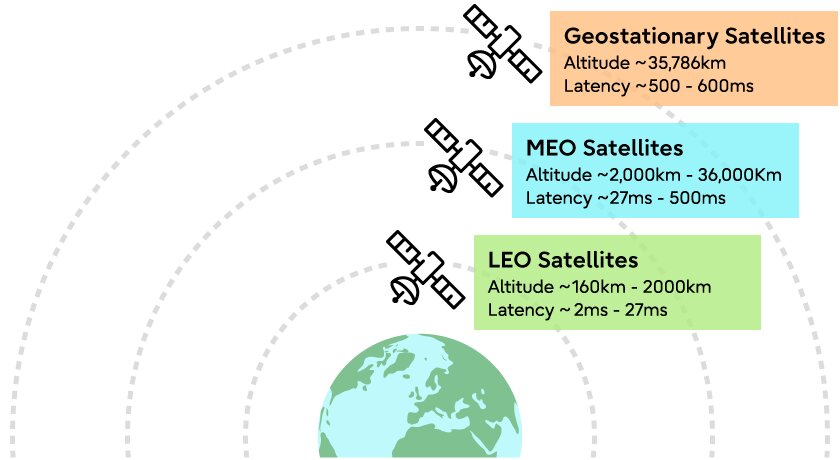
It’s simple physics: the greater the distance, the longer the latency. A longer journey means more signal loss, and therefore lower data rates. To put it another way, LEO is like talking to someone across the room. GEO is like shouting to someone on a faraway mountain!
There are also architectural differences. GEO systems typically connect the aircraft to a single satellite at a time, which limits overall capacity. LEO networks, however, continuously hand off the connection between multiple satellites, allowing for higher bandwidth and better load balancing.
So GEO isn’t “bad tech” as such. It’s just slow because physics is working against it. LEO makes everything faster by bringing the network closer to Earth, which delivers the kind of speeds that GEO never realistically could.
United’s Starlink rollout plans

United may not have been the first airline to adopt Starlink — that title went to Hawaiian in 2024 — but it’s certainly been one of the most aggressive with its rollout.
The airline equipped its first aircraft with the technology in March 2025, and one year later, has completed installations on nearly 350 aircraft (you can track the progress here). By the end of 2026, United expects more than 800 of its 1,000+ fleet to offer Starlink, with the entire exercise completed in 2027.

The catch? Most of the installations to date are on the regional fleet, and not the mainline fleet which operates international flights. However, mainline installations are now underway, and widebody aircraft are expected to start receiving Starlink later this spring.
The Starlink installation process is actually relatively fast, with United quoting a mere eight-hour turnaround time (though it can take longer if engineers need to first remove the legacy systems). It’s the certification process that often holds things up, with the FAA yet to give the greenlight for several popular aircraft models such as the Boeing 757, 767 and 787-9.
Unfortunately, this means that the “Elevated” B787-9 coming to Singapore in April 2026 will not have Starlink initially. Instead, it’ll be equipped with the much slower Panasonic system, so fingers crossed it gets upgraded soon.
My experience with onboard Starlink
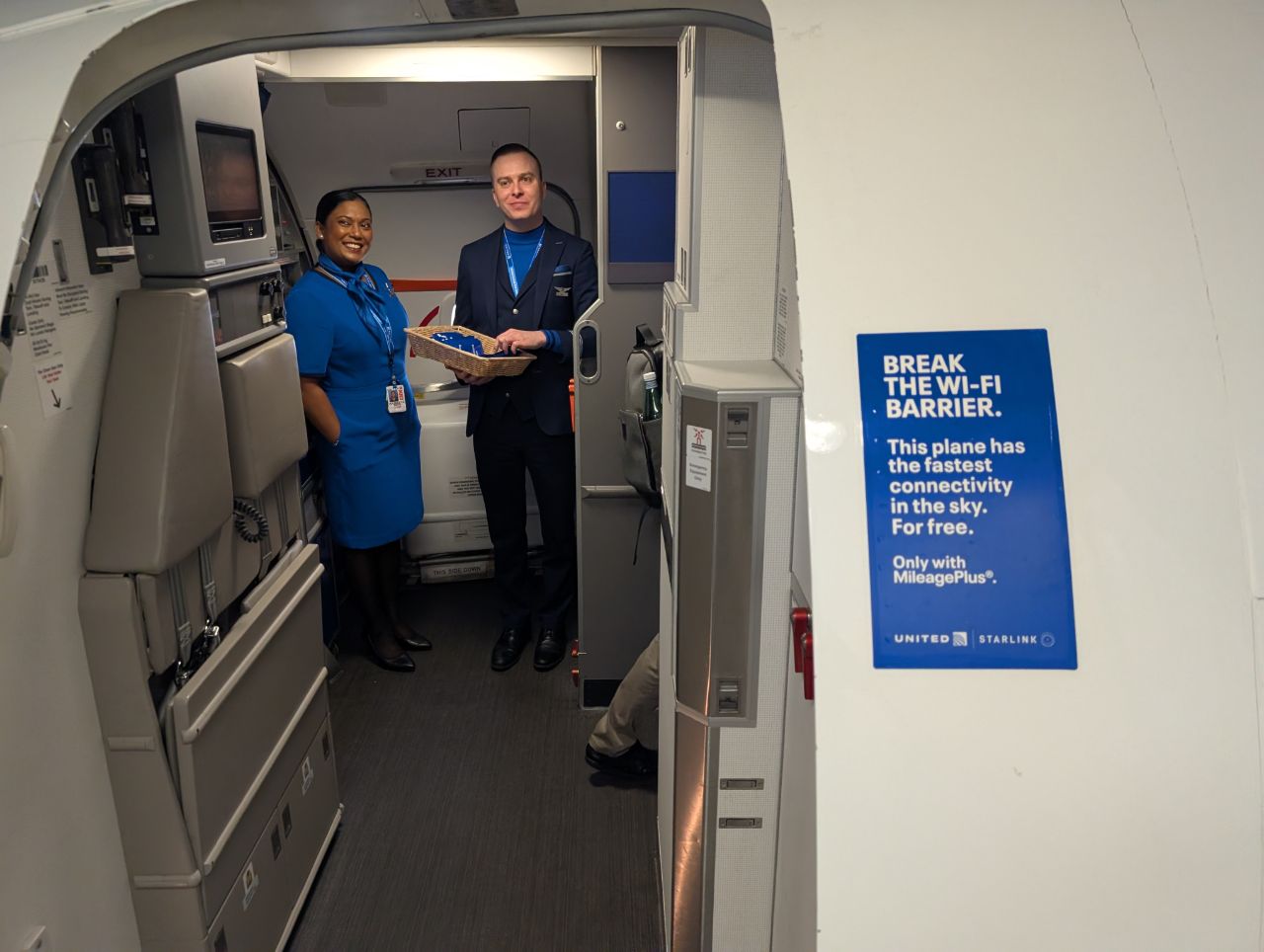
United Airlines MileagePlus members can enjoy free Starlink internet on as many devices as they wish.
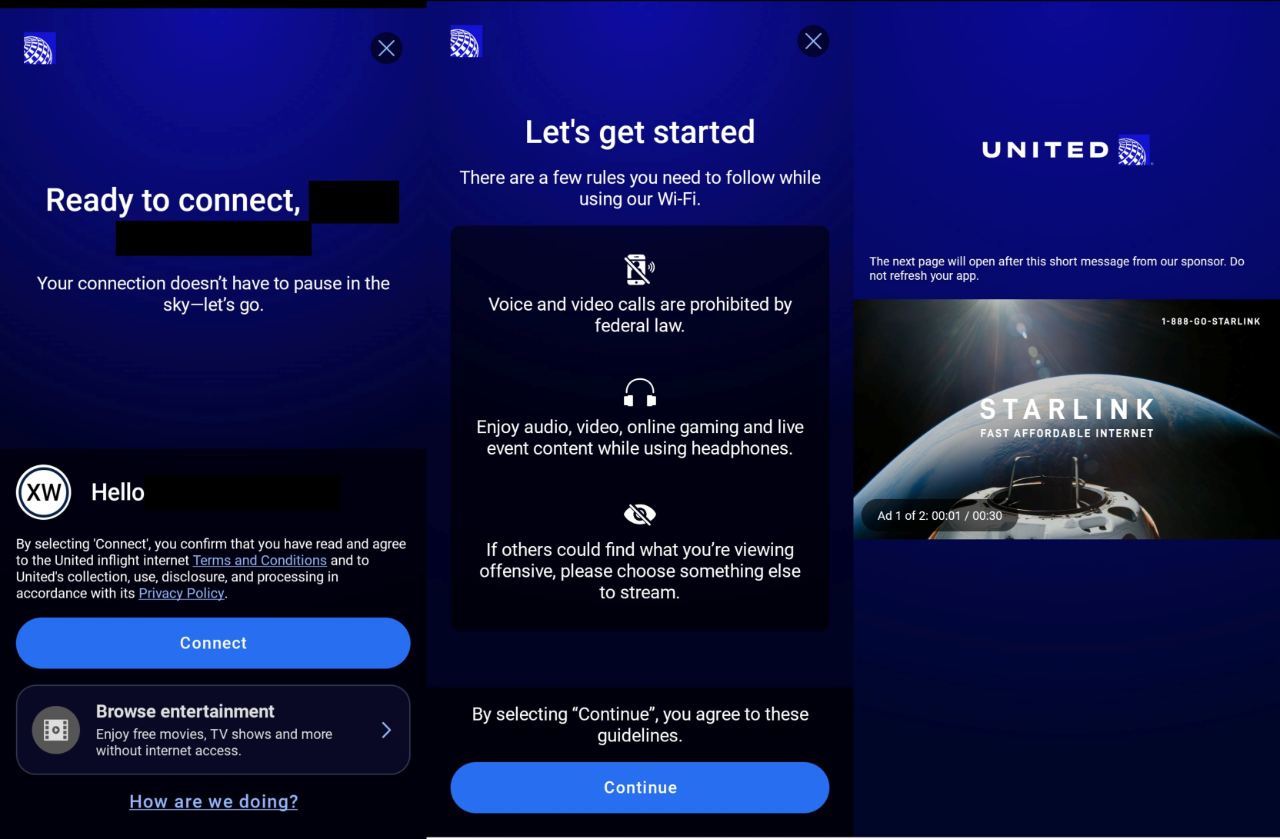
While a MileagePlus membership is required, you don’t necessarily have to attach it to your reservation. In other words, you can credit the flight to your usual loyalty programme, then use your MileagePlus credentials to log in once onboard.
After logging in, there are two 30-second advertisements before access is granted (one of which, ironically, was for Starlink). I would have preferred a completely frictionless process that avoids the captive portal setup altogether, but it wasn’t overly burdensome.
Unlike traditional GEO-based Wi-Fi, which only becomes available once the aircraft reaches a certain altitude, Starlink is truly gate-to-gate. You can start using it as soon as you board, and continue during taxi, departure and landing. This allows for uninterrupted entertainment or work, though larger electronic devices such as laptops still need to be stowed as usual.
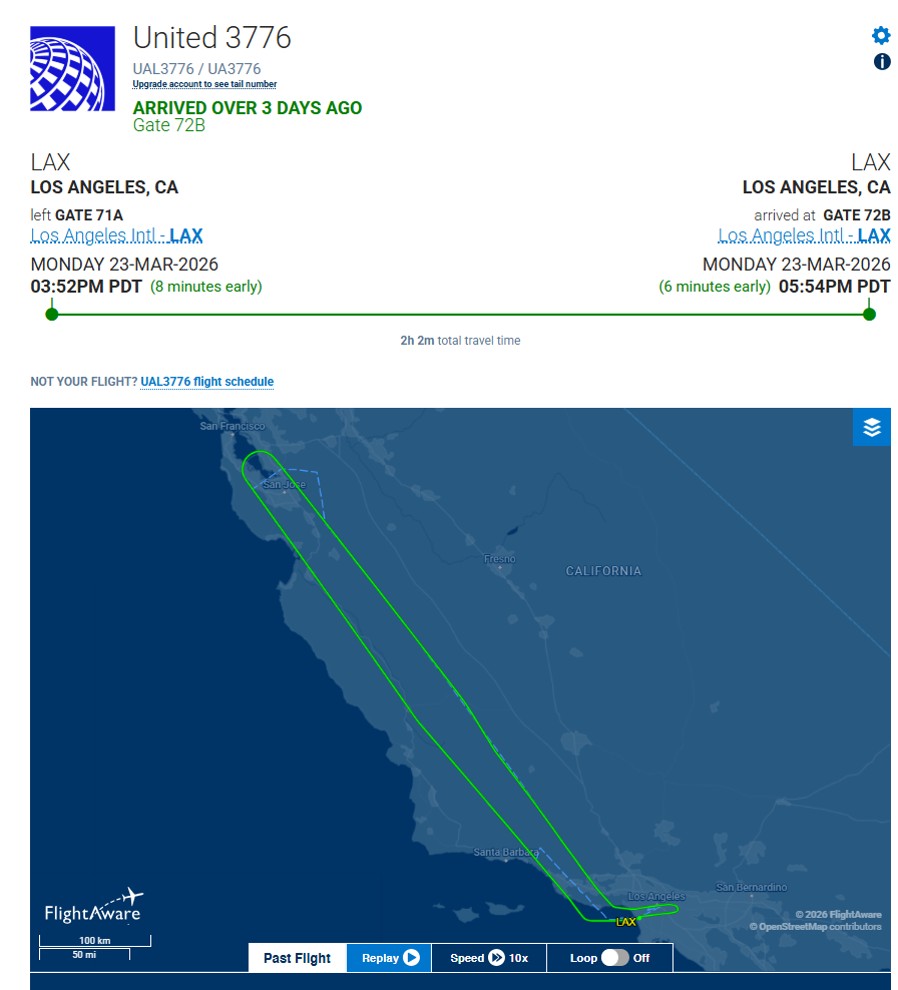
Our demo flight had us flying north towards the San Francisco Bay Area, catching a glimpse of the Golden Gate Bridge, then looping back to Los Angeles again.
I kicked things off with the most cliched test of all: Speedtest scores. I tested the network at 15-minute intervals during the flight, and here’s the lowest and highest speeds I recorded.
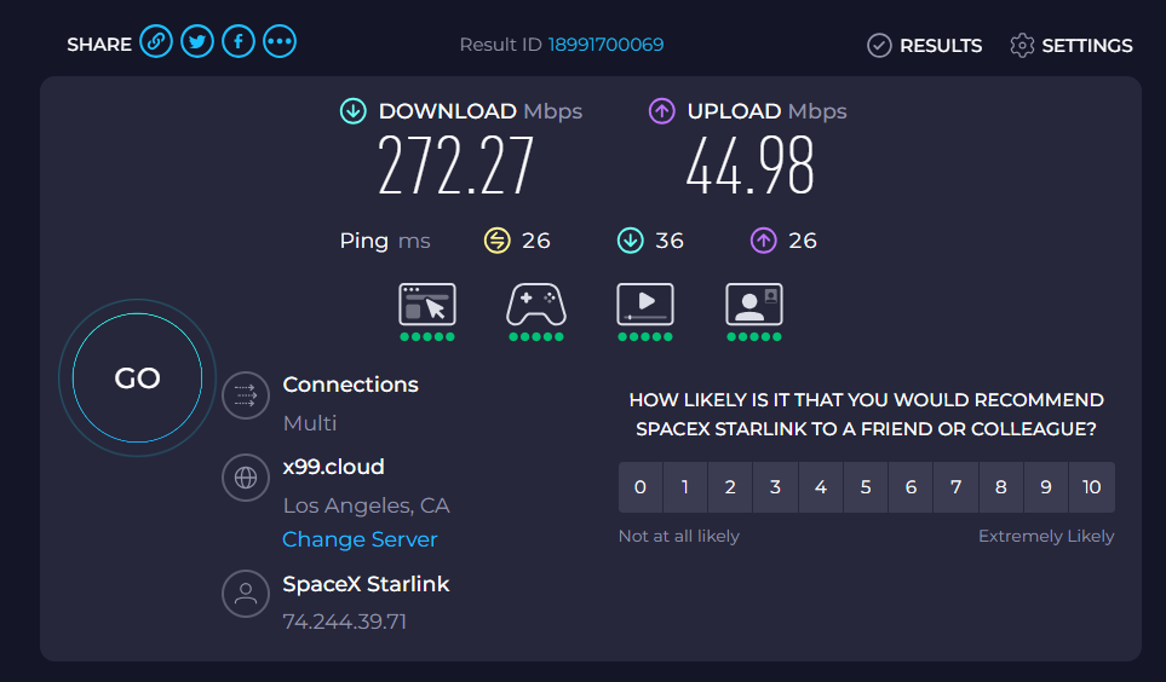
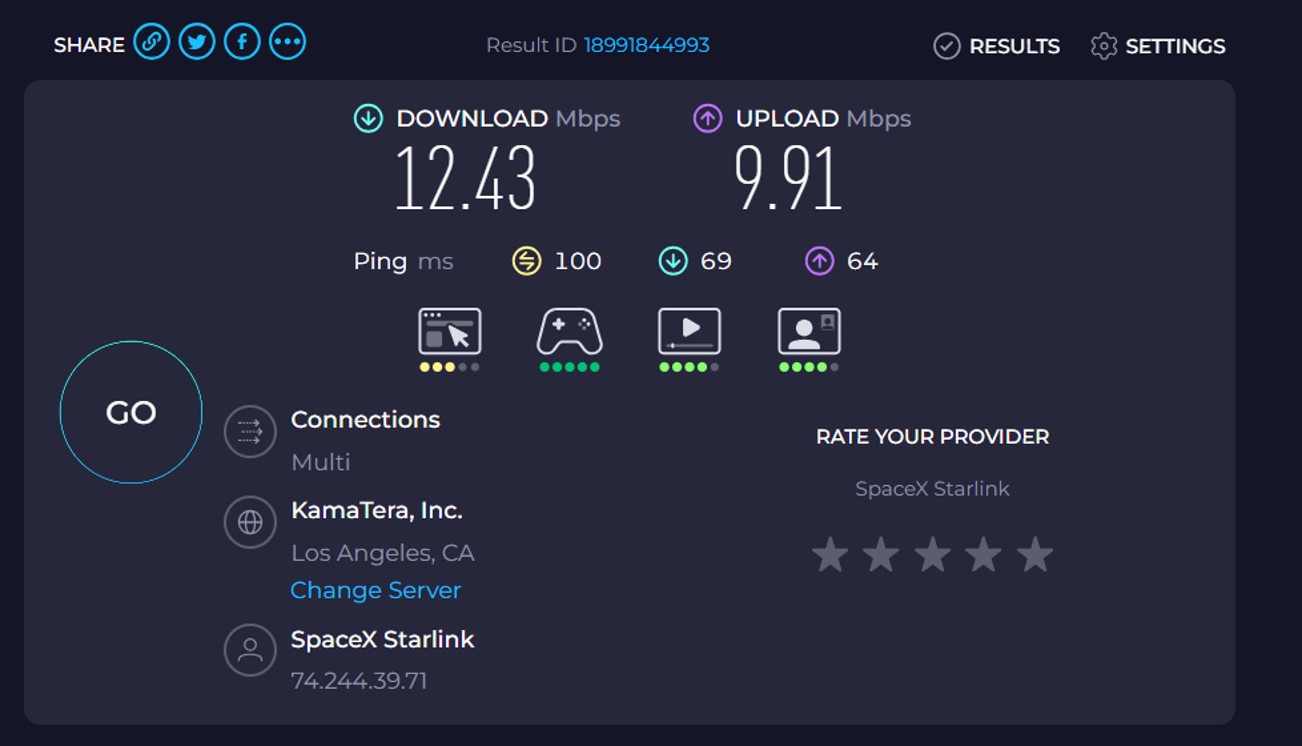
I’d say on average, speeds were much closer to the upper end of the range. That’s quite impressive for a flight where every single passenger had the sole goal of performing as many bandwidth-intensive activities as they could think of. On a regular flight, where you have people sleeping, eating or doing — gasp — non-screen related activities, there should be more bandwidth to go around.
Now, the problem with Speedtest scores is that while they’re good for sharing on social media, they’re not necessarily a measure of real-world performance. Moreover, they’re just snapshots of speed at a specific point in time.
A MileLion reader pointed me towards an app called Ping + Net, which lets you monitor the performance over a period of time. The resulting data showed that latency was in the low-to-mid 30ms range, which approximates what you get with normal ground-based internet.
From the latency logs, the Starlink in-flight Wi-Fi looks genuinely strong in real-world terms, not just “good for a plane”. In the better run, typical latency sat around the low-to-mid 30 ms range, with most of the session staying well-behaved and only occasional spikes. Even the rougher flying-only run was still more than usable, just with more bursts of instability. For normal passengers, that translates to web browsing, social media, messaging, email, and cloud apps feeling very close to normal ground-based internet most of the time. For entertainment, people watching YouTube, Netflix, or other streaming services should have a very good experience. Latency is not the main issue for streaming anyway, and these numbers are comfortably good enough that the service should feel responsive when loading content, skipping around a video, or opening apps. The main thing people might notice is the occasional short hiccup during one of the bigger spikes, but overall this is far beyond the old expectation of plane Wi-Fi being just for basic messaging. Gaming is where it gets interesting. Based on these numbers, casual online gaming on a phone, tablet, Steam Deck, or laptop should absolutely be possible, and even many multiplayer games would feel surprisingly playable. During the cleaner parts of the session, it could feel similar to playing on a decent home Wi-Fi connection in Singapore rather than a wired one. Where it still differs from a strong home fibre setup is consistency. A good wired connection at home usually feels tighter and more predictable, while the in-flight connection can suddenly spike. So for casual gaming, co-op play, strategy games, card games, MMOs, and less twitchy titles, it should be fine. For serious competitive shooters or anything where split-second timing matters, it still will not feel as dependable as a solid fibre line on the ground. The short version is that this no longer feels like “plane internet”. It feels much closer to normal consumer internet with occasional rough patches, which is a big shift from what most people would expect when flying.
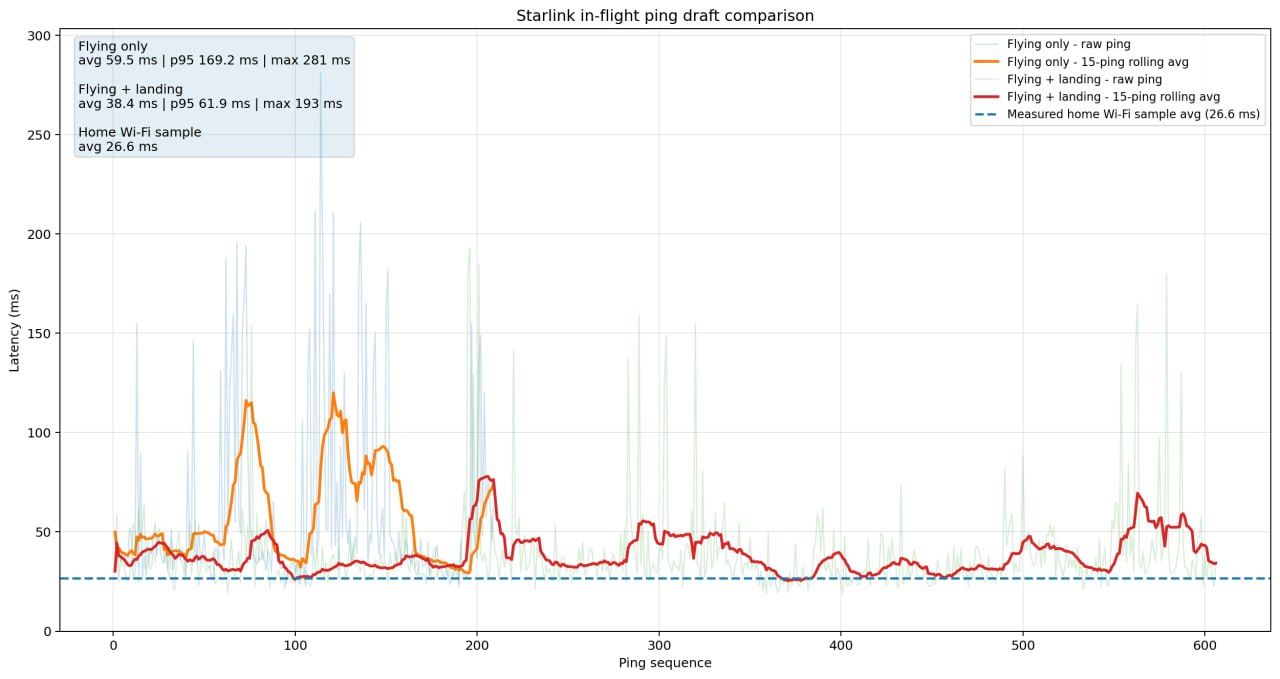
Analysis (Credit: Mr T)
Still, the best way to test real-world performance is, well, real-world use.
So I fired up Netflix, where I was able to stream content at Full HD (1920 x 1080) without any buffering or stuttering.
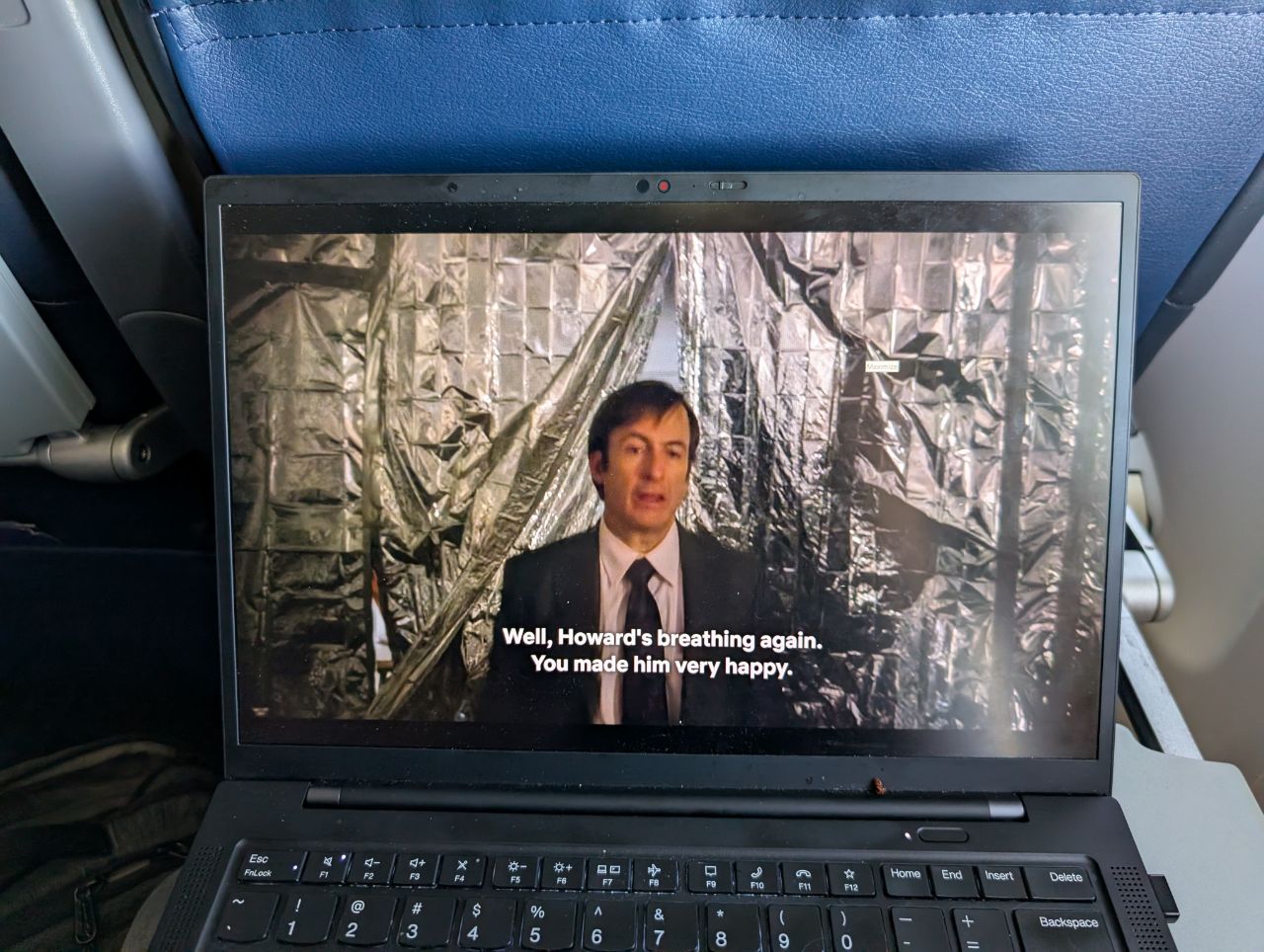
As an aside, you can check the resolution you’re getting by pressing Ctrl + Alt + Shift + D. Look for the line that says “Playing bitrate”.

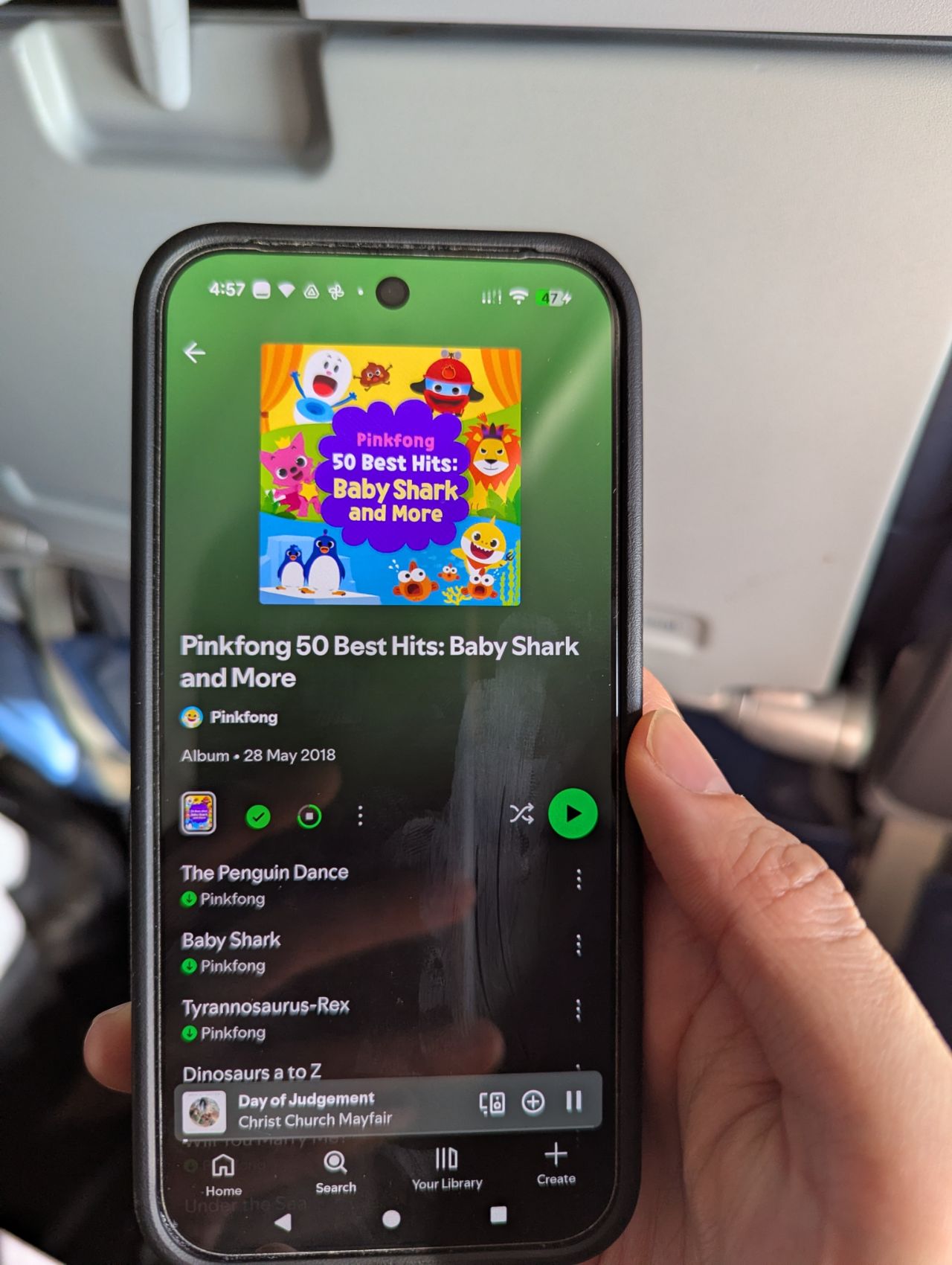
Given how effortlessly the connection handled HD Netflix, I didn’t expect Spotify’s compressed audio to have any issues, and indeed it didn’t. Feeling particularly masochistic, I downloaded the Pink Fong Baby Shark album: 50 songs of ear-splitting abuse, complete in less than two minutes (unfortunately, United’s “quiet cabin policy” forbade me from organising an impromptu dance party).
During the gate ceremonies, I had recorded a 7-minute, 1.2GB video file. Once airborne, I backed it up to Google Photos, which took 12 minutes (I tried downloading it again, which took just over 5 minutes). I also tried sending a 13MB PowerPoint attachment to myself, and received it in half a minute.

For my next trick, I needed a volunteer. So I woke up Matthew in Singapore via a Telegram call (voice and video calls are normally prohibited, but they were permitted for this special demonstration flight). The video quality was impeccable, showing every detail of his world-weary face.

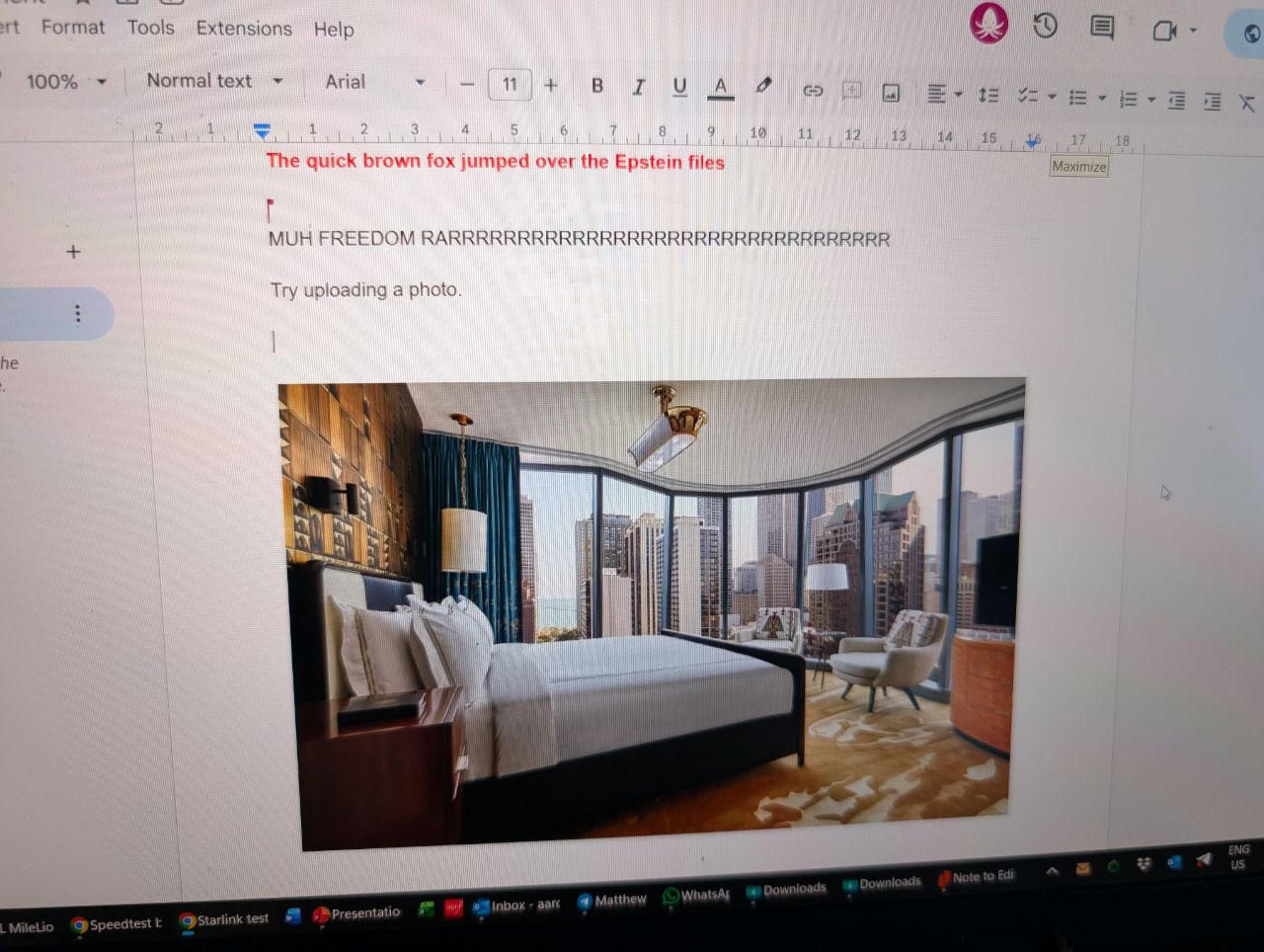
We then set up a Google Doc to see how fast changes would be reflected, and it was really no different from being on the ground. Even uploaded images appeared more or less instantaneously for both parties.
Now I wanted a fun way to test latency. So I pulled up my Ring camera feed, then tried turning the lights at home on and off. I could see the response within 1-2 seconds.
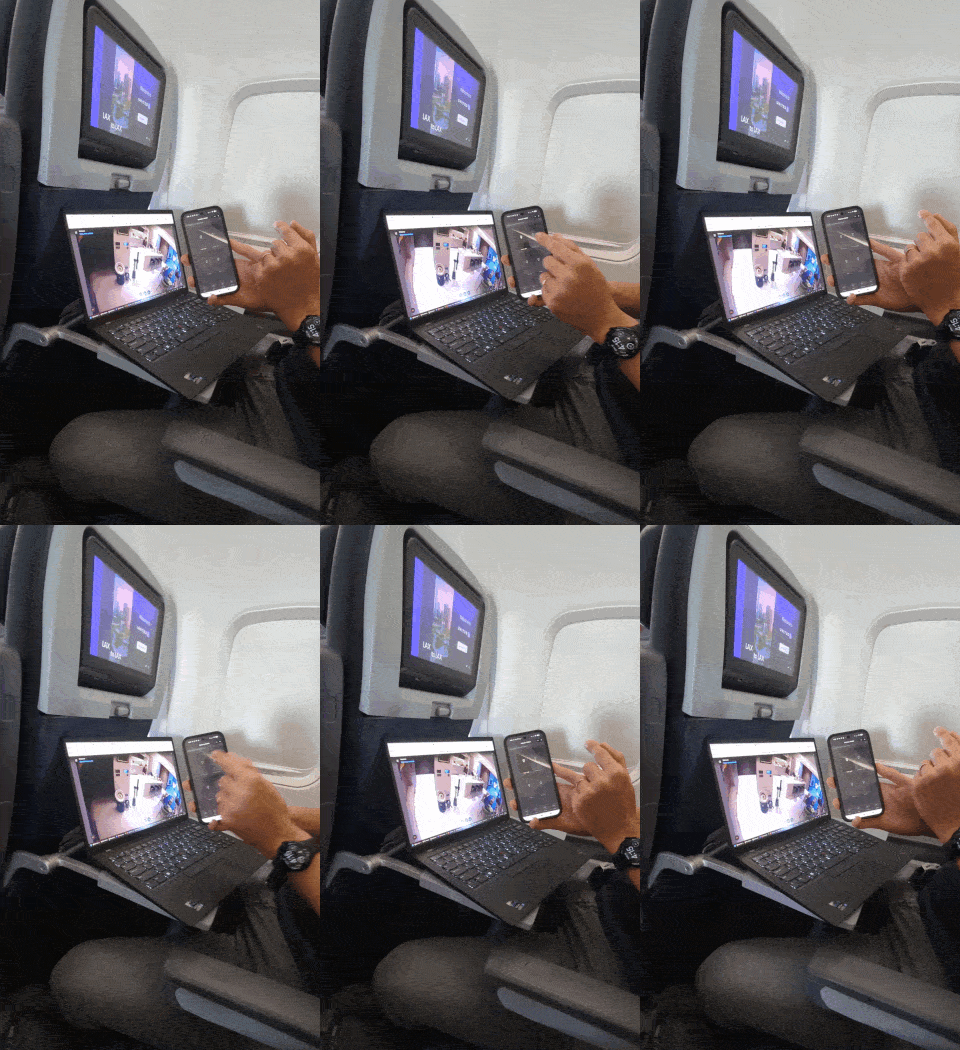
Speaking of camera feeds, Starlink was more than capable of maintaining a stable connection with my nanny cam at home.

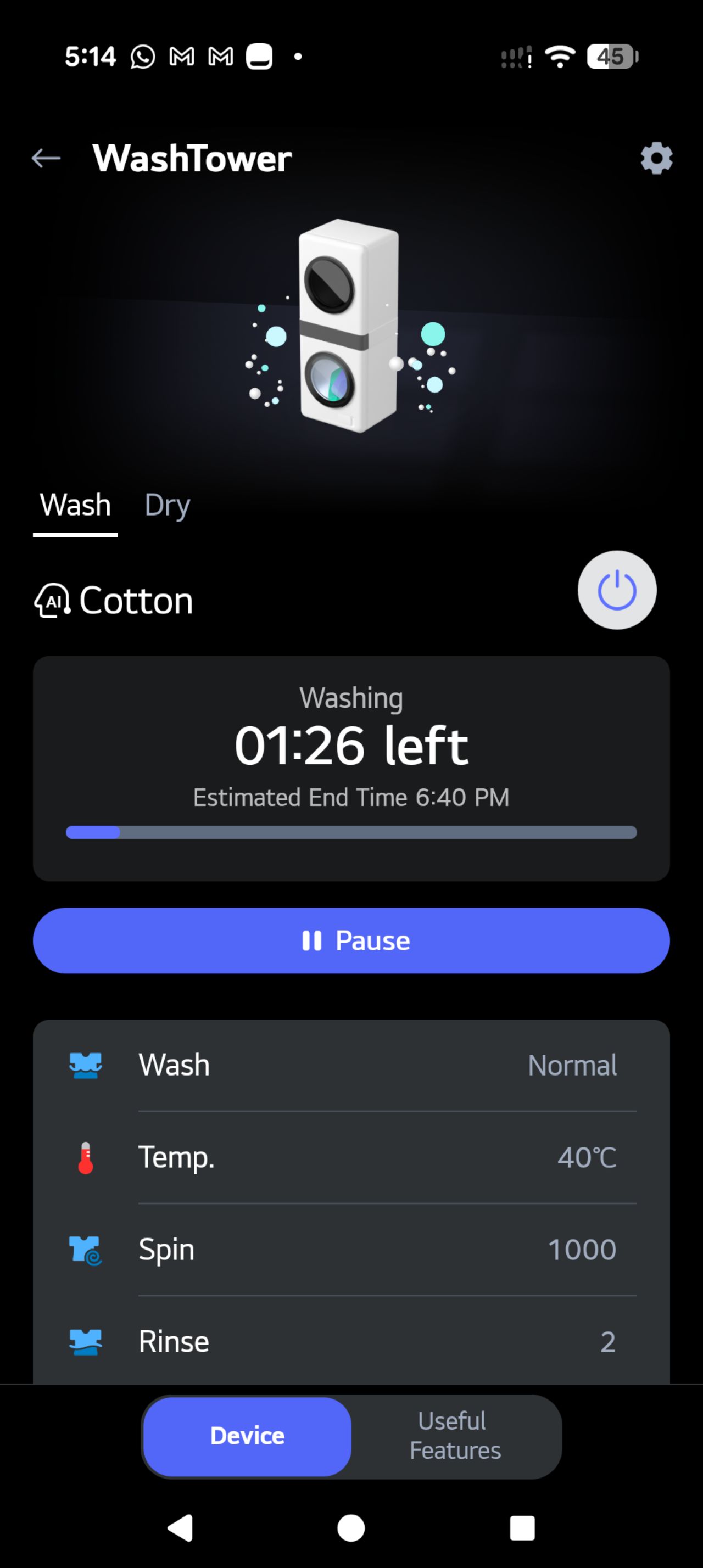
I could also adjust the laundry cycles on my LG washing machine, and track its progress in real time (at this juncture, the MileLioness called me over WhatsApp and told me to stop messing with the house for content purposes).
Just for the heck of it, I also downloaded PUBG and tried playing a game, though it was my first time playing it and I had no idea what a good experience should look like. For what it’s worth I did see pings in the 20-30ms range.

I did encounter a few issues, not so much with the connection speed but rather the method of implementation. Because United uses a captive portal, devices without a web browser cannot connect, as they’re unable to complete the login process. For example, my reMarkable Paper Pro tablet could find the Starlink network, but couldn’t log in.
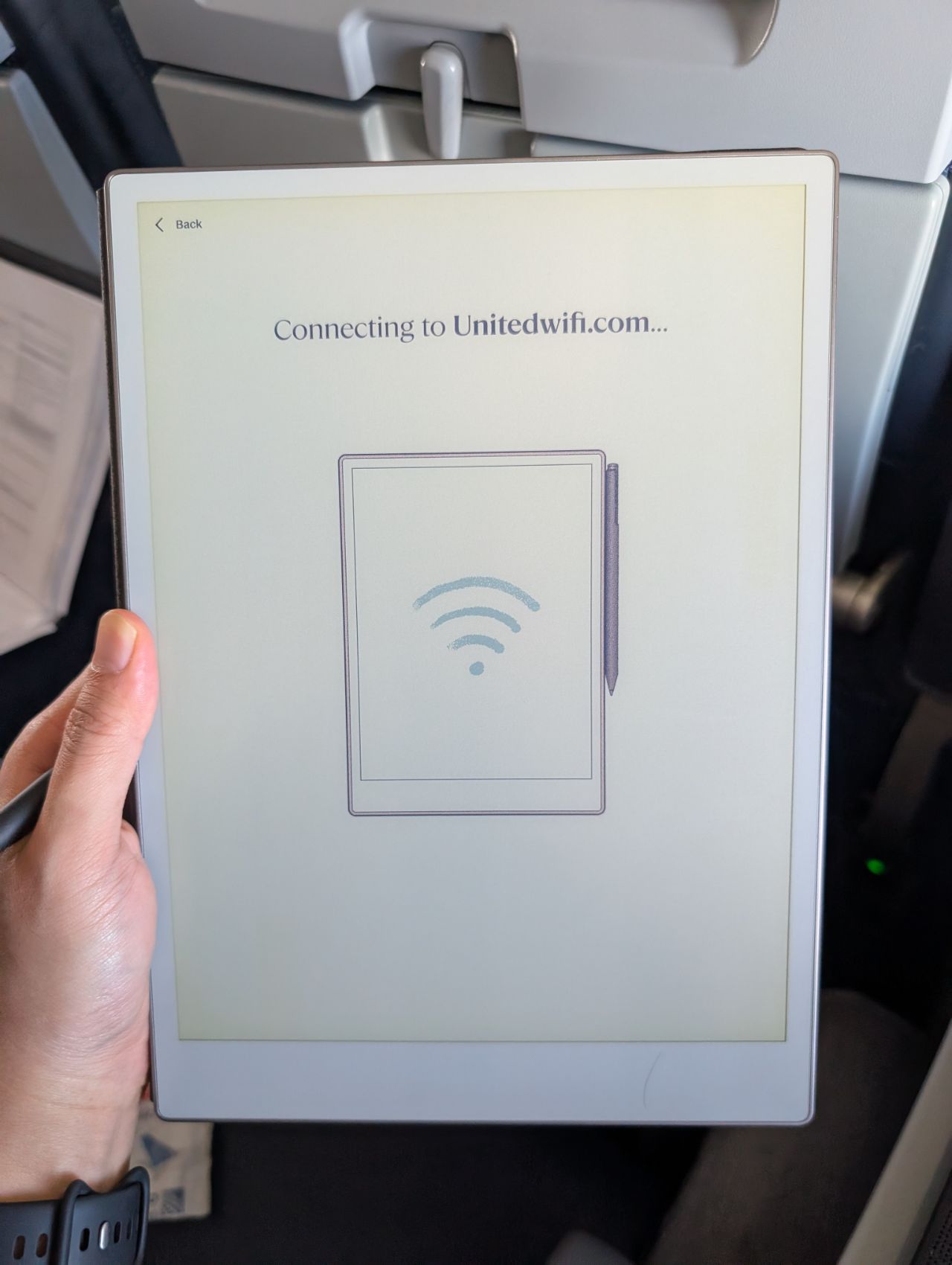
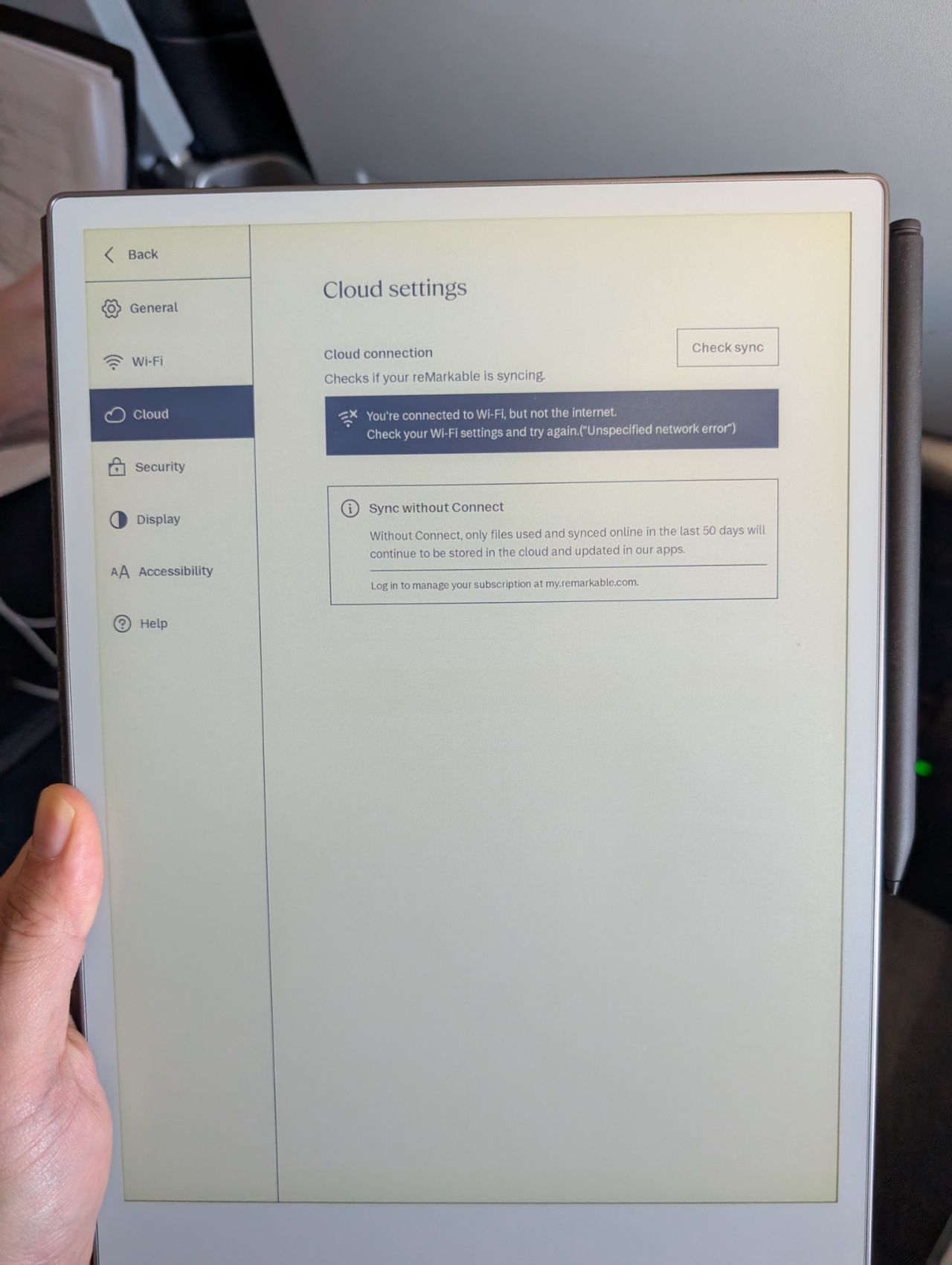
Thankfully, there is a workaround. If you have an Android phone, you can connect it to the Wi-Fi network, then turn on your mobile hotspot to share that Wi-Fi connection with the eReader.
Otherwise, the inflight Starlink experience was transformative. Entertainment and work aside, a reliable, speedy connection enabled me to handle the minutiae of everyday life. I could use my camera to check why the sliding door at home wasn’t closing properly. I could let the delivery person in via the intercom. I could make precise adjustments to my curtains to keep the harsh afternoon sun from roasting my computer room.
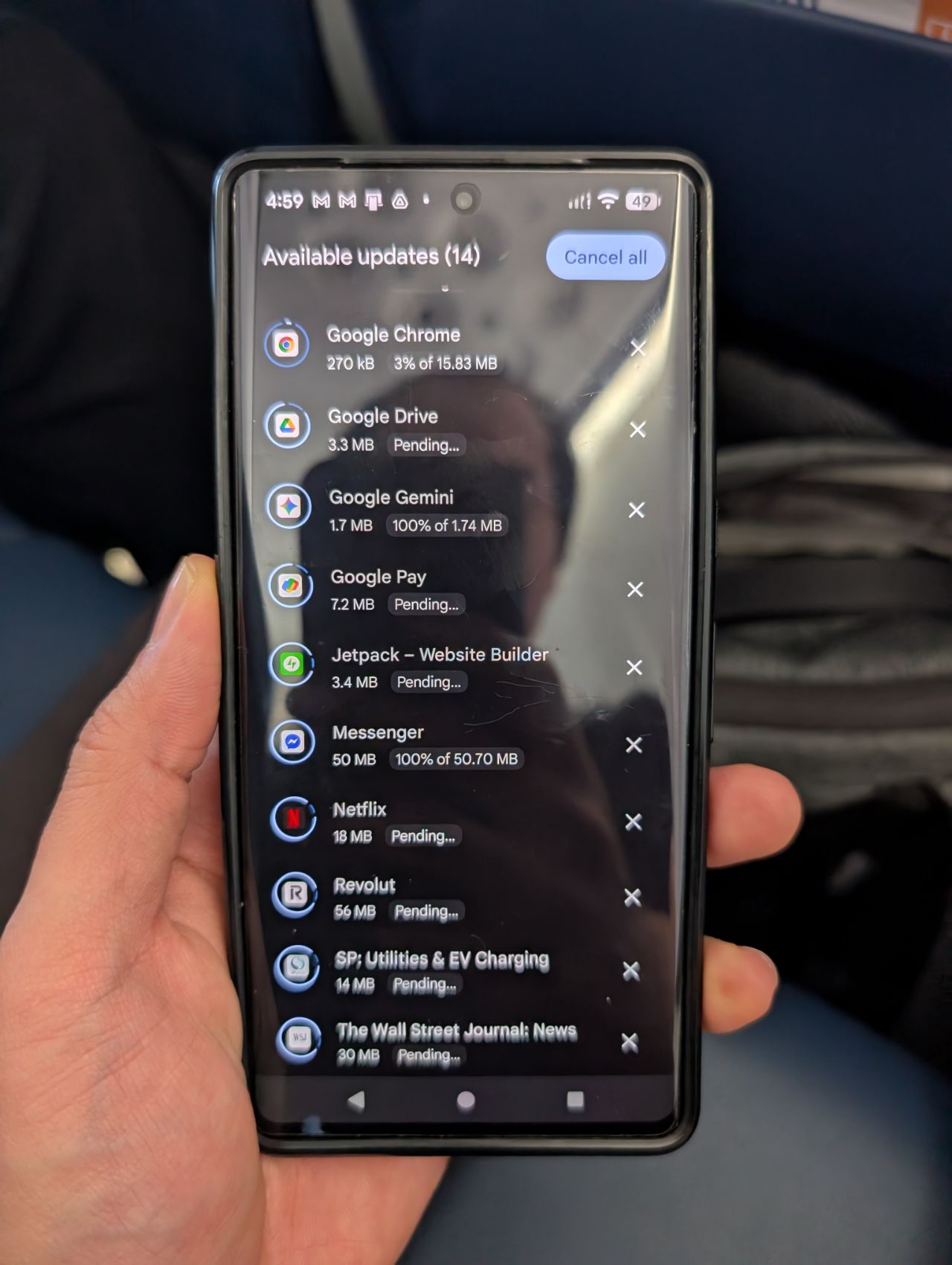
When I wanted to purchase something on Shopee, I knew the 2FA push notification would reliably pop up on my phone banking app, without me having to repeat the transaction multiple times. When I opened an app which required an update before use, it was an annoyance rather than a deal-breaker (imagine trying to download a 100MB app update on a GEO system).
Basically, Starlink removed so many of the small niggles that hamper your workflow and kill your productivity.
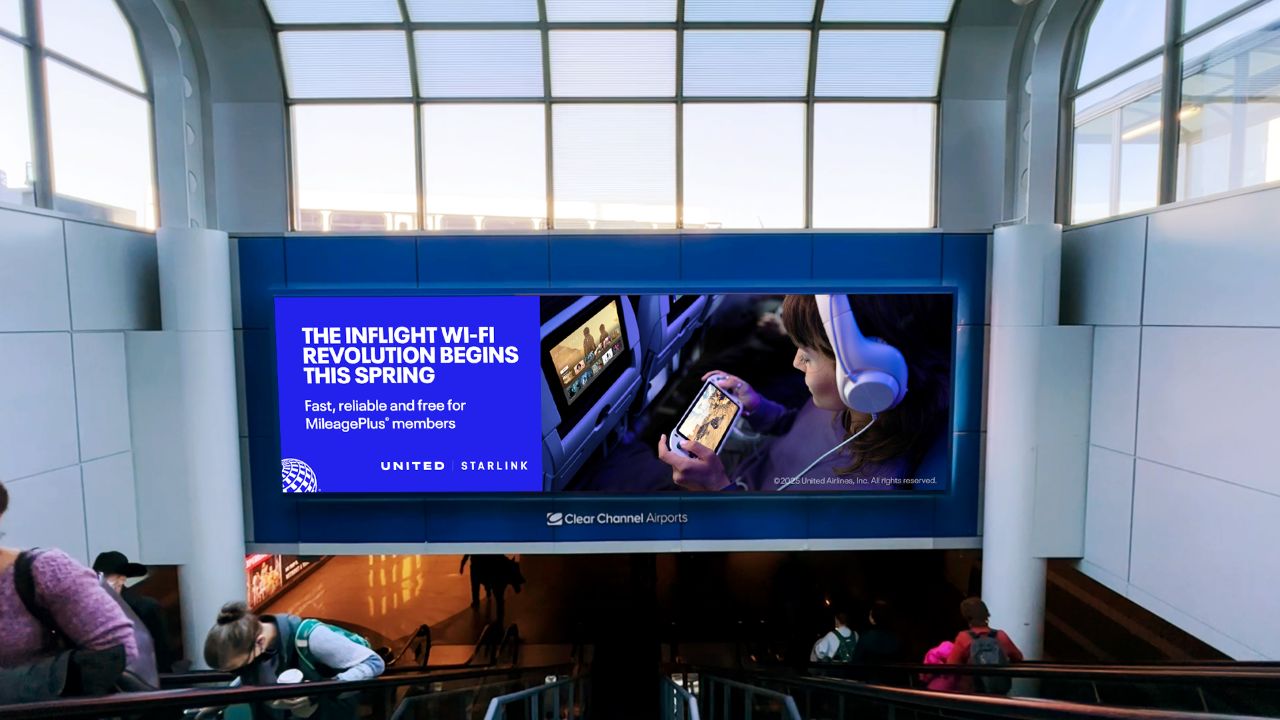
United says that passenger satisfaction scores for inflight Wi-Fi on Starlink-equipped planes have nearly doubled, and it’s not hard to see why. The technology also allows the airline to push content updates like new movies and TV programmes more quickly to its aircraft, with updates now done in a single day, versus the up to 45 days with the current systems.
Conclusion
The best thing I can say about Starlink is that once you get over how insane it is to be surfing at home broadband speeds 30,000 feet in the sky, it simply fades into the background. And that’s the way it should be.
With traditional GEO solutions, you’re constantly reminded of the limitations, whether it’s lag, timeouts, failed downloads, or the agony of seeing an important email with a large attachment forever stuck in your outbox. You feel like you need to “nurse” the connection, by not asking too much of it at one go.
Those limitations were laid bare on my flights to and from the USA, where I had a frustrating experience with United’s Panasonic Wi-Fi system on the B787-9 (which cost US$20). There were brief periods of passable connectivity, but even longer periods where the system just plain refused to work.
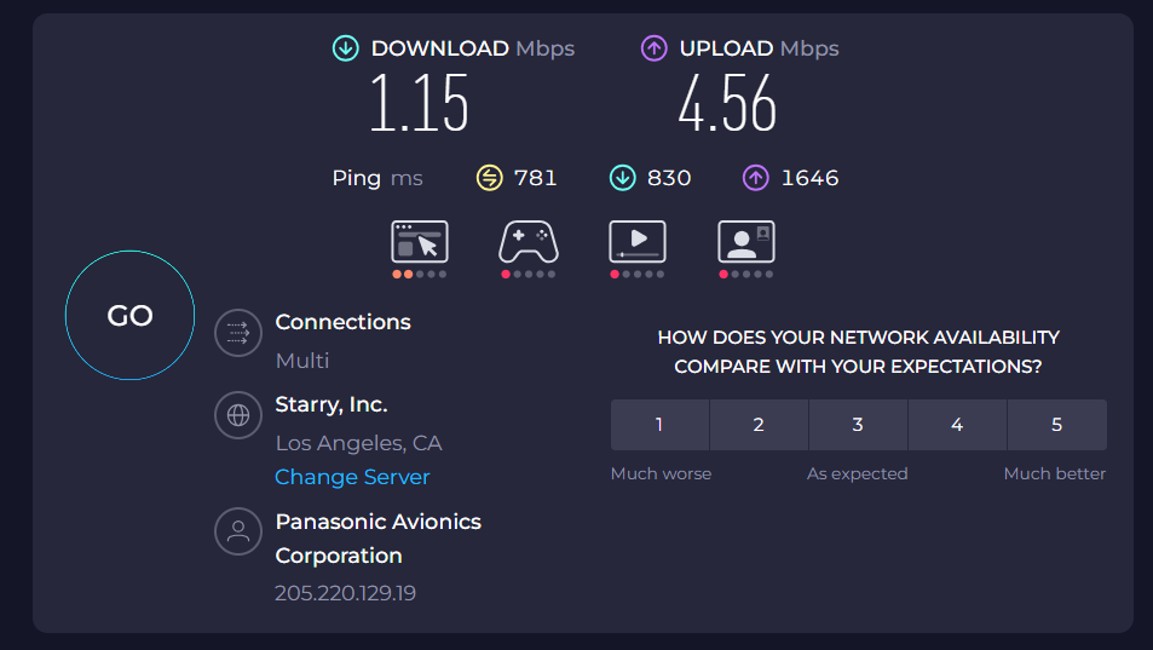
It took countless attempts to do basic things like publish a blog post, and what made things worse is that I could actually see a password-protected Starlink network onboard, which was presumably under testing. So close and yet so far!

With Starlink, I could go about many of my regular routines without having to pre-plan them. I didn’t have to download movies or music before boarding. If I needed images for a blog post, I could pull them from Google Photos without worrying about downloads timing out. I could store my large documents in the cloud, confident that I could always sync them whenever necessary.
Starlink is going to completely reset people’s expectations of inflight internet, because once you’ve used it, it’s very, very difficult to go back to GEO. In fact, I see it rapidly becoming a competitive necessity.
Closer to home, Singapore Airlines is widely expected to announce LEO connectivity this year, along with new cabin products and an enhanced travel experience. Whether or not it’s Starlink remains to be seen (there are competing solutions, though Starlink is the market leader by far), but whatever it is, it can’t happen soon enough.









Sigh as much as I’m impressed by starlink internet, it doesn’t help that it means you can’t log off work during work trips since bosses know you can be reached.
The downside of this is that in the near future, any flight would be full of people on video conference call non stop
way to remind someone of work when they are off for a vacation especially business class!
In the name of productivity!
Perhaps airlines would introduce a quiet section in the future?
video calls are banned onboard, though they’re not blocked at the network level so it will be up to FAs to enforce. United has a quiet cabin policy where anyone who insists on making calls can be removed from the flight. i’m sure other airlines will have similar rules too