
With the demise of XNAP, and more recently AMEX Pay, the options for earning miles at QR code-only merchants such as hawkers and mom-and-pop shops have pretty much dried up.
But now there’s hope, because Liquid Group has relaunched LiquidPay. While ostensibly positioned as a way for users to make low-fee cross-border payments, it also supports QR code payments — in particular NETS QR, which is widely used by hawker stalls.
This basically allows you to pay QR codes with credit cards and earn 4 mpd in the process…at least until further notice.
| ⚠️ Story update: LiquidPay wallet top-ups now code as MCC 6540, and incur a 3.5% fee with debit cards. Furthermore, it is no longer possible to pay with credit cards at QR code merchants. |
How LiquidPay 2.0 works
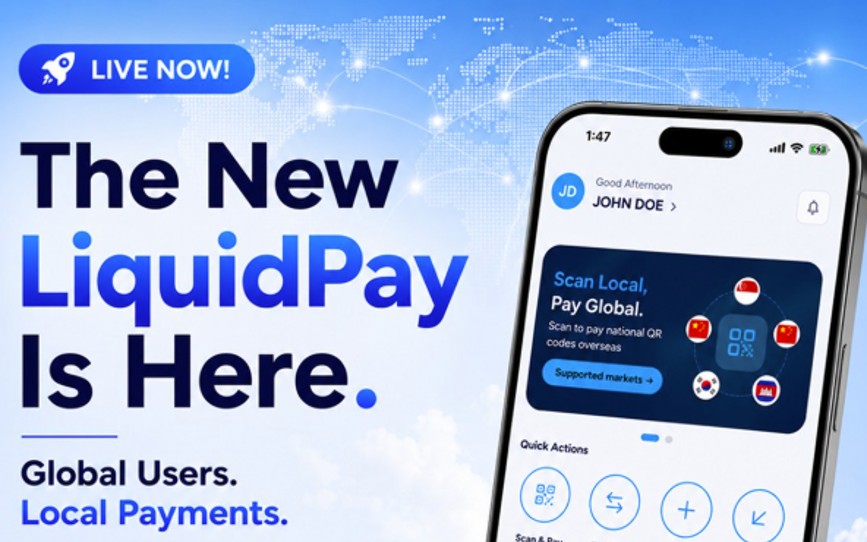
LiquidPay 2.0 was launched last week, boasting an all-new interface that allows users to make overseas and local payments, as well as remittances.
Setting up the LiquidPay app requires you to verify your identity through Singpass. Once that’s done, you’ll be able to make payments at QR code merchants using one of two methods:
- Cards
- Liquid Account
Cards
If the QR code displays a XNAP or LiquidPay logo, you can use credit or debit cards to pay and earn rewards accordingly.
Here’s an example of a compatible QR code for you to try at home.
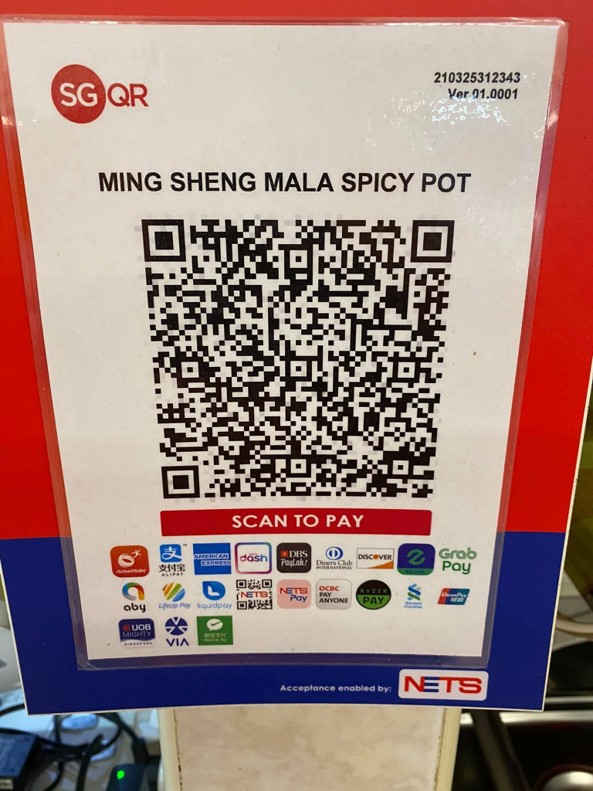
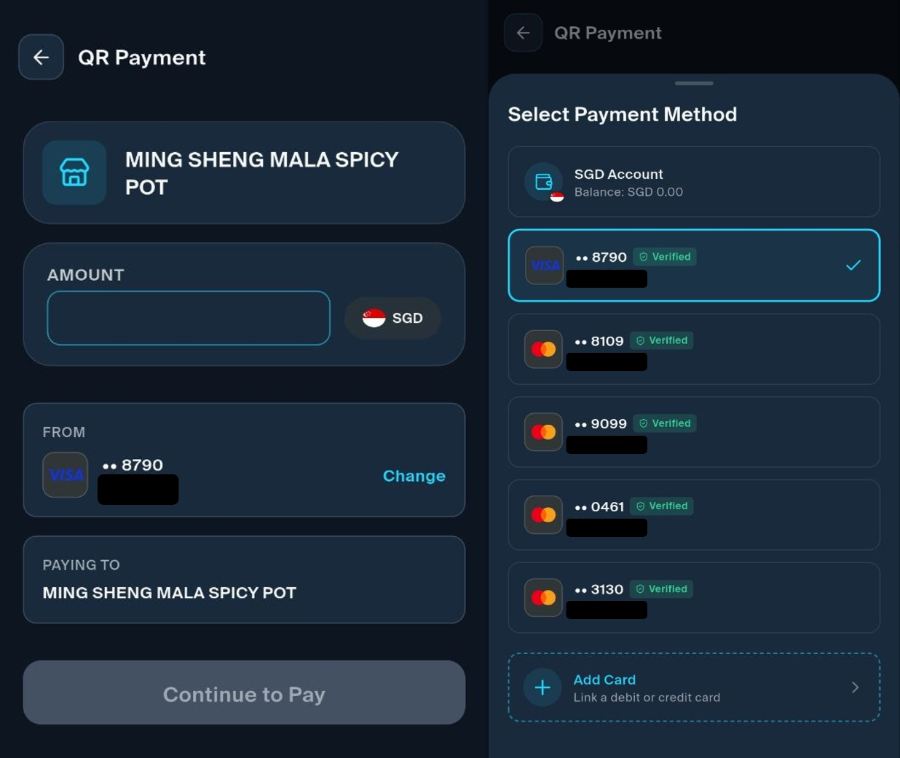
When you scan this code with the LiquidPay app, you’ll have the option of paying with any of the cards you’ve linked to the app.
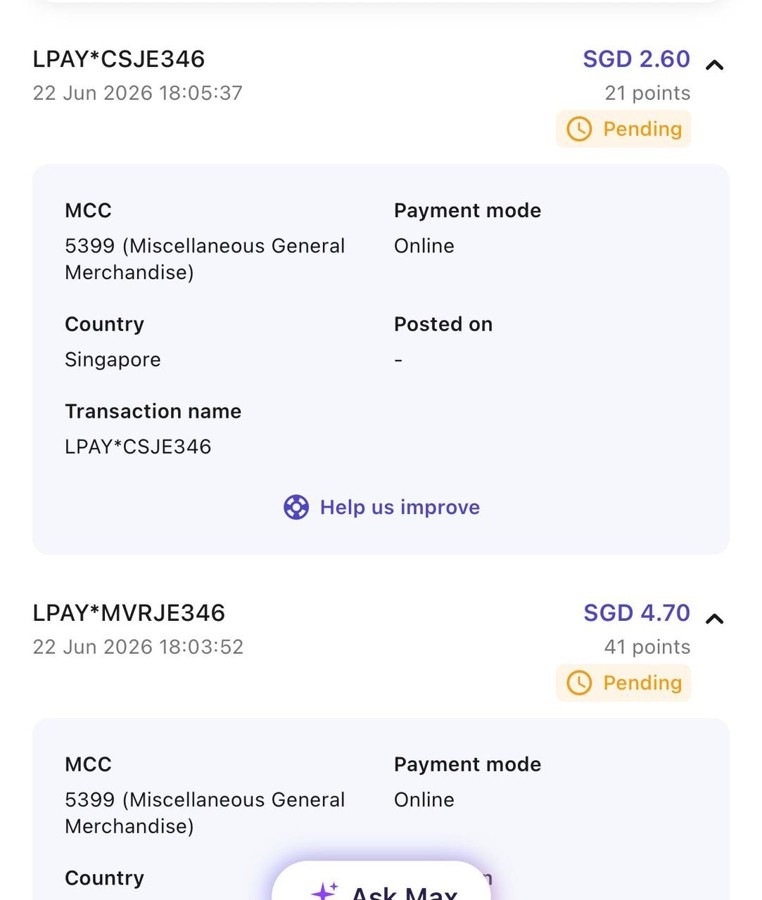
Based on data points from the community, these transactions code as MCC 5399 Misc. General Merchandise Stores. This MCC is not only rewards-eligible, it’s also whitelisted for bonuses on several specialised spending cards.
Basically, you should be able to scan to pay at any NETS QR terminal, which are commonly found in hawker centres across the island.
Liquid Account
If the QR code does not have a XNAP or LiquidPay logo, you may still be able to scan to pay — but only using a Liquid Account wallet balance.
Here’s an example of an incompatible QR code for you to test at home.
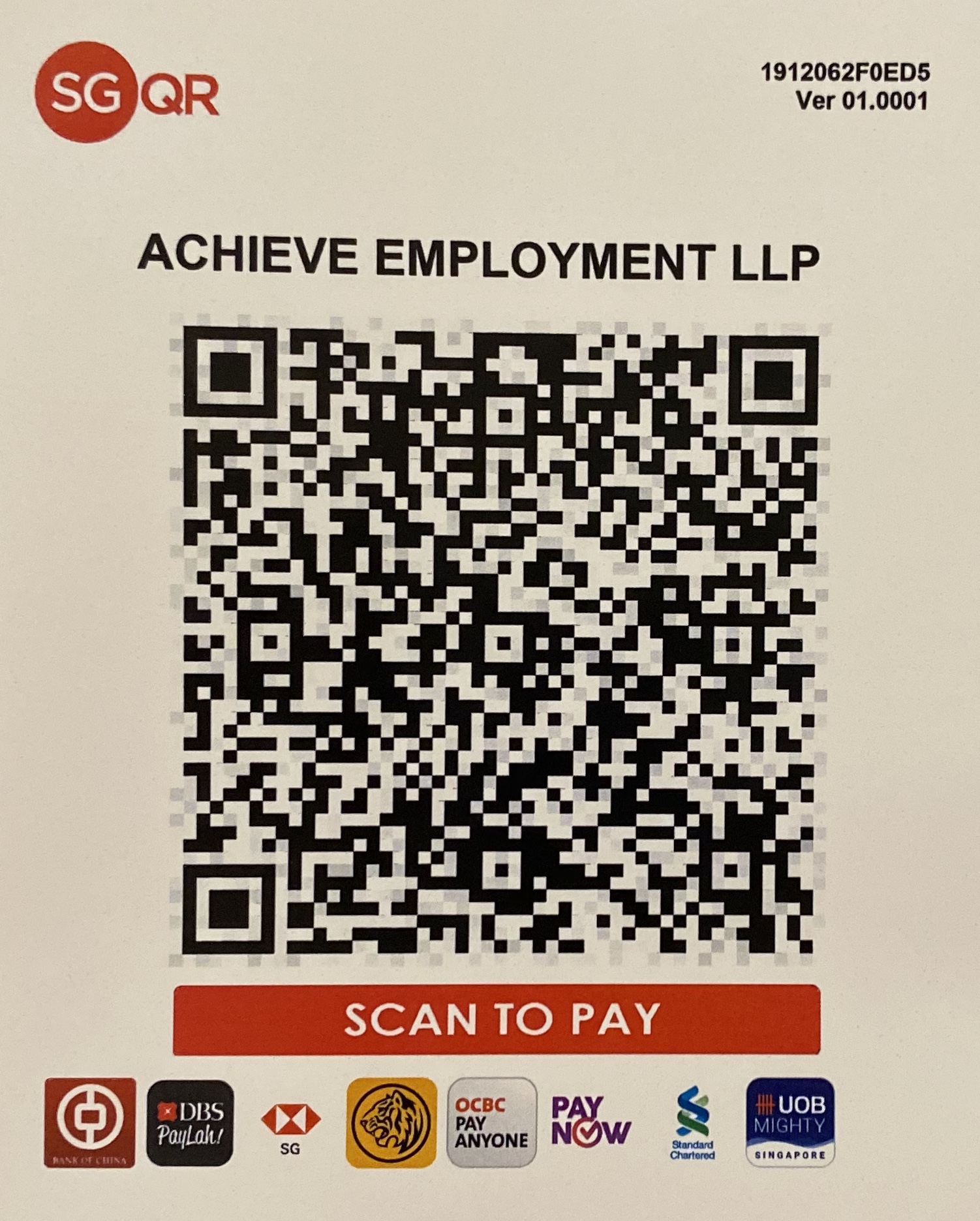
When you scan this code with the LiquidPay app, you’ll be prompted to make a PayNow transfer, which in turn requires a sufficient balance in your Liquid Account.
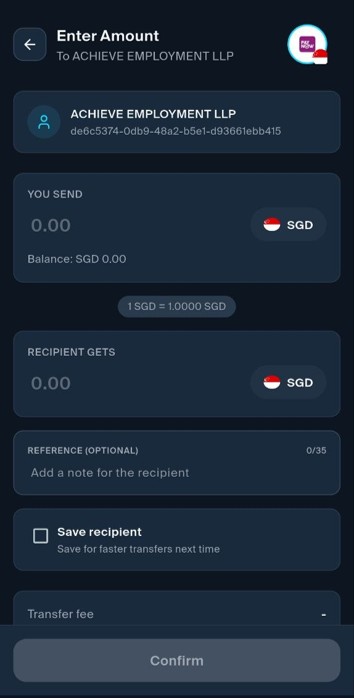
Wallet balances can be topped up using PayNow (free) or debit cards (1% fee).
| ⚠️ Note: The fee for debit card top-ups has now been raised to 3.5% |
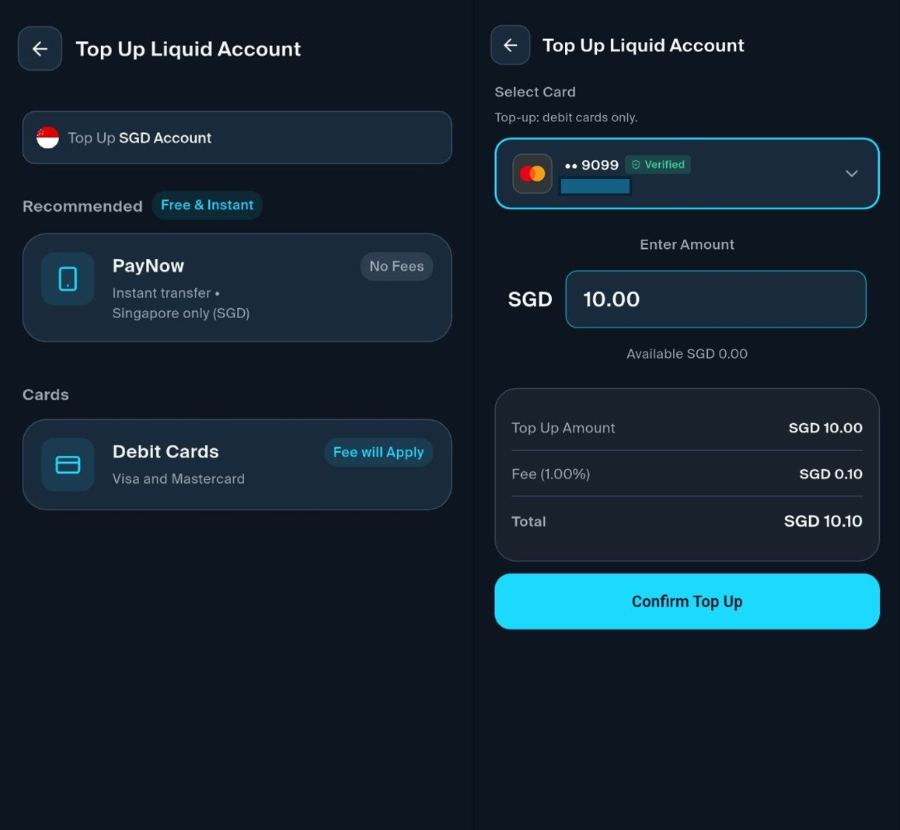
Interestingly, when I attempted to make a top-up, the transaction coded as MCC 5399, and not 6540 as I was expecting.
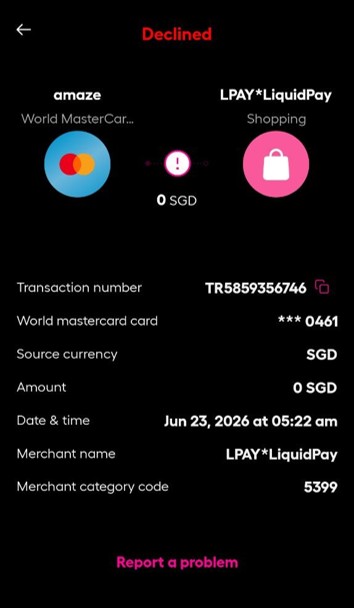
Before you get too excited, however, remember that top-ups are limited to debit cards (if you attempt to add a credit card, the linking process will complete successfully, but the card won’t appear as selectable). Therefore, the reward opportunities aren’t great here…or are they?
You could pay with an Amaze-linked Citi Rewards Card or Maybank XL Rewards Card and earn 4 mpd, though you would incur a 1% fee from LiquidPay, and an additional 1% fee from Amaze (since it’s an SGD-denominated transaction). A 2% fee for 4 mpd on PayNow transactions? That’s 0.5 cents per mile. Hmmmm…
Mind you, I haven’t actually tested this route myself, but so long as the top-up codes as MCC 5399, I don’t see why it wouldn’t work.
As for wallet limits, here’s where it gets confusing. The LiquidPay app shows a wallet limit of S$5,000, and an annual limit of S$30,000. However, there is a toggle switch you can activate for higher limits, which would boost the wallet and annual limit to S$20,000 and S$100,000 respectively.
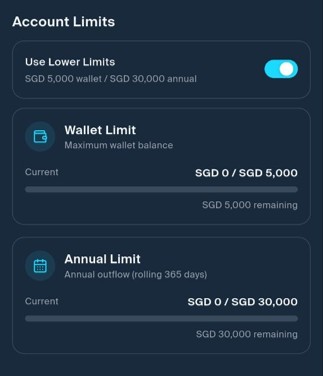
When I try to hit the toggle, however, I receive an error message saying “standard limits cannot be applied because the requested stock cap 20,000.00 exceeds the current regulatory stock cap 5,000.00”. My guess is that Liquid Group is in the midst of getting MAS approval to raise its transaction limits, as Revolut and YouTrip have already done, so this feature will only come online later.
What card to use with LiquidPay?
Card payments made through LiquidPay code as MCC 5399, so you can use the following cards to earn up to 4 mpd.
| Card | Earn Rate | Remarks |
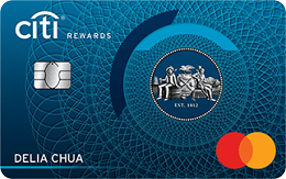 Citi Rewards Card Citi Rewards CardApply |
4 mpd | Max S$1K per s. month |
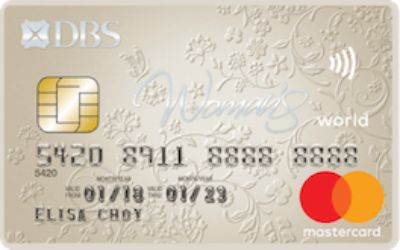 DBS Woman’s World Card DBS Woman’s World CardApply |
4 mpd | Max S$1K per c. month |
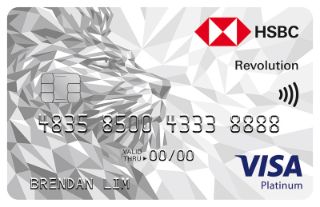 HSBC Revolution HSBC RevolutionApply |
4 mpd | Max S$1K per c. month. Earn 8 mpd on up to S$1.2K per c. month with S$50K EGA deposit |
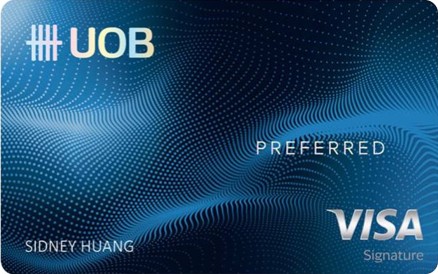 UOB Preferred Visa UOB Preferred VisaApply |
4 mpd | Max S$600 per c. month |
 Maybank XL Rewards Maybank XL RewardsApply |
4 mpd | Min. S$500 max S$1K per c. month |
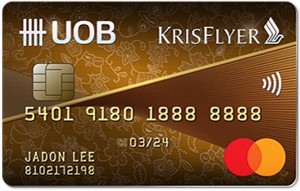 KrisFlyer UOB Credit Card KrisFlyer UOB Credit CardApply |
2.4 mpd | Min. S$1K spend on SIA Group in a m. year |
Cashback options would include the UOB EVOL, Maybank Family & Friends, DCS Flex and Citi SMRT Card.
Conclusion
LiquidPay 2.0 allows you to pay with credit cards at QR code-only merchants, earning up to 4 mpd in the process. It remains to be seen how long this goes on for — the interchange on these transactions must be negligible — but in the meantime make all the hay you can.

Why isn’t Citi Rewards in the recommended card table? I’m panicked
added.
By the way Aaron, do you have difficulty passing their KYC? Mine shows an infinite loop without a clear indicator whether I should stay on hold or they’ll get back even though I used Singpass
mine was seamless, though I did it yesterday before the mad rush of today. i hear there are others having issues too
This seems useful for my frequent travel to China too
Hopefully its additional limit on top of WeChat Pay
It seems that there is an option in liquid pay to use “merchant scans my QR” for the payment (rather than you scanning their QR) , which is how most WeChat pays are processed in a shopping mall in China. But, it appears that only liquid pay wallet balance can be used and not a credit card. Which means u have to top up your liquid pay account first using a debit card / paynow… which earns no miles
I tried to pay, couldn’t select credit card as the option.
the SGQR code has to have XNAP or Liquid Pay logo at the bottom. Otherwise, u can still pay but u have to use liquid pay wallet balance, which can be topped up using paynow or debit cards only
Thanks for your reply. The store i tried has the liquid pay logo but there was no option for credit card payment. Then I tried at another store which didn’t have the logo, couldn’t even scan the QR code. It simply said it wasn’t valid although it was a SGQR code. I guess these are teething issues.
Does not work for me too. Tried few stores. Not given option to select cc.
I might be wrong but i think UOB Preferred Visa 4mpd only works if it’s contactless transaction right?
you are wrong
Please don’t “think”. Read. You’re supposed to read rewards T&C not “think” about it
not everyone is as savvy as you. everyone is a beginner at some point, including on general approach to miles game. I hope life will be kind to you when you face similar situation when you have to “think”.
I’m not savvy. I’m just paying more attention and bother to read. Everyone is a beginner at some point, true, and that point begins with start reading T&C.
Life will never be kind to someone who don’t bother to read. All the scam cases in Singapore is a proof
UOB PV works for online purchases for selected MCCs. 5399 is eligible, so u can use the 600 cap from the online category (and not the contactless category)
Credit card issuers should be thankful that Liquid Group has created a platform for credit cards to be used for payment at hawker stalls, enabling credit cards to compete with cash as a payment mode. Didn’t credit card issuers often say that they want consumers to switch from cash to card payments? Hence, credit card issuers should not block consumers from earning miles for payments via LiquidPay.
Bank not interested that why exclude ewallet from rewards
I doubt it’s a credit card issuers issues but more like a liquid group issue. I mean someone somewhere has to pay for the rewards right?
Traditionally merchant with the terminals accepting cc would be the ones paying. In this case im guessing liquid is the one paying?
Banks never stopped anyone from using XNAP or Amex Pay last time. They themselves stopped it
Just to let everyone know, there exists QR codes with the liquid pay logo but I could not change my payment method.
Yes, that happened to me too!
Yes, I just encountered the same issue too. Not able to select credit card for payment. Only via Paynow.
Just be aware you’re taking a risk on the top up. They blocked my 2nd withdrawal after I did a small amount to test, have wrote in and waiting for reply
Fee for topping up using debit card is now 3.5%
Aaron. Maybe you could do some articles how to use different Singapore bank app / credit card to top up WeChat Pay as some of us travel to China very often. Thanks.
Just in case anyone is still not aware, this app does not work with electronic PayNow terminals (eNETs and in supermarkets etc) which generate dynamic QR codes. Payment either fails, or your wallet funds is deducted but payment is not registered in the payment terminal.